
App
Best Visual Timer Apps in 2026
Best Visual Timer Apps in 2026

Time isn't just hard to manage. For a lot of people, it's genuinely hard to perceive. A visual timer app turns an abstract countdown into something you can actually see: a shrinking red disk, a growing tree, a color-coded block on your calendar. That shift from invisible to visible changes how you work.
The market ranges from simple 60-minute countdown timers to full AI-powered day planners that lay out your entire schedule in a visual format. They share a common goal: making time feel real rather than theoretical. The best visual timer apps are especially useful for people with ADHD or time blindness, where the subjective sense of passing time is genuinely impaired.
We tested six apps across different use cases: deep work focus sessions, daily planning, classroom use, and ADHD management. Here's what stands out.
Key Takeaways
Lifestack is the best visual timer app for people who need to see their full day planned out, not just a single countdown:it auto-schedules tasks around your energy levels and syncs to your calendar.
Time Timer is the best pure countdown option for classroom, therapy, and structured routines; the app faithfully replicates the iconic red-disk design.
Forest is the best gamified focus timer if you want a visual motivator that turns distraction into a cost.
Quick Guide
1. Lifestack:AI visual day planner that auto-schedules your tasks based on energy and time
2. Time Timer:the original shrinking-disk visual countdown, now available as an app
3. Tiimo:visual planner built for neurodivergent users with icon-based schedules
4. Forest:gamified focus timer where staying off your phone grows a tree
5. Structured:visual timeline day planner that combines tasks and time blocks
6. Be Focused Pro:Pomodoro timer with a clean visual progress ring, one-time purchase
How We Evaluated
Visual clarity:does the app make time feel concrete and easy to read at a glance?
ADHD and time blindness suitability:does it address the real experience of time slipping away unnoticed?
Flexibility:can you set custom durations, intervals, and routines?
Calendar and task integration:does it connect with the rest of your workflow?
Platform support:iOS, Android, Mac, web?
Pricing:free tier quality and value of paid options
1. Lifestack
The visual timer app that plans your whole day, not just the next 25 minutes.

Lifestack takes a different approach from countdown timers. Instead of showing you a single ticking clock, it lays out your entire day as a visual schedule (tasks, blocks, meetings, buffers) automatically arranged based on your energy levels, wearable data, and task priorities. You can see at a glance how much time remains in your morning, where your high-energy window is, and what's coming after your next meeting.
That's particularly useful if you struggle with ADHD time blindness or tend to underestimate how long tasks actually take. Lifestack's AI builds your schedule and adjusts it through the day, pulling in tasks from Notion, Google Tasks, Todoist, and Apple Reminders. When something runs long, the plan adjusts. You're not manually moving blocks around. The visual schedule stays current. The app works on iOS and Android with a Chrome extension for desktop.
Key Features
AI auto-scheduling that maps tasks to your day based on energy and time available
Wearable integration (Oura, Whoop, Garmin, Apple Health, Fitbit) to read your readiness and energy score
Visual timeline view showing your full day in a single scroll
Task imports from Google Tasks, Notion, Todoist, Apple Reminders, and more
Google Calendar and Apple Calendar sync
What Works
The visual day layout makes it immediately obvious if your schedule is too packed or has empty gaps
Energy-based scheduling is genuinely differentiated:no other visual timer app does this
Real-time rescheduling means you're not manually fixing a broken plan after a task runs late
Limitations
Not a standalone countdown timer:if you just want a single 20-minute session clock, this is more than you need
No free tier
Pricing: $10/month or $50/year (7-day free trial on annual plan)
Best for: Professionals and ADHD users who need visual clarity across their entire day, not just a single focus session
2. Time Timer
The original visual countdown, now in app form.
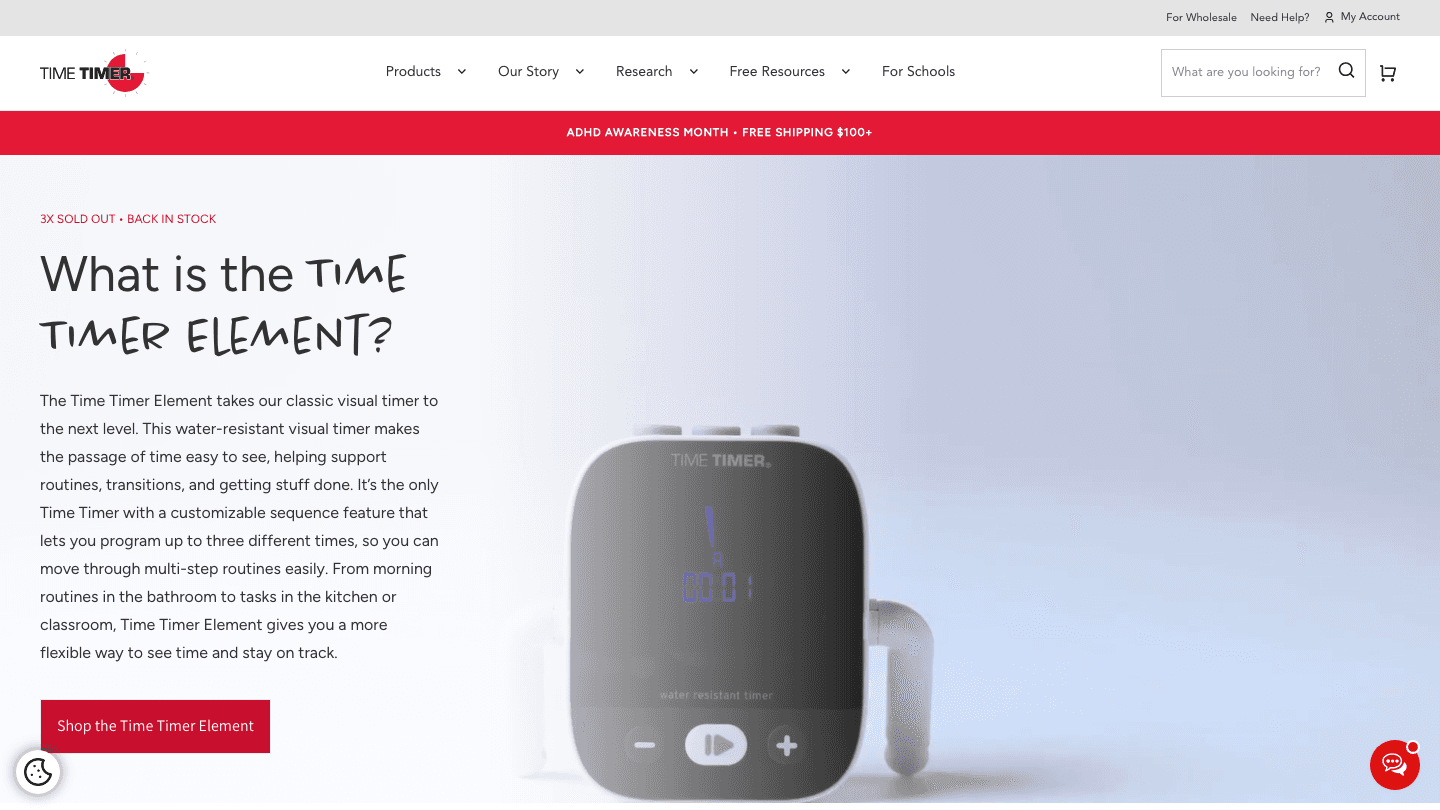
Time Timer started as a physical classroom clock in the 1990s: a round timer with a red disk that shrinks as time passes. The app version replicates that design faithfully on your phone or tablet. You set a duration, and the red slice visibly disappears, making the passage of time instantly obvious without any numbers to read.
It's widely used in schools, therapy settings, and workplaces with autistic or ADHD users. The visual format removes the cognitive overhead of reading and calculating. You see "about half the time is gone" at a glance. The app adds multiple timer presets, custom names for each timer, and the option to show or hide the countdown number.
Key Features
Classic red-disk visual countdown with no numbers required
Multiple simultaneous timers
Customizable alert sounds
Works in landscape and portrait, scales to any screen size
What Works
Instantly understandable:zero learning curve
Proven in educational and clinical settings
Clean, distraction-free interface
Limitations
Does only one thing:no scheduling, task management, or calendar integration
No energy awareness or ADHD-specific planning features
App requires in-app purchase to unlock all features
Pricing: Free download; premium features via in-app purchase
Best for: Teachers, therapists, parents, and anyone who wants the simplest possible visual countdown with no distractions
3. Tiimo
Visual daily planning built for neurodivergent users.
Tiimo is a visual planner designed specifically for people with ADHD, autism, and other neurodivergent profiles. Instead of abstract time blocks, it shows your day as a sequence of activities with icons, colors, and visual timers attached to each one. When an activity is active, a countdown ring shows how much time remains in that block.
The interface is intentionally gentle. Transitions between activities come with visual and audio cues, and the app avoids the cluttered list-heavy design of most task managers. It's used heavily in educational settings and by adults who want something that feels less like a work tool and more like a supportive daily guide. Check our roundup of Tiimo alternatives if you want to compare similar apps, and see Tiimo's current pricing for a detailed breakdown.
What Works
Icon-based activity design removes text-heavy cognitive load
Visual countdown ring per activity is genuinely useful for time blindness
Gentle, consistent notification system for transitions
Limitations
Limited calendar sync compared to general-purpose planners
No energy-aware scheduling
Most useful as a routine-based schedule, less suited to dynamic daily planning
Pricing: Free with Pro subscription available (7-day free trial on yearly plan)
Best for: Autistic and ADHD users who want a visual routine planner with a gentle, low-stimulation design
4. Forest
Stay off your phone and grow a forest.

Forest is a focus timer that makes the visual metaphor literal: set a timer, put your phone down, and a tree grows. Leave the app or pick up your phone and the tree dies. Over time, you build a visible forest of completed focus sessions. Your grove grows; your graveyard of abandoned sessions is equally visible.
It's a surprisingly effective psychological trick. The visual cost of distraction is concrete (a dead sapling) rather than abstract. Forest also lets you plant real trees through a partner charity when you earn enough in-app coins. The social focus mode lets you plant trees with friends simultaneously, adding accountability. Forest works on iOS, Android, and as a Chrome extension for desktop blocking. See also our guide to the Pomodoro technique for the time management method Forest is built around.
What Works
The visual cost of distraction creates genuine behavioral friction
Simple, calming design:good for anxiety around productivity tools
Chrome extension for website blocking on desktop
Social mode and real-tree planting add motivational layers
Limitations
No scheduling or calendar integration
No energy awareness; every session looks the same regardless of your state
Works best as a single-session tool, not a daily planning system
Pricing: Free with optional Plus subscription for advanced features; one-time Pro purchase no longer available to new users
Best for: Anyone who wants a motivating, visually satisfying way to track focus sessions and reduce phone distraction
5. Structured
A visual timeline that combines your tasks and calendar in one view.
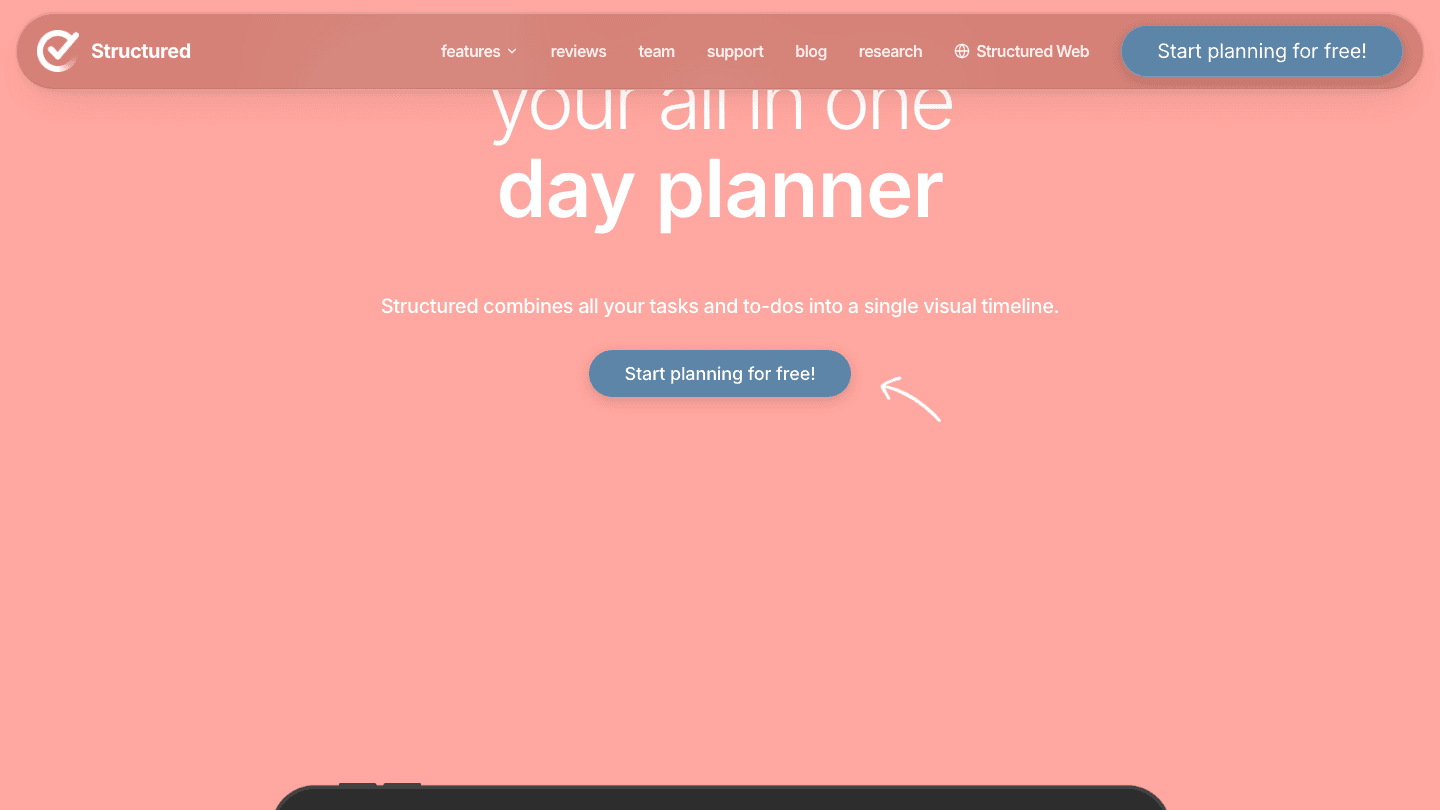
Structured shows your day as a vertical timeline, with tasks and calendar events laid out end to end. You assign a start time and duration to each task, and they appear as stacked blocks on the timeline. As time passes, completed blocks visually shrink away. The current time is always clearly marked, so you can see exactly where you are in your day.
It's one of the cleaner implementations of time-blocking in a mobile app. The interface is minimal and the color coding is customizable. Calendar sync pulls in existing events so your manually built task blocks sit alongside your meetings in one view. There's also a web app for desktop access. It doesn't auto-schedule, so you build the plan manually, but the visual timeline makes that friction low.
What Works
Clean timeline layout that's easy to read across a full day
Calendar integration puts events and tasks in the same view
Customizable colors make it easy to distinguish task categories
Limitations
No AI scheduling:you set every start time manually
No energy awareness or wearable integration
The hero animation on their website can be slow to load
Pricing: Free; Structured Pro from $2.99/month or $9.99/year; $99.99 lifetime option
Best for: Manual time-blockers who want a visual timeline for their tasks alongside their calendar events
6. Be Focused Pro
Pomodoro timer with a clean visual progress ring, one price forever.
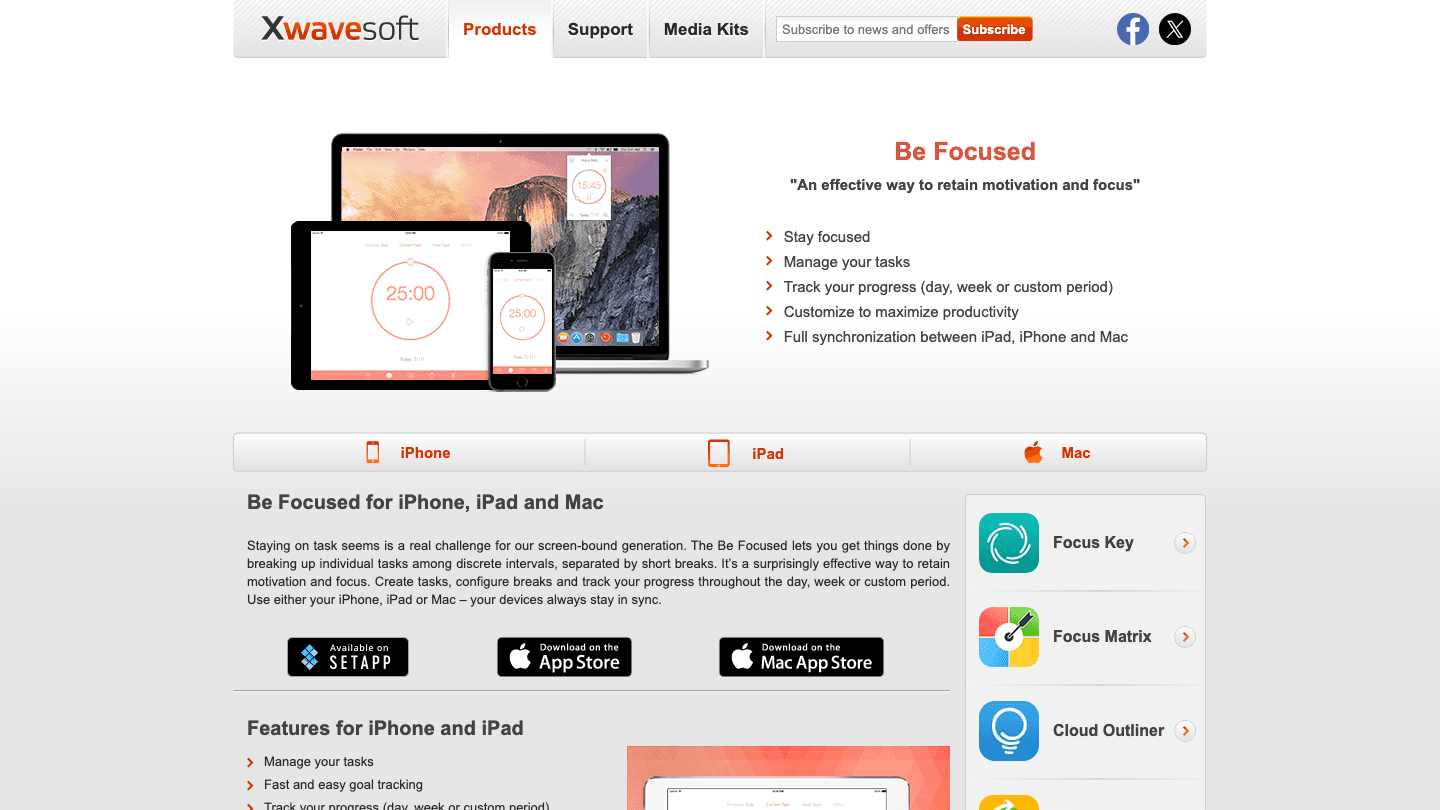
Be Focused Pro is a Pomodoro-style visual timer for iOS and Mac. The main interface shows a large circular progress ring that depletes as your work interval ticks down, with color changes signaling transitions from work to break. You can set custom work and break durations, name each session, and log what you accomplished.
The real draw is the pricing model: $19.99, once, for both iOS and Mac, with no subscription. In a market full of recurring billing, that's genuinely unusual. The app syncs task completion logs across devices via iCloud, which is a useful record for anyone who wants to audit how they actually spent their focus time. If you want to understand the underlying technique, see our guide to the Pomodoro method and how it pairs with ADHD focus apps.
What Works
Visual progress ring is clean and immediately readable
One-time payment:no subscription
Native Mac app alongside iOS
Limitations
No calendar integration or daily schedule view
No energy awareness or AI features
Apple-only ecosystem
Pricing: $19.99 one-time purchase
Best for: Apple users who want a reliable Pomodoro timer without a subscription, with clean visual feedback and task logging
Which Visual Timer App Is Right for You?
You want to see your whole day, not just one timer: Lifestack or Structured. Lifestack does the scheduling for you; Structured gives you a manual timeline to build yourself.
You have ADHD and want the simplest possible visual countdown: Time Timer. Zero learning curve, proven in clinical settings.
You're neurodivergent and want a daily routine planner with visual timers per activity: Tiimo. Built specifically for this use case.
You need to stop picking up your phone during focus sessions: Forest. The visual cost of quitting makes the difference.
You want Pomodoro on Apple devices without a subscription: Be Focused Pro. Pays for itself in a few months versus any subscription alternative.
Your day is unpredictable and you want your schedule to adapt: Lifestack. Its AI reschedules around interruptions rather than forcing you to manually rebuild your plan.
See our full guides to the best ADHD daily planner apps and energy-based scheduling if you want to go deeper on planning approaches that pair with visual timers.
Frequently Asked Questions
What is a visual timer app?
A visual timer app represents time in a graphic format rather than numbers alone: a shrinking disk, a growing tree, a progress ring, or a color-coded timeline. This makes the passage of time perceivable at a glance, which is especially useful for people with ADHD, time blindness, or anyone who loses track of time during focused work.
Are visual timer apps good for ADHD?
Yes. Research on ADHD consistently shows that abstract time (a number counting down) is much harder to perceive than visual time (a disk that's clearly half gone). Apps like Time Timer, Tiimo, and Lifestack are specifically used in ADHD management contexts. See our guide to ADHD time management apps for a broader comparison.
What is the best free visual timer app?
Forest has the strongest free tier for focus sessions. Time Timer is free to download with premium features available. Structured offers a usable free version for visual time-blocking. Lifestack does not have a free tier but includes a 7-day trial on its annual plan.
Can a visual timer app help with time blindness?
It can meaningfully reduce the impact of time blindness. Seeing a tangible visual representation of how much time has passed or remains gives your brain an external reference point that doesn't rely on internal time perception. This is the same principle behind the Time Timer's decades of use in special education classrooms.
What's the difference between a visual timer app and a time-blocking app?
A visual timer app counts down a single period of time. A time-blocking app (like Structured or Lifestack) plans your full day by assigning time slots to tasks. The overlap is that both make time visible. Lifestack bridges both: it auto-schedules your day and shows you a live visual timeline of what's happening now and what's next.
Does Lifestack work as a visual timer app?
Lifestack shows your full day as a visual schedule rather than a single countdown. If you want to see how much time remains in your current work block, how long until your next meeting, or whether you're behind on your plan, Lifestack makes that visible in real time. It's more of a visual schedule than a visual countdown, which is a more complete picture of your day.
Time isn't just hard to manage. For a lot of people, it's genuinely hard to perceive. A visual timer app turns an abstract countdown into something you can actually see: a shrinking red disk, a growing tree, a color-coded block on your calendar. That shift from invisible to visible changes how you work.
The market ranges from simple 60-minute countdown timers to full AI-powered day planners that lay out your entire schedule in a visual format. They share a common goal: making time feel real rather than theoretical. The best visual timer apps are especially useful for people with ADHD or time blindness, where the subjective sense of passing time is genuinely impaired.
We tested six apps across different use cases: deep work focus sessions, daily planning, classroom use, and ADHD management. Here's what stands out.
Key Takeaways
Lifestack is the best visual timer app for people who need to see their full day planned out, not just a single countdown:it auto-schedules tasks around your energy levels and syncs to your calendar.
Time Timer is the best pure countdown option for classroom, therapy, and structured routines; the app faithfully replicates the iconic red-disk design.
Forest is the best gamified focus timer if you want a visual motivator that turns distraction into a cost.
Quick Guide
1. Lifestack:AI visual day planner that auto-schedules your tasks based on energy and time
2. Time Timer:the original shrinking-disk visual countdown, now available as an app
3. Tiimo:visual planner built for neurodivergent users with icon-based schedules
4. Forest:gamified focus timer where staying off your phone grows a tree
5. Structured:visual timeline day planner that combines tasks and time blocks
6. Be Focused Pro:Pomodoro timer with a clean visual progress ring, one-time purchase
How We Evaluated
Visual clarity:does the app make time feel concrete and easy to read at a glance?
ADHD and time blindness suitability:does it address the real experience of time slipping away unnoticed?
Flexibility:can you set custom durations, intervals, and routines?
Calendar and task integration:does it connect with the rest of your workflow?
Platform support:iOS, Android, Mac, web?
Pricing:free tier quality and value of paid options
1. Lifestack
The visual timer app that plans your whole day, not just the next 25 minutes.
Lifestack takes a different approach from countdown timers. Instead of showing you a single ticking clock, it lays out your entire day as a visual schedule (tasks, blocks, meetings, buffers) automatically arranged based on your energy levels, wearable data, and task priorities. You can see at a glance how much time remains in your morning, where your high-energy window is, and what's coming after your next meeting.
That's particularly useful if you struggle with ADHD time blindness or tend to underestimate how long tasks actually take. Lifestack's AI builds your schedule and adjusts it through the day, pulling in tasks from Notion, Google Tasks, Todoist, and Apple Reminders. When something runs long, the plan adjusts. You're not manually moving blocks around. The visual schedule stays current. The app works on iOS and Android with a Chrome extension for desktop.
Key Features
AI auto-scheduling that maps tasks to your day based on energy and time available
Wearable integration (Oura, Whoop, Garmin, Apple Health, Fitbit) to read your readiness and energy score
Visual timeline view showing your full day in a single scroll
Task imports from Google Tasks, Notion, Todoist, Apple Reminders, and more
Google Calendar and Apple Calendar sync
What Works
The visual day layout makes it immediately obvious if your schedule is too packed or has empty gaps
Energy-based scheduling is genuinely differentiated:no other visual timer app does this
Real-time rescheduling means you're not manually fixing a broken plan after a task runs late
Limitations
Not a standalone countdown timer:if you just want a single 20-minute session clock, this is more than you need
No free tier
Pricing: $10/month or $50/year (7-day free trial on annual plan)
Best for: Professionals and ADHD users who need visual clarity across their entire day, not just a single focus session
2. Time Timer
The original visual countdown, now in app form.
Time Timer started as a physical classroom clock in the 1990s: a round timer with a red disk that shrinks as time passes. The app version replicates that design faithfully on your phone or tablet. You set a duration, and the red slice visibly disappears, making the passage of time instantly obvious without any numbers to read.
It's widely used in schools, therapy settings, and workplaces with autistic or ADHD users. The visual format removes the cognitive overhead of reading and calculating. You see "about half the time is gone" at a glance. The app adds multiple timer presets, custom names for each timer, and the option to show or hide the countdown number.
Key Features
Classic red-disk visual countdown with no numbers required
Multiple simultaneous timers
Customizable alert sounds
Works in landscape and portrait, scales to any screen size
What Works
Instantly understandable:zero learning curve
Proven in educational and clinical settings
Clean, distraction-free interface
Limitations
Does only one thing:no scheduling, task management, or calendar integration
No energy awareness or ADHD-specific planning features
App requires in-app purchase to unlock all features
Pricing: Free download; premium features via in-app purchase
Best for: Teachers, therapists, parents, and anyone who wants the simplest possible visual countdown with no distractions
3. Tiimo
Visual daily planning built for neurodivergent users.
Tiimo is a visual planner designed specifically for people with ADHD, autism, and other neurodivergent profiles. Instead of abstract time blocks, it shows your day as a sequence of activities with icons, colors, and visual timers attached to each one. When an activity is active, a countdown ring shows how much time remains in that block.
The interface is intentionally gentle. Transitions between activities come with visual and audio cues, and the app avoids the cluttered list-heavy design of most task managers. It's used heavily in educational settings and by adults who want something that feels less like a work tool and more like a supportive daily guide. Check our roundup of Tiimo alternatives if you want to compare similar apps, and see Tiimo's current pricing for a detailed breakdown.
What Works
Icon-based activity design removes text-heavy cognitive load
Visual countdown ring per activity is genuinely useful for time blindness
Gentle, consistent notification system for transitions
Limitations
Limited calendar sync compared to general-purpose planners
No energy-aware scheduling
Most useful as a routine-based schedule, less suited to dynamic daily planning
Pricing: Free with Pro subscription available (7-day free trial on yearly plan)
Best for: Autistic and ADHD users who want a visual routine planner with a gentle, low-stimulation design
4. Forest
Stay off your phone and grow a forest.
Forest is a focus timer that makes the visual metaphor literal: set a timer, put your phone down, and a tree grows. Leave the app or pick up your phone and the tree dies. Over time, you build a visible forest of completed focus sessions. Your grove grows; your graveyard of abandoned sessions is equally visible.
It's a surprisingly effective psychological trick. The visual cost of distraction is concrete (a dead sapling) rather than abstract. Forest also lets you plant real trees through a partner charity when you earn enough in-app coins. The social focus mode lets you plant trees with friends simultaneously, adding accountability. Forest works on iOS, Android, and as a Chrome extension for desktop blocking. See also our guide to the Pomodoro technique for the time management method Forest is built around.
What Works
The visual cost of distraction creates genuine behavioral friction
Simple, calming design:good for anxiety around productivity tools
Chrome extension for website blocking on desktop
Social mode and real-tree planting add motivational layers
Limitations
No scheduling or calendar integration
No energy awareness; every session looks the same regardless of your state
Works best as a single-session tool, not a daily planning system
Pricing: Free with optional Plus subscription for advanced features; one-time Pro purchase no longer available to new users
Best for: Anyone who wants a motivating, visually satisfying way to track focus sessions and reduce phone distraction
5. Structured
A visual timeline that combines your tasks and calendar in one view.
Structured shows your day as a vertical timeline, with tasks and calendar events laid out end to end. You assign a start time and duration to each task, and they appear as stacked blocks on the timeline. As time passes, completed blocks visually shrink away. The current time is always clearly marked, so you can see exactly where you are in your day.
It's one of the cleaner implementations of time-blocking in a mobile app. The interface is minimal and the color coding is customizable. Calendar sync pulls in existing events so your manually built task blocks sit alongside your meetings in one view. There's also a web app for desktop access. It doesn't auto-schedule, so you build the plan manually, but the visual timeline makes that friction low.
What Works
Clean timeline layout that's easy to read across a full day
Calendar integration puts events and tasks in the same view
Customizable colors make it easy to distinguish task categories
Limitations
No AI scheduling:you set every start time manually
No energy awareness or wearable integration
The hero animation on their website can be slow to load
Pricing: Free; Structured Pro from $2.99/month or $9.99/year; $99.99 lifetime option
Best for: Manual time-blockers who want a visual timeline for their tasks alongside their calendar events
6. Be Focused Pro
Pomodoro timer with a clean visual progress ring, one price forever.
Be Focused Pro is a Pomodoro-style visual timer for iOS and Mac. The main interface shows a large circular progress ring that depletes as your work interval ticks down, with color changes signaling transitions from work to break. You can set custom work and break durations, name each session, and log what you accomplished.
The real draw is the pricing model: $19.99, once, for both iOS and Mac, with no subscription. In a market full of recurring billing, that's genuinely unusual. The app syncs task completion logs across devices via iCloud, which is a useful record for anyone who wants to audit how they actually spent their focus time. If you want to understand the underlying technique, see our guide to the Pomodoro method and how it pairs with ADHD focus apps.
What Works
Visual progress ring is clean and immediately readable
One-time payment:no subscription
Native Mac app alongside iOS
Limitations
No calendar integration or daily schedule view
No energy awareness or AI features
Apple-only ecosystem
Pricing: $19.99 one-time purchase
Best for: Apple users who want a reliable Pomodoro timer without a subscription, with clean visual feedback and task logging
Which Visual Timer App Is Right for You?
You want to see your whole day, not just one timer: Lifestack or Structured. Lifestack does the scheduling for you; Structured gives you a manual timeline to build yourself.
You have ADHD and want the simplest possible visual countdown: Time Timer. Zero learning curve, proven in clinical settings.
You're neurodivergent and want a daily routine planner with visual timers per activity: Tiimo. Built specifically for this use case.
You need to stop picking up your phone during focus sessions: Forest. The visual cost of quitting makes the difference.
You want Pomodoro on Apple devices without a subscription: Be Focused Pro. Pays for itself in a few months versus any subscription alternative.
Your day is unpredictable and you want your schedule to adapt: Lifestack. Its AI reschedules around interruptions rather than forcing you to manually rebuild your plan.
See our full guides to the best ADHD daily planner apps and energy-based scheduling if you want to go deeper on planning approaches that pair with visual timers.
Frequently Asked Questions
What is a visual timer app?
A visual timer app represents time in a graphic format rather than numbers alone: a shrinking disk, a growing tree, a progress ring, or a color-coded timeline. This makes the passage of time perceivable at a glance, which is especially useful for people with ADHD, time blindness, or anyone who loses track of time during focused work.
Are visual timer apps good for ADHD?
Yes. Research on ADHD consistently shows that abstract time (a number counting down) is much harder to perceive than visual time (a disk that's clearly half gone). Apps like Time Timer, Tiimo, and Lifestack are specifically used in ADHD management contexts. See our guide to ADHD time management apps for a broader comparison.
What is the best free visual timer app?
Forest has the strongest free tier for focus sessions. Time Timer is free to download with premium features available. Structured offers a usable free version for visual time-blocking. Lifestack does not have a free tier but includes a 7-day trial on its annual plan.
Can a visual timer app help with time blindness?
It can meaningfully reduce the impact of time blindness. Seeing a tangible visual representation of how much time has passed or remains gives your brain an external reference point that doesn't rely on internal time perception. This is the same principle behind the Time Timer's decades of use in special education classrooms.
What's the difference between a visual timer app and a time-blocking app?
A visual timer app counts down a single period of time. A time-blocking app (like Structured or Lifestack) plans your full day by assigning time slots to tasks. The overlap is that both make time visible. Lifestack bridges both: it auto-schedules your day and shows you a live visual timeline of what's happening now and what's next.
Does Lifestack work as a visual timer app?
Lifestack shows your full day as a visual schedule rather than a single countdown. If you want to see how much time remains in your current work block, how long until your next meeting, or whether you're behind on your plan, Lifestack makes that visible in real time. It's more of a visual schedule than a visual countdown, which is a more complete picture of your day.



FOLLOW ON
FOLLOW ON
FOLLOW ON


Copyright 2026 © Lifestack. All rights reserved
Copyright 2026 © Lifestack. All rights reserved

