
App
Best Weekly Planner Apps in 2026
Best Weekly Planner Apps in 2026
A weekly planner app does one job: it helps you see and organize your whole week in a way that makes it easier to decide what to do each day. But the apps in this category are surprisingly different from each other. Some are pure task managers, some combine tasks and calendars, and some add AI scheduling on top.
We've picked the five best options based on weekly planning depth, ease of use, platform support, and price. Lifestack leads the list for people who want their weekly plan to actually adapt to their energy and schedule.
Key Takeaways
Lifestack is the best pick if you want AI to build your weekly plan around your energy, not just available time slots.
TickTick and Todoist are the strongest task-focused planners with a solid calendar view.
Structured is the cleanest visual timeline for people who think in blocks rather than lists.
Quick Guide
1. Lifestack: AI-powered weekly planner with energy-aware scheduling from wearable data
2. TickTick: task manager and calendar combo with a flexible week view ($3.99/month)
3. Todoist: clean, powerful task manager with a calendar layout, free / $5/month
4. Any.do: simple weekly planner for personal and team tasks, free / from $9.99/month
5. Structured: visual timeline daily and weekly planner, free / $6.99/month
1. Lifestack: Best for AI-Powered Weekly Planning
The weekly planner that builds your schedule around when you're actually ready to work.

Lifestack takes a different approach to weekly planning: instead of giving you a blank week view and asking you to fill it in, it reads your energy data from your wearable (Oura, Garmin, Apple Health, Fitbit), syncs your calendar events, pulls in your task list (Todoist, Google Tasks, Apple Reminders), and builds your weekly schedule for you each morning.
The result is a weekly plan that places your hardest tasks during your cognitive peaks and your lighter work during your troughs. For people who time-block their week and then find the schedule falls apart because Tuesday's deep work block landed during their afternoon slump, Lifestack solves the root cause. See our guide on energy-aware scheduling to understand why this approach works better than standard time blocking.
Key Features
AI auto-schedules tasks around your real energy peaks using wearable data
Syncs with Google Calendar, Outlook, Todoist, Google Tasks, and Apple Reminders
Weekly and daily view with tasks and events in one unified timeline
iOS, Android, and Chrome extension
What Works
Replaces the manual weekly planning ritual for people who never have time to do it properly
Energy-aware scheduling is uniquely effective for ADHD users and anyone with variable energy
One subscription covers everything: planner, task manager, and scheduler
Limitations
Less suitable if you want full control over exactly when each task lands (the AI is doing that work)
Requires wearable for full energy-aware features, though it works without one
Pricing: $7/month, $50/year, or $120 lifetime. 7-day free trial on the annual plan.
Best for: Knowledge workers, ADHD users, and anyone whose week planning collapses because the schedule doesn't match actual energy.
2. TickTick: Best Task-Calendar Combo
Tasks and calendar in one place, with a strong week view.
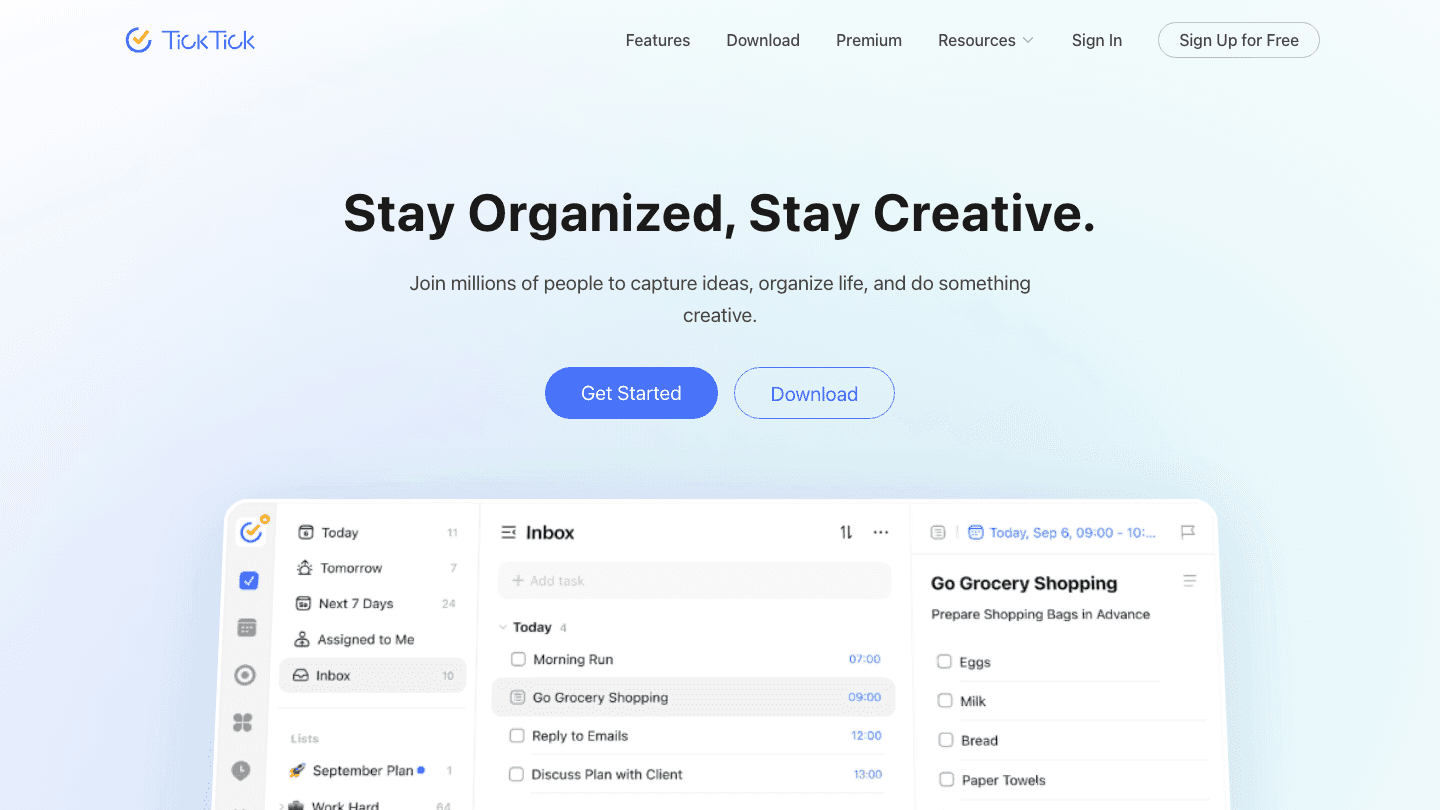
TickTick is one of the few task managers that takes the calendar view seriously. The premium plan includes a week view that shows your tasks and calendar events side by side, letting you see the full shape of your week at once. It also includes a Pomodoro timer, habit tracker, and an Eisenhower matrix view.
If your main frustration is tasks living in one app and events in another, TickTick solves that without requiring a second subscription. The TickTick integration with external calendars (Google, Outlook) is solid, and the app is polished on both iOS and Android.
What Works
Combines tasks, calendar, habits, and Pomodoro in one subscription
Cross-platform and actively maintained
Calendar sync brings events into the task timeline
Limitations
No AI scheduling or energy awareness
Calendar view requires the premium plan
Pricing: Free; Premium $3.99/month or $35.99/year.
Best for: People who want tasks and calendar combined without paying for multiple apps.
3. Todoist: Best for Clean Task Management
One of the most polished task managers with a usable calendar view.
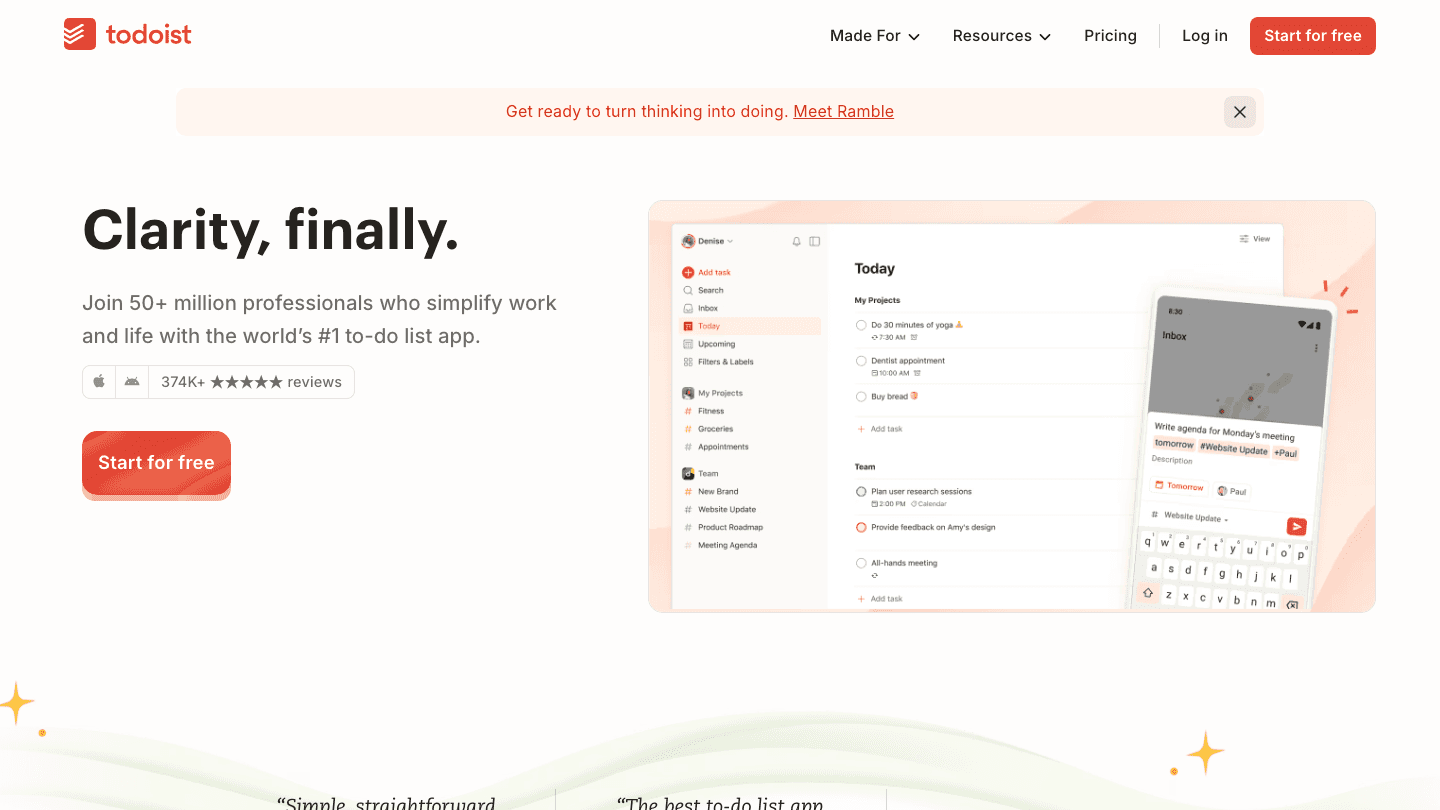
Todoist is the most refined task manager on this list. The Pro plan adds a calendar layout that shows tasks in a weekly timeline view, making it easier to see which days are overloaded and which have room. It's not a full scheduling tool; you still assign tasks to days manually, but the visual density check is useful.
Todoist's strength is in its capture and organization tools: natural language entry, project views, labels, filters, and a priority system that actually works. If your main need is a clean daily planner with a weekly overview, it's one of the best options. Our guide on using Todoist with a daily planner shows how to pair it with a scheduling layer.
What Works
One of the best mobile experiences in the category
Excellent project management features alongside the planner view
Integrates with almost everything
Limitations
Calendar layout is a Pro feature
No energy-aware scheduling or AI planning
Pricing: Free; Pro approximately $5/month or $36/year.
Best for: People who want clean, powerful task management with a usable weekly calendar view.
4. Any.do: Best for Simple Weekly Planning
Clean personal planner with calendar integration.
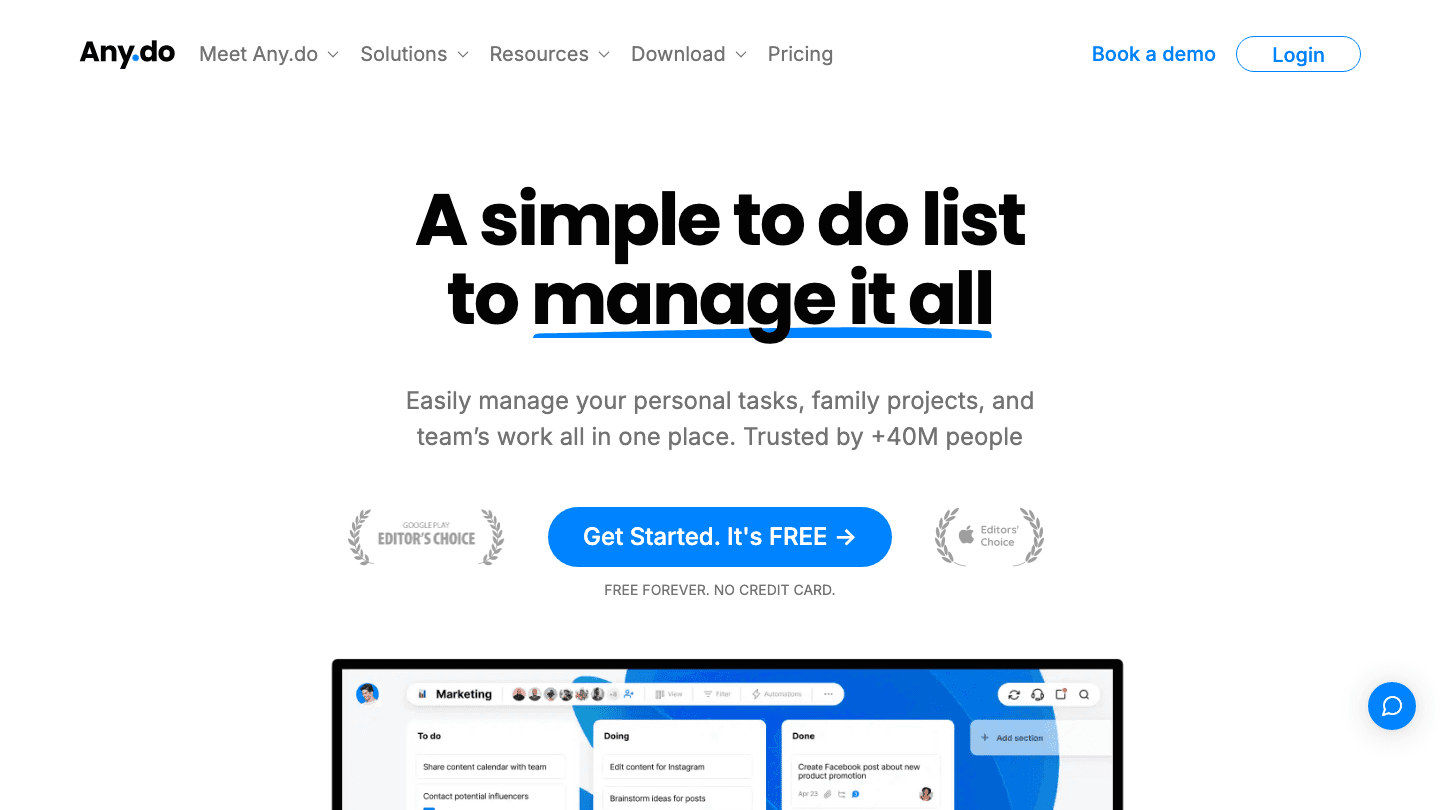
Any.do takes a simpler approach. The My Day view focuses your attention on today's priorities, and the week view gives a clean overview of what's ahead. It handles personal tasks, family projects, and team lists in one place without becoming complex.
Any.do works well for users who find TickTick and Todoist feature-heavy. The interface is minimal by design, and the daily planning ritual built into the app ("Plan Your Day") is a useful prompt to actually review and prioritize each morning.
Pricing: Free; Premium from $3.99-$9.99/month depending on plan.
Best for: People who want a simple, uncluttered weekly planner for personal tasks.
5. Structured: Best Visual Timeline Planner
Visual daily and weekly timeline designed around time blocks.
Structured is built around a visual timeline: tasks and events appear as blocks on a scrollable day view, so you can see exactly what you're doing and when at a glance. It's the most visual of the apps on this list, with drag-and-drop scheduling and duration-based blocks rather than just due dates.
It syncs with your existing calendar (Google, Apple), so meetings import automatically and appear alongside your planned tasks. The design is clean and minimal, well-suited for people who think spatially about their time. See our guide to drag-and-drop calendar planners for more context on how this approach compares.
Pricing: Free; Pro $6.99/month, $29.99/year, or $99.99 lifetime.
Best for: Visual thinkers who want to see their week as a timeline of time blocks.
Which Weekly Planner App Is Right for You?
Want AI to build your weekly plan automatically: Lifestack
Want tasks and calendar in one app: TickTick or Todoist
Want the simplest personal task planner: Any.do
Want a visual timeline with drag-and-drop scheduling: Structured
Frequently Asked Questions
What is the best free weekly planner app?
Todoist's free plan covers basic weekly task management well. Any.do's free tier works for simple personal planning. For a visual timeline, Structured's free version covers the core experience. If you want AI scheduling in any form, a paid plan is required.
What is the best weekly planner app for iPhone?
Lifestack, TickTick, Todoist, and Structured all have strong iOS apps. Lifestack is best if you want AI-powered planning. Structured has the best visual timeline on iPhone. Todoist is the most polished general-purpose task manager.
Is there a weekly planner app that syncs with Google Calendar?
Yes. All five apps on this list sync with Google Calendar to some degree. Lifestack, TickTick, and Structured have the deepest integration, showing your calendar events directly in the planner view alongside your tasks.
What weekly planner app works best for ADHD?
Lifestack and Structured are the strongest options for ADHD. Lifestack's AI removes the weekly planning decision-making that often stalls ADHD users. Structured's visual timeline format addresses time blindness by making the week concrete and visible. See our guide to ADHD daily planner apps for a deeper look.
A weekly planner app does one job: it helps you see and organize your whole week in a way that makes it easier to decide what to do each day. But the apps in this category are surprisingly different from each other. Some are pure task managers, some combine tasks and calendars, and some add AI scheduling on top.
We've picked the five best options based on weekly planning depth, ease of use, platform support, and price. Lifestack leads the list for people who want their weekly plan to actually adapt to their energy and schedule.
Key Takeaways
Lifestack is the best pick if you want AI to build your weekly plan around your energy, not just available time slots.
TickTick and Todoist are the strongest task-focused planners with a solid calendar view.
Structured is the cleanest visual timeline for people who think in blocks rather than lists.
Quick Guide
1. Lifestack: AI-powered weekly planner with energy-aware scheduling from wearable data
2. TickTick: task manager and calendar combo with a flexible week view ($3.99/month)
3. Todoist: clean, powerful task manager with a calendar layout, free / $5/month
4. Any.do: simple weekly planner for personal and team tasks, free / from $9.99/month
5. Structured: visual timeline daily and weekly planner, free / $6.99/month
1. Lifestack: Best for AI-Powered Weekly Planning
The weekly planner that builds your schedule around when you're actually ready to work.
Lifestack takes a different approach to weekly planning: instead of giving you a blank week view and asking you to fill it in, it reads your energy data from your wearable (Oura, Garmin, Apple Health, Fitbit), syncs your calendar events, pulls in your task list (Todoist, Google Tasks, Apple Reminders), and builds your weekly schedule for you each morning.
The result is a weekly plan that places your hardest tasks during your cognitive peaks and your lighter work during your troughs. For people who time-block their week and then find the schedule falls apart because Tuesday's deep work block landed during their afternoon slump, Lifestack solves the root cause. See our guide on energy-aware scheduling to understand why this approach works better than standard time blocking.
Key Features
AI auto-schedules tasks around your real energy peaks using wearable data
Syncs with Google Calendar, Outlook, Todoist, Google Tasks, and Apple Reminders
Weekly and daily view with tasks and events in one unified timeline
iOS, Android, and Chrome extension
What Works
Replaces the manual weekly planning ritual for people who never have time to do it properly
Energy-aware scheduling is uniquely effective for ADHD users and anyone with variable energy
One subscription covers everything: planner, task manager, and scheduler
Limitations
Less suitable if you want full control over exactly when each task lands (the AI is doing that work)
Requires wearable for full energy-aware features, though it works without one
Pricing: $7/month, $50/year, or $120 lifetime. 7-day free trial on the annual plan.
Best for: Knowledge workers, ADHD users, and anyone whose week planning collapses because the schedule doesn't match actual energy.
2. TickTick: Best Task-Calendar Combo
Tasks and calendar in one place, with a strong week view.
TickTick is one of the few task managers that takes the calendar view seriously. The premium plan includes a week view that shows your tasks and calendar events side by side, letting you see the full shape of your week at once. It also includes a Pomodoro timer, habit tracker, and an Eisenhower matrix view.
If your main frustration is tasks living in one app and events in another, TickTick solves that without requiring a second subscription. The TickTick integration with external calendars (Google, Outlook) is solid, and the app is polished on both iOS and Android.
What Works
Combines tasks, calendar, habits, and Pomodoro in one subscription
Cross-platform and actively maintained
Calendar sync brings events into the task timeline
Limitations
No AI scheduling or energy awareness
Calendar view requires the premium plan
Pricing: Free; Premium $3.99/month or $35.99/year.
Best for: People who want tasks and calendar combined without paying for multiple apps.
3. Todoist: Best for Clean Task Management
One of the most polished task managers with a usable calendar view.
Todoist is the most refined task manager on this list. The Pro plan adds a calendar layout that shows tasks in a weekly timeline view, making it easier to see which days are overloaded and which have room. It's not a full scheduling tool; you still assign tasks to days manually, but the visual density check is useful.
Todoist's strength is in its capture and organization tools: natural language entry, project views, labels, filters, and a priority system that actually works. If your main need is a clean daily planner with a weekly overview, it's one of the best options. Our guide on using Todoist with a daily planner shows how to pair it with a scheduling layer.
What Works
One of the best mobile experiences in the category
Excellent project management features alongside the planner view
Integrates with almost everything
Limitations
Calendar layout is a Pro feature
No energy-aware scheduling or AI planning
Pricing: Free; Pro approximately $5/month or $36/year.
Best for: People who want clean, powerful task management with a usable weekly calendar view.
4. Any.do: Best for Simple Weekly Planning
Clean personal planner with calendar integration.
Any.do takes a simpler approach. The My Day view focuses your attention on today's priorities, and the week view gives a clean overview of what's ahead. It handles personal tasks, family projects, and team lists in one place without becoming complex.
Any.do works well for users who find TickTick and Todoist feature-heavy. The interface is minimal by design, and the daily planning ritual built into the app ("Plan Your Day") is a useful prompt to actually review and prioritize each morning.
Pricing: Free; Premium from $3.99-$9.99/month depending on plan.
Best for: People who want a simple, uncluttered weekly planner for personal tasks.
5. Structured: Best Visual Timeline Planner
Visual daily and weekly timeline designed around time blocks.
Structured is built around a visual timeline: tasks and events appear as blocks on a scrollable day view, so you can see exactly what you're doing and when at a glance. It's the most visual of the apps on this list, with drag-and-drop scheduling and duration-based blocks rather than just due dates.
It syncs with your existing calendar (Google, Apple), so meetings import automatically and appear alongside your planned tasks. The design is clean and minimal, well-suited for people who think spatially about their time. See our guide to drag-and-drop calendar planners for more context on how this approach compares.
Pricing: Free; Pro $6.99/month, $29.99/year, or $99.99 lifetime.
Best for: Visual thinkers who want to see their week as a timeline of time blocks.
Which Weekly Planner App Is Right for You?
Want AI to build your weekly plan automatically: Lifestack
Want tasks and calendar in one app: TickTick or Todoist
Want the simplest personal task planner: Any.do
Want a visual timeline with drag-and-drop scheduling: Structured
Frequently Asked Questions
What is the best free weekly planner app?
Todoist's free plan covers basic weekly task management well. Any.do's free tier works for simple personal planning. For a visual timeline, Structured's free version covers the core experience. If you want AI scheduling in any form, a paid plan is required.
What is the best weekly planner app for iPhone?
Lifestack, TickTick, Todoist, and Structured all have strong iOS apps. Lifestack is best if you want AI-powered planning. Structured has the best visual timeline on iPhone. Todoist is the most polished general-purpose task manager.
Is there a weekly planner app that syncs with Google Calendar?
Yes. All five apps on this list sync with Google Calendar to some degree. Lifestack, TickTick, and Structured have the deepest integration, showing your calendar events directly in the planner view alongside your tasks.
What weekly planner app works best for ADHD?
Lifestack and Structured are the strongest options for ADHD. Lifestack's AI removes the weekly planning decision-making that often stalls ADHD users. Structured's visual timeline format addresses time blindness by making the week concrete and visible. See our guide to ADHD daily planner apps for a deeper look.



FOLLOW ON
FOLLOW ON
FOLLOW ON


Copyright 2026 © Lifestack. All rights reserved
Copyright 2026 © Lifestack. All rights reserved

