
App
any.do Pricing: Every Plan Explained (2026)
any.do Pricing: Every Plan Explained (2026)

any.do has been around since 2011 and has quietly built a following of over 40 million users. It does the basics extremely well: clean task lists, smart reminders, a built-in daily planner, and calendar sync that actually works. But when it comes to pricing, the tier structure can be confusing. You've got four plans with overlapping features, and it's not always obvious what you're actually paying for.
This guide breaks down every any.do pricing tier, what's included in each, and whether the upgrade from free to paid is worth it for your situation. We'll also cover who each plan makes sense for and how any.do compares to alternatives when price is a deciding factor.
Prices below are current as of July 2026 and pulled directly from any.do's pricing page.
Key Takeaways
any.do's free plan is genuinely useful for solo task management, with no credit card required
Premium at $4.99/month (annual) unlocks recurring tasks, WhatsApp reminders, and AI features
Teams pricing matches Premium per seat, so the upgrade cost for a 5-person team is $25/month billed annually
any.do Free Plan
The free plan is not a crippled demo. You get tasks and lists, calendar integration, a daily planner view, and sync across all your devices. For someone who just wants to stop keeping tasks in their head and put them somewhere organized, this does the job.
What's missing: recurring tasks, location-based reminders, WhatsApp reminders, and color tags. These aren't dealbreakers for everyone, but if you run on a repeating weekly schedule (gym every Monday, call with client every Thursday), you'll hit the wall fast.
The free plan also lacks any.do's AI features, which include smart suggestions and natural language task entry. If you're evaluating any.do specifically for its AI capabilities, you need at least Premium.
any.do Premium: $4.99/Month (Annual)
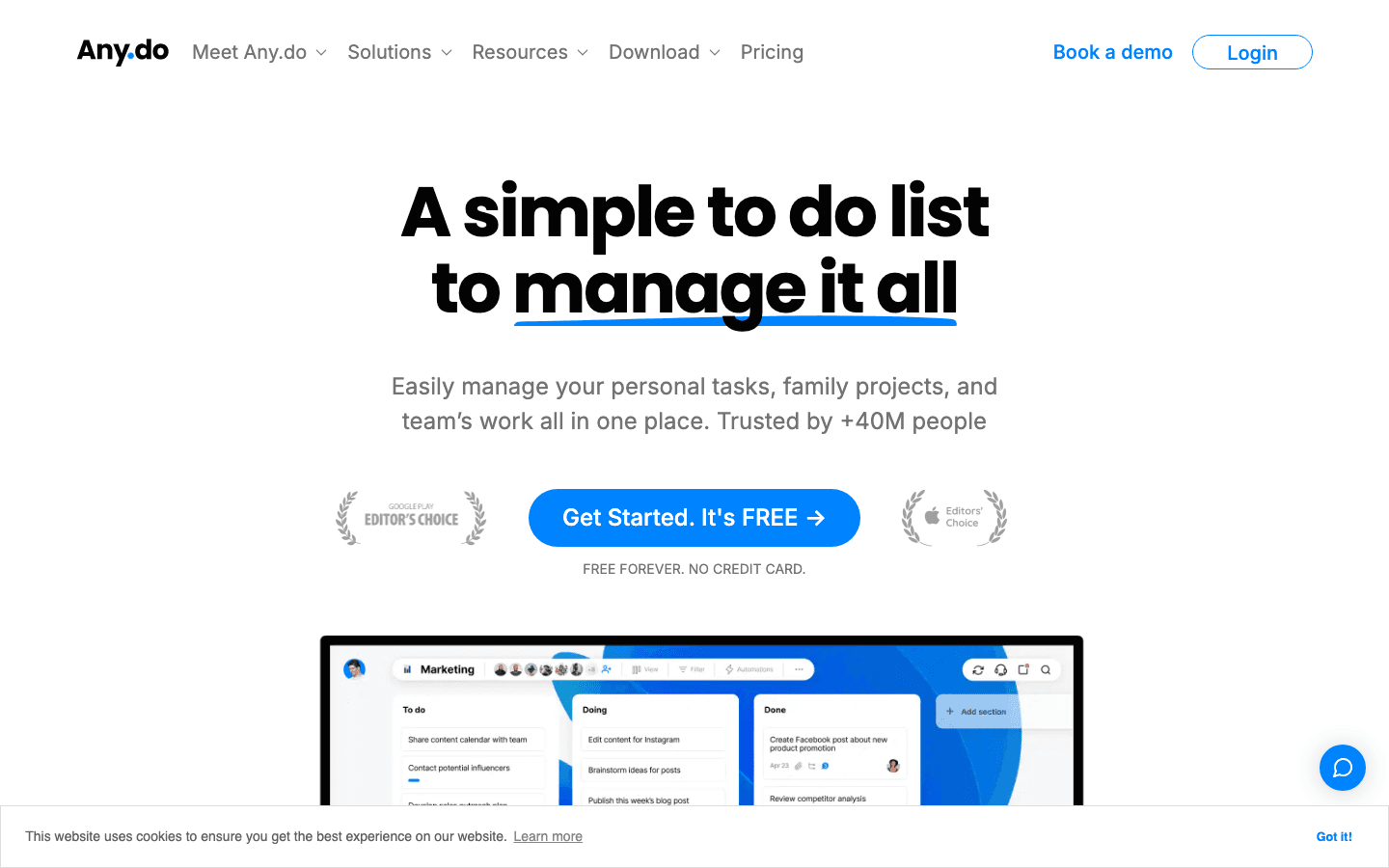
Premium is $4.99/month billed annually, or $7.99/month if you pay month-to-month. That's $59.88/year on the annual plan. Cancel anytime.
This is where any.do becomes genuinely powerful for personal use. Recurring tasks are the big unlock. You can set a task to repeat daily, weekly, on specific days, or on custom intervals. Location reminders let you trigger a task when you arrive at or leave a specific place. And the WhatsApp reminders feature is unusual in the market, letting you get pinged through a chat app you already check constantly.
The AI features in Premium are worth noting separately. any.do uses AI to suggest task breakdowns, help prioritize your list, and write task descriptions from brief prompts. It's not a full AI scheduler, but it reduces the friction of getting tasks out of your head and into a structured format.
Color tags let you visually organize across projects. A small thing, but when you're scanning a long list, the ability to spot category at a glance matters.
Best for: Solo users who want recurring task automation and smart reminders without paying for a full productivity suite.
any.do Family: $8.33/Month (Annual)
The Family plan is $8.33/month billed annually (or $9.99/month), and it covers up to 4 members. That works out to about $2.08 per person per month, making it the cheapest per-seat option any.do offers.
You get everything in Premium, plus a shared family space with a shared grocery list and up to 4 shared projects. The grocery list feature is genuinely well-designed: anyone in the family can add to it, and items auto-sort by category to match the layout of your store.
The shared projects cap at 4. That's fine for most households (groceries, home, travel, kids), but if you're trying to run a home business on this plan, 4 projects will feel tight.
Best for: Families of 2-4 who want a single shared task system without paying a per-seat rate.
any.do Teams: $4.99/Seat/Month (Annual)
Teams is $4.99/seat/month billed annually, or $7.99/seat/month on monthly billing. There's no minimum seat count, so a 2-person team pays $9.98/month annually. A 10-person team pays $49.90/month.
The plan adds a collaborative workspace, unlimited project boards, unlimited team members, and 100+ workflow templates. Admin tools let you manage permissions and see what's assigned to whom. It's built for small teams doing project-based work, not for enterprise task tracking.
The unlimited project boards is the key upgrade over Family. If your team runs multiple simultaneous workstreams, the Family plan's 4-project cap would break quickly. Teams removes that ceiling.
The 100+ workflow templates are worth exploring. They cover common patterns like content calendars, product launches, and client onboarding. Not every template will apply, but having a starting point beats building from scratch.
Best for: Small teams (2-15 people) who need shared task boards, role-based permissions, and project templates without the cost of tools like Asana or ClickUp.
Is any.do Worth Paying For?
For most solo users: yes, Premium at $4.99/month is worth it. The free plan handles the basics, but recurring tasks are a feature you'll miss immediately in real-world use. Almost everyone has tasks that repeat on a schedule. The $5/month to unlock that is easy to justify.
For families: the Family plan's per-person cost ($2.08/person/month) is hard to beat. If you're already looking at any.do for personal use and have a partner or roommates to coordinate with, upgrading to Family instead of two separate Premium plans saves money and adds the shared space.
For teams: it depends on what you need. any.do Teams is inexpensive, but it's not a project management tool. If your team needs task dependencies, timeline views, or resource allocation, you'll outgrow it quickly. For task assignment and shared boards at a low per-seat cost, it's a solid fit. See our comparison of any.do vs. other task apps for more context.
Best Tool for Daily Task and Energy Management

any.do is a capable task list. What it doesn't do is tell you when to do things based on how you actually feel. That's where Lifestack takes a different approach.
Lifestack reads your health data from wearables (Apple Watch, Oura Ring, Garmin, Whoop) and uses your actual energy levels to schedule your tasks. It knows when you're in your peak focus window and front-loads deep work there. It moves low-stakes tasks to lower-energy slots automatically. You're not just organizing a list; the list is getting scheduled around your biology.
For people who have tried every task manager on the market and still feel behind, the issue usually isn't the list. It's the timing. any.do won't solve that. Lifestack is built specifically to solve it.
Lifestack costs $7/month or $50/year (about $4.17/month), with a 7-day free trial on the annual plan and a $120 lifetime option. If you want a planner that actually adapts to your energy, it's worth a look. Read more about what makes Lifestack different, or check out the broader best AI planner apps comparison if you're still deciding.
Frequently Asked Questions
Is any.do free forever?
Yes. The free plan has no time limit and requires no credit card. You get tasks, lists, calendar sync, and the daily planner. Recurring tasks, WhatsApp reminders, and AI features require Premium.
What does any.do Premium include that the free plan doesn't?
Premium adds recurring tasks, location reminders, WhatsApp reminders, AI-powered features, and color tags. The AI features include task breakdowns, smart suggestions, and natural language input. Premium costs $4.99/month billed annually.
How does any.do pricing compare to Todoist?
any.do Premium ($4.99/month annually) is cheaper than Todoist Pro ($4/month annually). Both offer recurring tasks and reminders. Todoist has more integrations and a more powerful filter system; any.do has WhatsApp reminders and a built-in daily planner. If integrations with tools like Slack or GitHub matter, check the Todoist alternatives guide for a full breakdown.
Can I cancel any.do at any time?
Yes. All any.do plans are cancel-anytime with no commitments. If you cancel an annual plan mid-year, you'll retain access through the end of your billing period.
Is any.do good for ADHD users?
any.do's daily planner view and reminder system make it more accessible than a plain list app. The WhatsApp reminder feature can be helpful for people who ignore push notifications. That said, it doesn't offer energy-aware scheduling or context-switching protection. For ADHD-specific task management, see daily planner apps or our guide on task management for ADHD.
What's the difference between any.do Family and Teams?
Family covers up to 4 members at a flat $8.33/month (annual). It's designed for households, with a shared grocery list and up to 4 shared projects. Teams is per-seat at $4.99/seat/month (annual), with unlimited members, unlimited project boards, workflow templates, and admin controls. Teams is the right choice once you're running 5+ projects or need permission management.
any.do has been around since 2011 and has quietly built a following of over 40 million users. It does the basics extremely well: clean task lists, smart reminders, a built-in daily planner, and calendar sync that actually works. But when it comes to pricing, the tier structure can be confusing. You've got four plans with overlapping features, and it's not always obvious what you're actually paying for.
This guide breaks down every any.do pricing tier, what's included in each, and whether the upgrade from free to paid is worth it for your situation. We'll also cover who each plan makes sense for and how any.do compares to alternatives when price is a deciding factor.
Prices below are current as of July 2026 and pulled directly from any.do's pricing page.
Key Takeaways
any.do's free plan is genuinely useful for solo task management, with no credit card required
Premium at $4.99/month (annual) unlocks recurring tasks, WhatsApp reminders, and AI features
Teams pricing matches Premium per seat, so the upgrade cost for a 5-person team is $25/month billed annually
any.do Free Plan
The free plan is not a crippled demo. You get tasks and lists, calendar integration, a daily planner view, and sync across all your devices. For someone who just wants to stop keeping tasks in their head and put them somewhere organized, this does the job.
What's missing: recurring tasks, location-based reminders, WhatsApp reminders, and color tags. These aren't dealbreakers for everyone, but if you run on a repeating weekly schedule (gym every Monday, call with client every Thursday), you'll hit the wall fast.
The free plan also lacks any.do's AI features, which include smart suggestions and natural language task entry. If you're evaluating any.do specifically for its AI capabilities, you need at least Premium.
any.do Premium: $4.99/Month (Annual)
Premium is $4.99/month billed annually, or $7.99/month if you pay month-to-month. That's $59.88/year on the annual plan. Cancel anytime.
This is where any.do becomes genuinely powerful for personal use. Recurring tasks are the big unlock. You can set a task to repeat daily, weekly, on specific days, or on custom intervals. Location reminders let you trigger a task when you arrive at or leave a specific place. And the WhatsApp reminders feature is unusual in the market, letting you get pinged through a chat app you already check constantly.
The AI features in Premium are worth noting separately. any.do uses AI to suggest task breakdowns, help prioritize your list, and write task descriptions from brief prompts. It's not a full AI scheduler, but it reduces the friction of getting tasks out of your head and into a structured format.
Color tags let you visually organize across projects. A small thing, but when you're scanning a long list, the ability to spot category at a glance matters.
Best for: Solo users who want recurring task automation and smart reminders without paying for a full productivity suite.
any.do Family: $8.33/Month (Annual)
The Family plan is $8.33/month billed annually (or $9.99/month), and it covers up to 4 members. That works out to about $2.08 per person per month, making it the cheapest per-seat option any.do offers.
You get everything in Premium, plus a shared family space with a shared grocery list and up to 4 shared projects. The grocery list feature is genuinely well-designed: anyone in the family can add to it, and items auto-sort by category to match the layout of your store.
The shared projects cap at 4. That's fine for most households (groceries, home, travel, kids), but if you're trying to run a home business on this plan, 4 projects will feel tight.
Best for: Families of 2-4 who want a single shared task system without paying a per-seat rate.
any.do Teams: $4.99/Seat/Month (Annual)
Teams is $4.99/seat/month billed annually, or $7.99/seat/month on monthly billing. There's no minimum seat count, so a 2-person team pays $9.98/month annually. A 10-person team pays $49.90/month.
The plan adds a collaborative workspace, unlimited project boards, unlimited team members, and 100+ workflow templates. Admin tools let you manage permissions and see what's assigned to whom. It's built for small teams doing project-based work, not for enterprise task tracking.
The unlimited project boards is the key upgrade over Family. If your team runs multiple simultaneous workstreams, the Family plan's 4-project cap would break quickly. Teams removes that ceiling.
The 100+ workflow templates are worth exploring. They cover common patterns like content calendars, product launches, and client onboarding. Not every template will apply, but having a starting point beats building from scratch.
Best for: Small teams (2-15 people) who need shared task boards, role-based permissions, and project templates without the cost of tools like Asana or ClickUp.
Is any.do Worth Paying For?
For most solo users: yes, Premium at $4.99/month is worth it. The free plan handles the basics, but recurring tasks are a feature you'll miss immediately in real-world use. Almost everyone has tasks that repeat on a schedule. The $5/month to unlock that is easy to justify.
For families: the Family plan's per-person cost ($2.08/person/month) is hard to beat. If you're already looking at any.do for personal use and have a partner or roommates to coordinate with, upgrading to Family instead of two separate Premium plans saves money and adds the shared space.
For teams: it depends on what you need. any.do Teams is inexpensive, but it's not a project management tool. If your team needs task dependencies, timeline views, or resource allocation, you'll outgrow it quickly. For task assignment and shared boards at a low per-seat cost, it's a solid fit. See our comparison of any.do vs. other task apps for more context.
Best Tool for Daily Task and Energy Management
any.do is a capable task list. What it doesn't do is tell you when to do things based on how you actually feel. That's where Lifestack takes a different approach.
Lifestack reads your health data from wearables (Apple Watch, Oura Ring, Garmin, Whoop) and uses your actual energy levels to schedule your tasks. It knows when you're in your peak focus window and front-loads deep work there. It moves low-stakes tasks to lower-energy slots automatically. You're not just organizing a list; the list is getting scheduled around your biology.
For people who have tried every task manager on the market and still feel behind, the issue usually isn't the list. It's the timing. any.do won't solve that. Lifestack is built specifically to solve it.
Lifestack costs $7/month or $50/year (about $4.17/month), with a 7-day free trial on the annual plan and a $120 lifetime option. If you want a planner that actually adapts to your energy, it's worth a look. Read more about what makes Lifestack different, or check out the broader best AI planner apps comparison if you're still deciding.
Frequently Asked Questions
Is any.do free forever?
Yes. The free plan has no time limit and requires no credit card. You get tasks, lists, calendar sync, and the daily planner. Recurring tasks, WhatsApp reminders, and AI features require Premium.
What does any.do Premium include that the free plan doesn't?
Premium adds recurring tasks, location reminders, WhatsApp reminders, AI-powered features, and color tags. The AI features include task breakdowns, smart suggestions, and natural language input. Premium costs $4.99/month billed annually.
How does any.do pricing compare to Todoist?
any.do Premium ($4.99/month annually) is cheaper than Todoist Pro ($4/month annually). Both offer recurring tasks and reminders. Todoist has more integrations and a more powerful filter system; any.do has WhatsApp reminders and a built-in daily planner. If integrations with tools like Slack or GitHub matter, check the Todoist alternatives guide for a full breakdown.
Can I cancel any.do at any time?
Yes. All any.do plans are cancel-anytime with no commitments. If you cancel an annual plan mid-year, you'll retain access through the end of your billing period.
Is any.do good for ADHD users?
any.do's daily planner view and reminder system make it more accessible than a plain list app. The WhatsApp reminder feature can be helpful for people who ignore push notifications. That said, it doesn't offer energy-aware scheduling or context-switching protection. For ADHD-specific task management, see daily planner apps or our guide on task management for ADHD.
What's the difference between any.do Family and Teams?
Family covers up to 4 members at a flat $8.33/month (annual). It's designed for households, with a shared grocery list and up to 4 shared projects. Teams is per-seat at $4.99/seat/month (annual), with unlimited members, unlimited project boards, workflow templates, and admin controls. Teams is the right choice once you're running 5+ projects or need permission management.



FOLLOW ON
FOLLOW ON
FOLLOW ON


Copyright 2026 © Lifestack. All rights reserved
Copyright 2026 © Lifestack. All rights reserved

