
App
Best Apps for Time Intervals: 5 Focus Timers
Best Apps for Time Intervals: 5 Focus Timers

Time interval apps operate on a simple premise: the brain works better in bounded bursts than in open-ended sessions. A task with no defined endpoint is harder to start and harder to stay on because there is no structure to push against. Give the same task a 25-minute window with a visible timer and the dynamics change. Most people can sustain focus for 25 minutes even when they cannot imagine doing something for "a few hours."
The apps below all use this principle, but they apply it differently. Some are pure Pomodoro timers that do one thing well. Others layer interval logic on top of broader scheduling or time-tracking features. Lifestack adds an energy-awareness layer that makes intervals more effective by placing them in the right windows of your day rather than wherever your calendar happens to be open.
The Pomodoro technique remains the most common interval framework, but interval-based focus is useful even if you do not follow the 25/5 structure strictly. Any defined work period with a real break improves sustained output for most people, and especially for ADHD learners where open-ended tasks create disproportionate starting friction.
Key Takeaways
Time interval apps work best when the break is real and guaranteed before the session starts
Scheduling intervals during energy peaks makes starting easier and output better, not just longer
Pure Pomodoro timers solve a different problem than schedulers that incorporate interval logic
Quick Guide
Lifestack: energy-aware scheduler that places your work intervals during cognitive peaks
Forest: gamified Pomodoro timer that grows a virtual tree while you focus
Be Focused: clean, configurable Pomodoro timer for iOS and Mac
Toggl Track: time tracking built around work sessions with detailed reporting
Tiimo: visual day planner that shows your schedule as color-coded intervals
How We Evaluated
Interval flexibility: can you adjust session length and break length
Visibility: does the timer stay in your peripheral view without requiring you to check it
Cross-device support: phone, desktop, and whether sessions sync
Scheduling integration: does it connect to your calendar or just track time in isolation
ADHD suitability: how well it handles task initiation and distraction
1. Lifestack
For people who need their intervals scheduled at the right time, not just timed

The most common reason time interval apps do not stick is a scheduling problem, not a timer problem. Someone decides to use Pomodoro, sets up the 25-minute blocks, and then uses them during whatever time happens to be free. If that time is a low-energy trough, the sessions feel like a grind and the habit fades. Lifestack addresses this by scheduling your intervals intelligently.
It reads wearable data from Oura, Whoop, Garmin, Apple Watch, or Fitbit and uses your historical energy patterns to auto-schedule tasks into the calendar slots where your cognitive state actually supports the work. Demanding focused-work tasks go in your peak windows. Admin, review, and low-stakes work fill the trough. The intervals happen at the right time by design rather than by luck. See the Lifestack overview for the full explanation of how the scheduling logic works.
Reads wearable data or accepts manual energy ratings
Auto-schedules tasks into peak energy windows
Integrates with Google Calendar, Apple Calendar, Outlook
iOS, Android, and Chrome extension
What Works: Energy-aware scheduling is the differentiator. No other interval app in this list accounts for cognitive state when placing your work blocks.
Limitations: Not a pure Pomodoro timer. Lifestack is a full scheduler, so the setup is higher than downloading a countdown app. Best for people who want a complete daily structure, not just a focus timer.
Pricing: $7/month or $50/year (7-day free trial on annual). iOS, Android, and Chrome.
Best for: People whose interval sessions keep landing at the wrong time of day, and anyone managing ADHD or energy-sensitive work patterns. Also strong for time blocking alongside interval timing.
2. Forest
For people who need a commitment device to stay off their phone during intervals
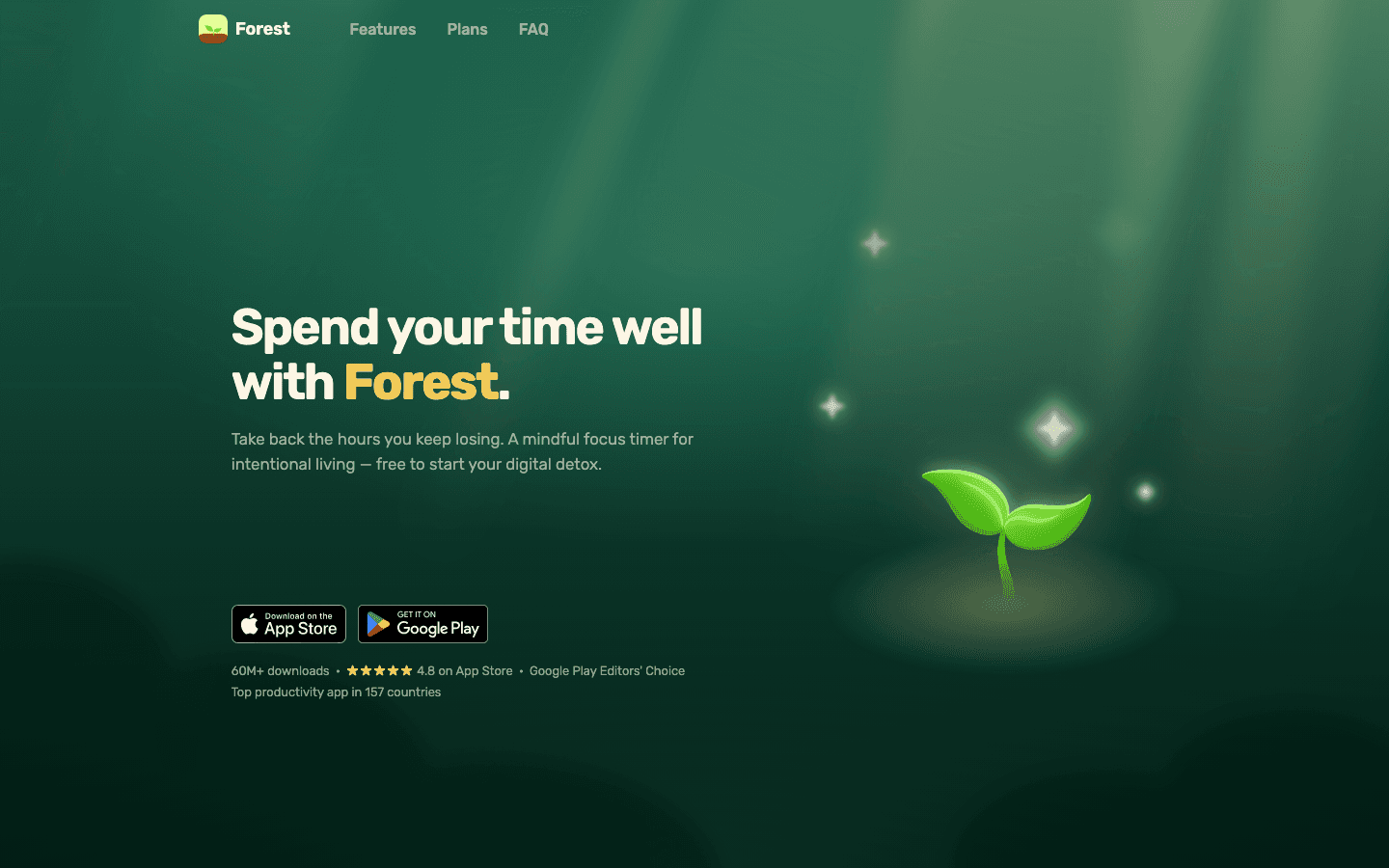
Forest is a Pomodoro timer where a virtual tree grows while you focus. Leave the app to check social media and the tree dies. It is a light gamification layer over the standard interval timer, but the "I'll kill my tree" friction is often enough to break the reflex of phone-checking that interrupts most focus sessions.
Sessions run from 10 to 120 minutes. Coins earned from completed sessions can fund real-tree planting through a partner program. Forest works well as part of a broader ADHD focus app stack, particularly for people whose main distraction is the phone rather than task anxiety or poor scheduling.
Gamified Pomodoro with configurable interval length
Blocks phone use during active sessions
iOS, Android, Chrome extension
Real-tree planting partnership
What Works: The commitment mechanism for phone distraction is genuine. Many users find the tree-killing cost enough to change behavior where willpower alone has not.
Limitations: No energy awareness or calendar integration. Works best when phone distraction is the core problem, not scheduling or task initiation.
Pricing: Free with Forest Plus at $5.99/month or $35.99/year.
Best for: Anyone whose focus sessions get derailed by reflexive phone checking. Strong for students and anyone who works with their phone nearby.
3. Be Focused
For a clean, no-friction Pomodoro timer on iOS and Mac
Be Focused is a configurable Pomodoro timer for iOS and Mac, with iCloud sync between devices. You define work intervals, short breaks, and long breaks, set a target number of intervals for a task, and the app counts them down. No gamification, no social features, no subscription required for the basic timer.
The Pro version adds task management, history tracking, and configurable sounds. Apple Watch integration surfaces the current interval on your wrist without requiring you to check your phone. For a pure interval timer that handles the mechanics well on Apple devices, Be Focused is a clean choice and one of the longest-standing apps in this category.
Configurable work, short break, and long break intervals
Task tracking with target interval counts per task
iCloud sync across iPhone, iPad, Mac, Apple Watch
Session history and productivity reports in Pro
What Works: Clean execution of the Pomodoro format with no unnecessary complexity. The Apple ecosystem integration is well done.
Limitations: iOS and Mac only (no Android or Windows). No calendar integration or scheduling intelligence.
Pricing: Free tier available. Pro at $2.99/month, $19.99/year, or $39.99 lifetime.
Best for: Apple users who want a reliable Pomodoro timer without extra features.
4. Toggl Track
For tracking how your time actually splits across intervals and projects
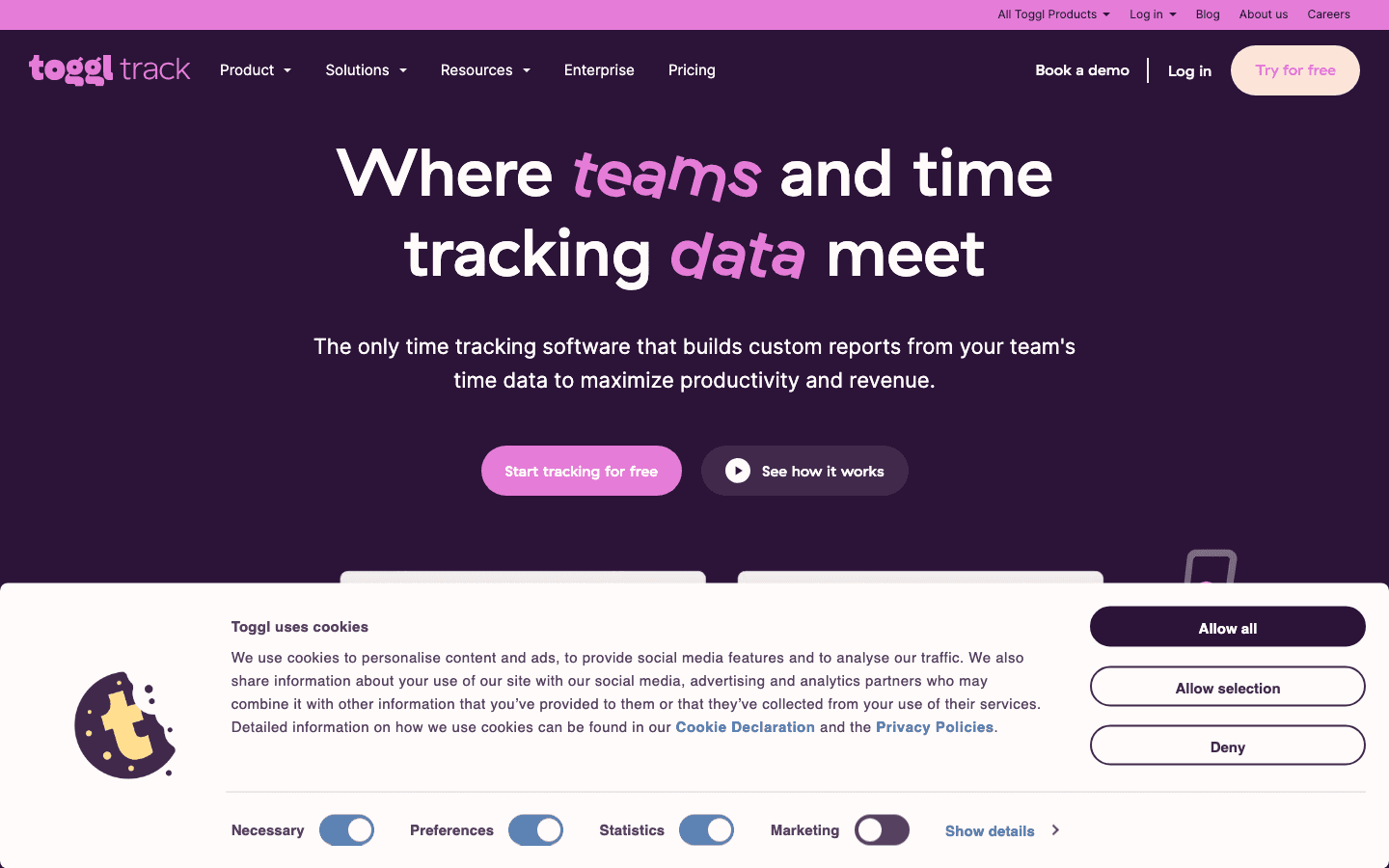
Toggl Track is a time tracker rather than a strict Pomodoro timer, but its core workflow is interval-based: start a timer, work, stop the timer, label the session. Over time it builds a detailed picture of where your hours go by project, client, and task. For knowledge workers and freelancers, this data is useful both for billing and for identifying the actual patterns in your focus versus distraction time.
The free tier is fully functional for personal time tracking. Paid tiers add project management, billable rates, and team features. The deep work tracker use case fits naturally here: Toggl shows you not just how long you worked, but how your intervals are distributed across the day, which reveals patterns you might not otherwise notice.
One-click start/stop timer with project and task labeling
iOS, Android, Mac, Windows, web, and browser extension
Detailed reporting by project, client, and time range
Calendar integration for Outlook and Google Calendar
What Works: The reporting is genuinely useful. Knowing where your time goes is different from guessing, and Toggl makes the data visible without much overhead.
Limitations: Not a focus aid in the Pomodoro sense. It tracks time but does not structure sessions or block distractions. No energy awareness.
Pricing: Free for individuals. Starter at $9/user/month ($8.10 billed annually). Premium at $18/user/month.
Best for: Freelancers, consultants, and anyone who needs to track billable hours or understand their actual time distribution across projects.
5. Tiimo
For ADHD users who need visual interval planning, not just a countdown
Tiimo is a visual day planner built for people with ADHD, autism, and other cognitive differences. Your schedule appears as a circular or timeline view with color-coded blocks proportional to their duration, and transitions between tasks trigger customizable visual and audio cues. Rather than just timing a session, Tiimo shows the full shape of your day and where each interval sits within it.
This matters for ADHD time blindness: seeing the day as a visual object makes time feel concrete in a way that a countdown timer alone does not. Tiimo also includes an AI co-planner that helps break down tasks and a subtask generator. For users who have tried Pomodoro timers but found them too abstract, the visual representation often makes the difference. See the Tiimo alternatives guide for a comparison with similar visual planners.
Visual timeline with color-coded, duration-proportional task blocks
Customizable transition cues (visual and audio)
AI subtask generator and co-planner
iOS and Android
What Works: The visual layout makes time tangible. Transition cues reduce the "time passed and I didn't notice" problem that Pomodoro timers alone don't address for ADHD users.
Limitations: iOS and Android only. No desktop app. No energy-awareness or calendar auto-scheduling.
Pricing: Free tier available. Pro from $7/month or ~$54/year (7-day free trial).
Best for: ADHD users who respond better to visual representations of time than countdowns, and anyone who has found Pomodoro timers too abstract to stick with.
Which Time Interval App Is Right for You?
You need intervals scheduled at your energy peaks: Lifestack
Your phone is the main distraction during sessions: Forest
You want a clean Pomodoro timer for Apple devices: Be Focused
You need to track billable hours or project time: Toggl Track
You think in visuals, not countdowns: Tiimo
For most people with ADHD, pairing Lifestack for scheduling with either Forest or Tiimo for the session itself covers both the when and the how of focused intervals. See the staying on task guide for what to do when the interval is running but focus still drifts.
FAQ
What is the best app for time interval work?
The best app depends on where your focus breaks down. If your sessions keep landing at the wrong time of day, Lifestack addresses that with energy-aware scheduling. If phone distraction is the main problem, Forest is effective. If you need a clean Pomodoro countdown for Apple devices, Be Focused is a strong choice. If you prefer visual time representations over countdowns, Tiimo is the best fit. Most people benefit from combining a scheduler like Lifestack with a timer or visual planner rather than relying on one app to do both.
How long should time intervals be for focus work?
The standard Pomodoro interval is 25 minutes with a 5-minute break. This works for many people, but the optimal length depends on your attention span and task type. Complex creative or analytical work often benefits from longer intervals of 45-60 minutes. Routine tasks or anything prone to distraction often works better with 15-20 minute sessions. Experiment with different lengths over two weeks and track which produce the most consistent output before settling on a default.
Do Pomodoro interval apps actually help with focus?
Yes, for most people and most tasks. The evidence for interval-based work is consistent: defined work periods with real breaks produce better sustained output than open-ended blocks. The mechanism is partly psychological (a guaranteed endpoint makes starting easier) and partly structural (the break prevents the attention fatigue that builds in long uninterrupted sessions). For ADHD users specifically, the defined structure reduces the paralysis that open-ended tasks create.
What is the difference between a time tracking app and a Pomodoro timer?
A Pomodoro timer structures your work into fixed intervals with defined breaks. A time tracker like Toggl records how long you spend on tasks and projects for measurement and reporting. Some apps combine both, but they serve different needs. Use a Pomodoro timer when you need help staying on task during a session. Use a time tracker when you need to understand where your hours go across days or weeks.
Can I use a time interval app with an existing calendar?
Yes. Lifestack integrates directly with Google Calendar, Apple Calendar, and Outlook and schedules your intervals into it automatically. Toggl Track connects to Google Calendar and Outlook for tracking. Forest and Be Focused are standalone timers with no calendar integration. For a setup where your focused work intervals appear as calendar blocks, Lifestack is the most direct path.
Time interval apps operate on a simple premise: the brain works better in bounded bursts than in open-ended sessions. A task with no defined endpoint is harder to start and harder to stay on because there is no structure to push against. Give the same task a 25-minute window with a visible timer and the dynamics change. Most people can sustain focus for 25 minutes even when they cannot imagine doing something for "a few hours."
The apps below all use this principle, but they apply it differently. Some are pure Pomodoro timers that do one thing well. Others layer interval logic on top of broader scheduling or time-tracking features. Lifestack adds an energy-awareness layer that makes intervals more effective by placing them in the right windows of your day rather than wherever your calendar happens to be open.
The Pomodoro technique remains the most common interval framework, but interval-based focus is useful even if you do not follow the 25/5 structure strictly. Any defined work period with a real break improves sustained output for most people, and especially for ADHD learners where open-ended tasks create disproportionate starting friction.
Key Takeaways
Time interval apps work best when the break is real and guaranteed before the session starts
Scheduling intervals during energy peaks makes starting easier and output better, not just longer
Pure Pomodoro timers solve a different problem than schedulers that incorporate interval logic
Quick Guide
Lifestack: energy-aware scheduler that places your work intervals during cognitive peaks
Forest: gamified Pomodoro timer that grows a virtual tree while you focus
Be Focused: clean, configurable Pomodoro timer for iOS and Mac
Toggl Track: time tracking built around work sessions with detailed reporting
Tiimo: visual day planner that shows your schedule as color-coded intervals
How We Evaluated
Interval flexibility: can you adjust session length and break length
Visibility: does the timer stay in your peripheral view without requiring you to check it
Cross-device support: phone, desktop, and whether sessions sync
Scheduling integration: does it connect to your calendar or just track time in isolation
ADHD suitability: how well it handles task initiation and distraction
1. Lifestack
For people who need their intervals scheduled at the right time, not just timed
The most common reason time interval apps do not stick is a scheduling problem, not a timer problem. Someone decides to use Pomodoro, sets up the 25-minute blocks, and then uses them during whatever time happens to be free. If that time is a low-energy trough, the sessions feel like a grind and the habit fades. Lifestack addresses this by scheduling your intervals intelligently.
It reads wearable data from Oura, Whoop, Garmin, Apple Watch, or Fitbit and uses your historical energy patterns to auto-schedule tasks into the calendar slots where your cognitive state actually supports the work. Demanding focused-work tasks go in your peak windows. Admin, review, and low-stakes work fill the trough. The intervals happen at the right time by design rather than by luck. See the Lifestack overview for the full explanation of how the scheduling logic works.
Reads wearable data or accepts manual energy ratings
Auto-schedules tasks into peak energy windows
Integrates with Google Calendar, Apple Calendar, Outlook
iOS, Android, and Chrome extension
What Works: Energy-aware scheduling is the differentiator. No other interval app in this list accounts for cognitive state when placing your work blocks.
Limitations: Not a pure Pomodoro timer. Lifestack is a full scheduler, so the setup is higher than downloading a countdown app. Best for people who want a complete daily structure, not just a focus timer.
Pricing: $7/month or $50/year (7-day free trial on annual). iOS, Android, and Chrome.
Best for: People whose interval sessions keep landing at the wrong time of day, and anyone managing ADHD or energy-sensitive work patterns. Also strong for time blocking alongside interval timing.
2. Forest
For people who need a commitment device to stay off their phone during intervals
Forest is a Pomodoro timer where a virtual tree grows while you focus. Leave the app to check social media and the tree dies. It is a light gamification layer over the standard interval timer, but the "I'll kill my tree" friction is often enough to break the reflex of phone-checking that interrupts most focus sessions.
Sessions run from 10 to 120 minutes. Coins earned from completed sessions can fund real-tree planting through a partner program. Forest works well as part of a broader ADHD focus app stack, particularly for people whose main distraction is the phone rather than task anxiety or poor scheduling.
Gamified Pomodoro with configurable interval length
Blocks phone use during active sessions
iOS, Android, Chrome extension
Real-tree planting partnership
What Works: The commitment mechanism for phone distraction is genuine. Many users find the tree-killing cost enough to change behavior where willpower alone has not.
Limitations: No energy awareness or calendar integration. Works best when phone distraction is the core problem, not scheduling or task initiation.
Pricing: Free with Forest Plus at $5.99/month or $35.99/year.
Best for: Anyone whose focus sessions get derailed by reflexive phone checking. Strong for students and anyone who works with their phone nearby.
3. Be Focused
For a clean, no-friction Pomodoro timer on iOS and Mac
Be Focused is a configurable Pomodoro timer for iOS and Mac, with iCloud sync between devices. You define work intervals, short breaks, and long breaks, set a target number of intervals for a task, and the app counts them down. No gamification, no social features, no subscription required for the basic timer.
The Pro version adds task management, history tracking, and configurable sounds. Apple Watch integration surfaces the current interval on your wrist without requiring you to check your phone. For a pure interval timer that handles the mechanics well on Apple devices, Be Focused is a clean choice and one of the longest-standing apps in this category.
Configurable work, short break, and long break intervals
Task tracking with target interval counts per task
iCloud sync across iPhone, iPad, Mac, Apple Watch
Session history and productivity reports in Pro
What Works: Clean execution of the Pomodoro format with no unnecessary complexity. The Apple ecosystem integration is well done.
Limitations: iOS and Mac only (no Android or Windows). No calendar integration or scheduling intelligence.
Pricing: Free tier available. Pro at $2.99/month, $19.99/year, or $39.99 lifetime.
Best for: Apple users who want a reliable Pomodoro timer without extra features.
4. Toggl Track
For tracking how your time actually splits across intervals and projects
Toggl Track is a time tracker rather than a strict Pomodoro timer, but its core workflow is interval-based: start a timer, work, stop the timer, label the session. Over time it builds a detailed picture of where your hours go by project, client, and task. For knowledge workers and freelancers, this data is useful both for billing and for identifying the actual patterns in your focus versus distraction time.
The free tier is fully functional for personal time tracking. Paid tiers add project management, billable rates, and team features. The deep work tracker use case fits naturally here: Toggl shows you not just how long you worked, but how your intervals are distributed across the day, which reveals patterns you might not otherwise notice.
One-click start/stop timer with project and task labeling
iOS, Android, Mac, Windows, web, and browser extension
Detailed reporting by project, client, and time range
Calendar integration for Outlook and Google Calendar
What Works: The reporting is genuinely useful. Knowing where your time goes is different from guessing, and Toggl makes the data visible without much overhead.
Limitations: Not a focus aid in the Pomodoro sense. It tracks time but does not structure sessions or block distractions. No energy awareness.
Pricing: Free for individuals. Starter at $9/user/month ($8.10 billed annually). Premium at $18/user/month.
Best for: Freelancers, consultants, and anyone who needs to track billable hours or understand their actual time distribution across projects.
5. Tiimo
For ADHD users who need visual interval planning, not just a countdown
Tiimo is a visual day planner built for people with ADHD, autism, and other cognitive differences. Your schedule appears as a circular or timeline view with color-coded blocks proportional to their duration, and transitions between tasks trigger customizable visual and audio cues. Rather than just timing a session, Tiimo shows the full shape of your day and where each interval sits within it.
This matters for ADHD time blindness: seeing the day as a visual object makes time feel concrete in a way that a countdown timer alone does not. Tiimo also includes an AI co-planner that helps break down tasks and a subtask generator. For users who have tried Pomodoro timers but found them too abstract, the visual representation often makes the difference. See the Tiimo alternatives guide for a comparison with similar visual planners.
Visual timeline with color-coded, duration-proportional task blocks
Customizable transition cues (visual and audio)
AI subtask generator and co-planner
iOS and Android
What Works: The visual layout makes time tangible. Transition cues reduce the "time passed and I didn't notice" problem that Pomodoro timers alone don't address for ADHD users.
Limitations: iOS and Android only. No desktop app. No energy-awareness or calendar auto-scheduling.
Pricing: Free tier available. Pro from $7/month or ~$54/year (7-day free trial).
Best for: ADHD users who respond better to visual representations of time than countdowns, and anyone who has found Pomodoro timers too abstract to stick with.
Which Time Interval App Is Right for You?
You need intervals scheduled at your energy peaks: Lifestack
Your phone is the main distraction during sessions: Forest
You want a clean Pomodoro timer for Apple devices: Be Focused
You need to track billable hours or project time: Toggl Track
You think in visuals, not countdowns: Tiimo
For most people with ADHD, pairing Lifestack for scheduling with either Forest or Tiimo for the session itself covers both the when and the how of focused intervals. See the staying on task guide for what to do when the interval is running but focus still drifts.
FAQ
What is the best app for time interval work?
The best app depends on where your focus breaks down. If your sessions keep landing at the wrong time of day, Lifestack addresses that with energy-aware scheduling. If phone distraction is the main problem, Forest is effective. If you need a clean Pomodoro countdown for Apple devices, Be Focused is a strong choice. If you prefer visual time representations over countdowns, Tiimo is the best fit. Most people benefit from combining a scheduler like Lifestack with a timer or visual planner rather than relying on one app to do both.
How long should time intervals be for focus work?
The standard Pomodoro interval is 25 minutes with a 5-minute break. This works for many people, but the optimal length depends on your attention span and task type. Complex creative or analytical work often benefits from longer intervals of 45-60 minutes. Routine tasks or anything prone to distraction often works better with 15-20 minute sessions. Experiment with different lengths over two weeks and track which produce the most consistent output before settling on a default.
Do Pomodoro interval apps actually help with focus?
Yes, for most people and most tasks. The evidence for interval-based work is consistent: defined work periods with real breaks produce better sustained output than open-ended blocks. The mechanism is partly psychological (a guaranteed endpoint makes starting easier) and partly structural (the break prevents the attention fatigue that builds in long uninterrupted sessions). For ADHD users specifically, the defined structure reduces the paralysis that open-ended tasks create.
What is the difference between a time tracking app and a Pomodoro timer?
A Pomodoro timer structures your work into fixed intervals with defined breaks. A time tracker like Toggl records how long you spend on tasks and projects for measurement and reporting. Some apps combine both, but they serve different needs. Use a Pomodoro timer when you need help staying on task during a session. Use a time tracker when you need to understand where your hours go across days or weeks.
Can I use a time interval app with an existing calendar?
Yes. Lifestack integrates directly with Google Calendar, Apple Calendar, and Outlook and schedules your intervals into it automatically. Toggl Track connects to Google Calendar and Outlook for tracking. Forest and Be Focused are standalone timers with no calendar integration. For a setup where your focused work intervals appear as calendar blocks, Lifestack is the most direct path.



FOLLOW ON
FOLLOW ON
FOLLOW ON


Copyright 2026 © Lifestack. All rights reserved
Copyright 2026 © Lifestack. All rights reserved

