
App
Best Shared Calendar for Couples in 2026
Best Shared Calendar for Couples in 2026

Shared calendars should solve one problem: both people in a relationship knowing what is happening, when it is happening, and whether they are actually available. In practice, most couples default to texting each other schedule updates or relying on verbal check-ins, which works fine until a double-booking creates a conflict that could have been prevented.
The best shared calendar for couples is the one you both actually use, which means it needs to be easy enough to maintain without feeling like a chore. It also needs to genuinely solve the coordination problem: event visibility, quick adding, and ideally notifications that keep both people informed without creating noise.
We tested six apps for couples who want to stay better synchronized, ranging from free and straightforward to AI-powered and premium. Here is what we found.
Key Takeaways
Google Calendar and Apple Calendar are the best free options and handle basic sharing well for most couples. The gap between free and paid is real but only matters if you need scheduling tools or a more intentional shared experience.
TimeTree is the best purpose-built couples calendar. It is designed specifically for sharing and includes event comments and group chat that generic calendars do not have.
If you want both shared visibility and intelligent daily planning, Lifestack adds AI scheduling on top of your existing shared calendar, so you plan smarter without replacing what already works.
Quick Guide: Best Shared Calendars for Couples
Lifestack: AI planning with shared calendar integration and energy-aware scheduling
Google Calendar: Free, universal, easy sharing with instant cross-device sync
TimeTree: Purpose-built couples and family sharing with event chat
Cozi: Family organizer with shared calendar, grocery lists, and to-do lists
Fantastical: Premium calendar with natural language input and shared scheduling
Apple Calendar: Best for Apple-only households with native device integration
How We Evaluated These Apps
Ease of sharing setup: How quickly can two people start seeing each other's schedules
Cross-platform compatibility: Works on both iOS and Android, not just one ecosystem
Notification quality: Smart alerts that keep both people informed without over-notifying
Free plan usefulness: Does the free tier actually solve the core sharing problem
Extra features: Shared to-do lists, event comments, scheduling tools, AI planning
1. Lifestack: Best for Couples Who Both Want Smart Scheduling
AI planning on top of your shared calendar, not instead of it.

Lifestack takes a different angle from the other apps in this list. Rather than being a shared calendar replacement, it sits on top of your existing calendar setup and adds AI scheduling that actually considers your energy levels, recovery data from wearables (Oura, Whoop, Garmin), and real task priorities. The result is a daily plan that places your most demanding work when you are genuinely at your best, with full visibility into your partner's schedule.
For couples where both people are managing busy individual schedules that also need to coordinate, this combination is more useful than a shared calendar alone. You are not just seeing each other's events. You are building a plan for your day that accounts for when they need you, when you have focus time protected, and what actually needs to get done. The Lifestack overview explains how the energy-aware scheduling model works.
Key Features
Connects to Google Calendar, Todoist, Notion, and other existing tools
AI auto-scheduling based on task priority and wearable recovery data
Full shared calendar visibility within the app
Chrome extension for quick capture and plan review
iOS and Android apps with full editing
What Works
Adds genuine intelligence to your schedule without replacing what already works
Energy-aware planning is the most differentiated feature in the category
Limitations
Not a dedicated couple-sharing app, works best as a planning layer on top of another shared calendar
Best results require both people to be interested in intentional scheduling
Pricing: 7-day free trial, then $7/month, $50/year, or $120 lifetime.
Best for: Couples who both want AI-powered daily planning and energy-aware scheduling on top of a shared calendar.
2. Google Calendar: Best Free Shared Calendar
Free, universal, and works everywhere without setup friction.
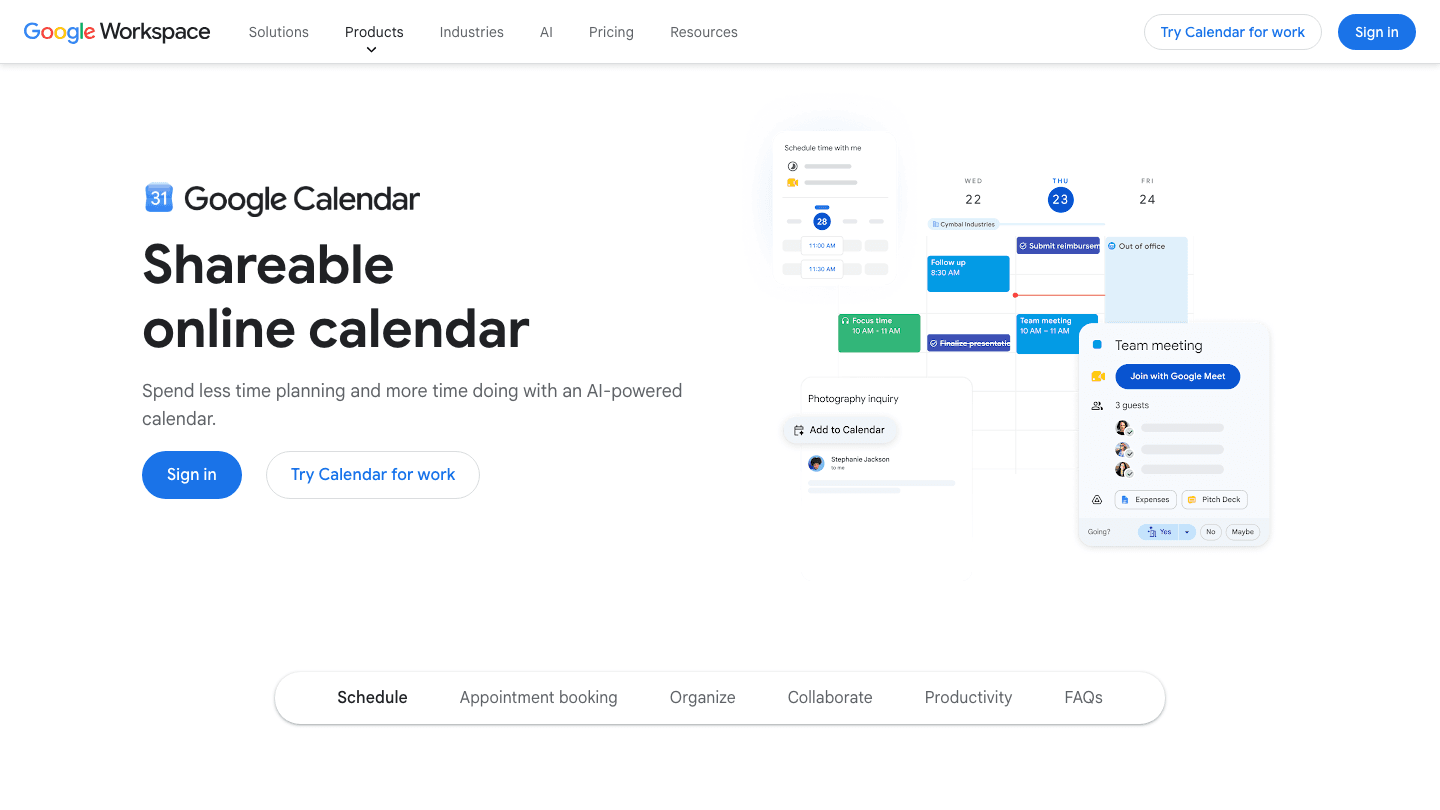
Google Calendar is the default choice for most couples, and for good reason. Sharing a calendar takes under a minute: create a new calendar, share it with your partner's Google account, and you both see each other's events immediately. It works on every device, syncs instantly, and requires no paid subscription for the core sharing features.
The apps that work with Google Calendar are a legitimate consideration here. Because Google Calendar is the integration target for almost every productivity app on the market, whichever planner or task tool you add later will almost certainly sync to it. That flexibility compounds over time. The limitation is that Google Calendar is a tool built for breadth, not couples specifically, so it lacks the event comments, couple-focused notifications, and shared to-do features that purpose-built apps offer. See also: Google Calendar alternatives for when you need more.
Key Features
Instant calendar sharing with any Google account
Works on iOS, Android, web, and syncs to Apple Calendar
Shared calendars with individual color coding
AI scheduling suggestions and meeting booking links (Workspace tiers)
What Works
Zero cost for everything a couple needs for basic shared scheduling
The most widely supported calendar platform by third-party apps
Limitations
No couples-specific features like event chat or shared to-do lists
No energy awareness or intelligent scheduling in the free tier
Pricing: Free for individuals. Workspace plans from $6/user/month add AI features and larger storage.
Best for: Couples who want a free, zero-friction shared calendar that works on every device.
3. TimeTree: Best Purpose-Built Couples Calendar
Designed from the ground up for sharing between couples and families.
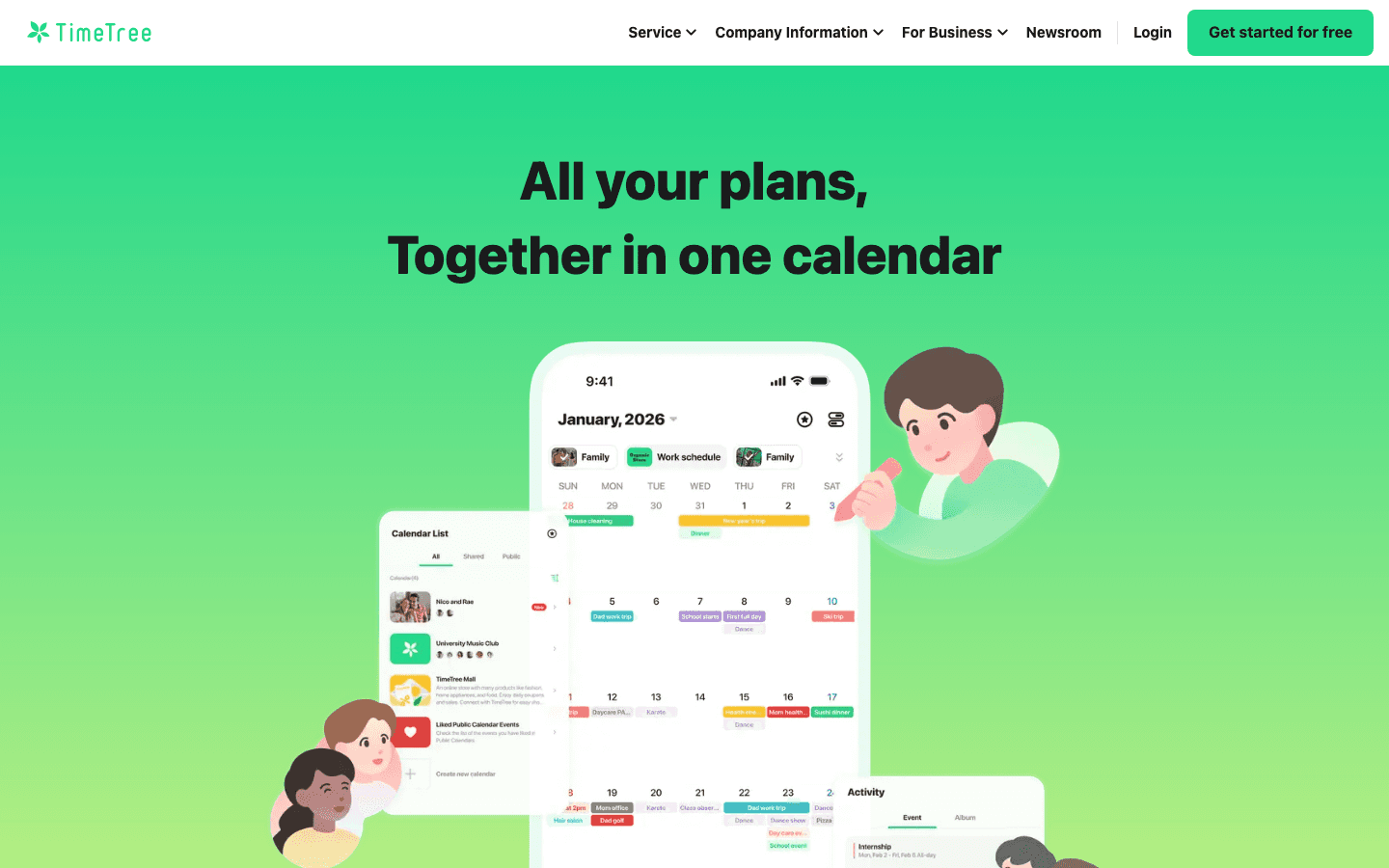
TimeTree is the most couple-focused app in this list. Its primary design metaphor is a shared space, not an individual calendar with sharing bolted on. Each shared calendar has a group chat so you can leave comments on events ("I need to leave by 6pm"), discuss plans, and share photos. Event management is collaborative from the start rather than one-sided visibility into each other's individual calendars.
TimeTree is free for the core features, which is a significant advantage. The free tier includes unlimited shared calendars, unlimited members, group chat, and basic photo sharing. For couples, this is usually everything needed without touching the Premium plan.
Key Features
Shared calendar with built-in group chat per calendar
Event comments and photo sharing tied to specific events
Activity feed showing what each person added or changed
Works on iOS, Android, and web
What Works
The event chat feature is genuinely useful for coordinating around specific plans
The free plan covers everything most couples actually need
Limitations
Less integrated with work tools compared to Google Calendar
No energy awareness or AI scheduling
Pricing: Free | Premium $4.49/month or $44.99/year per user.
Best for: Couples who want a dedicated sharing experience with event chat and activity feeds.
4. Cozi: Best for Couples Who Need Shared Lists Too
Calendar plus grocery lists and to-dos in one shared family hub.
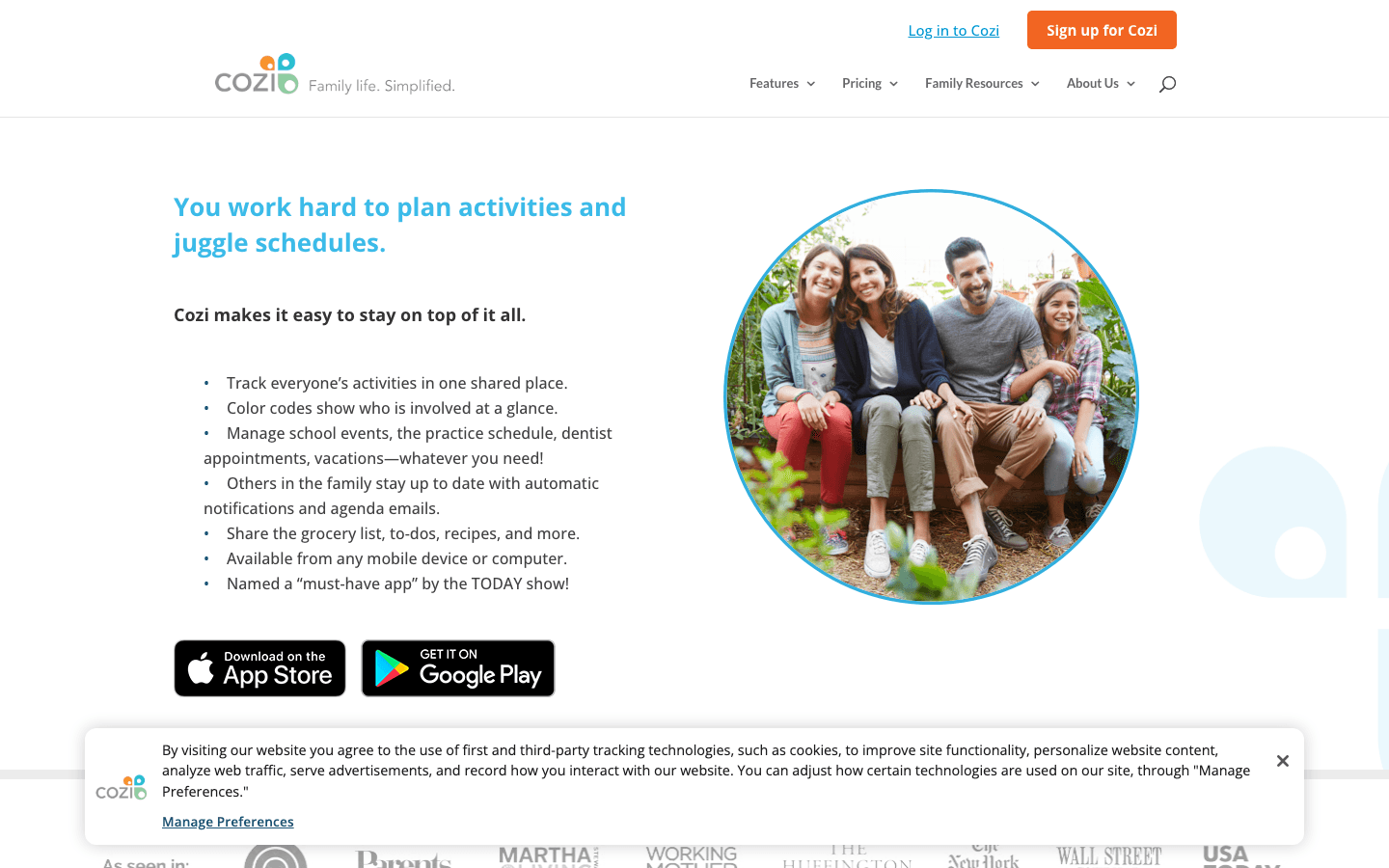
Cozi started as a family organizer and has expanded to handle most of what couples need to coordinate: shared calendar, grocery lists, to-do lists, and a meal planning feature. The color-coded calendar makes it easy to see at a glance whose event is whose, and the shared lists mean you do not need a separate grocery list app alongside your calendar.
Cozi is free, and the free plan is functional. The Gold upgrade (currently $39/year) removes ads, adds enhanced reminders, and improves the month view. For most couples the free plan is sufficient. The family calendar app guide includes Cozi in a broader comparison of family-focused options.
Key Features
Color-coded shared calendar with per-person views
Shared grocery lists synced in real time
Shared to-do lists and meal planner
Agenda emails and reminders
What Works
Combining calendar and lists in one app reduces the number of tools needed
Simple enough that both partners will actually use it
Limitations
Design feels dated compared to TimeTree and Fantastical
No intelligent scheduling or energy awareness
Pricing: Free | Gold $39/year.
Best for: Couples who want a shared calendar plus grocery and to-do lists in one place.
5. Fantastical: Best Premium Calendar for Couples
The most polished calendar experience, with natural language input and shared scheduling.
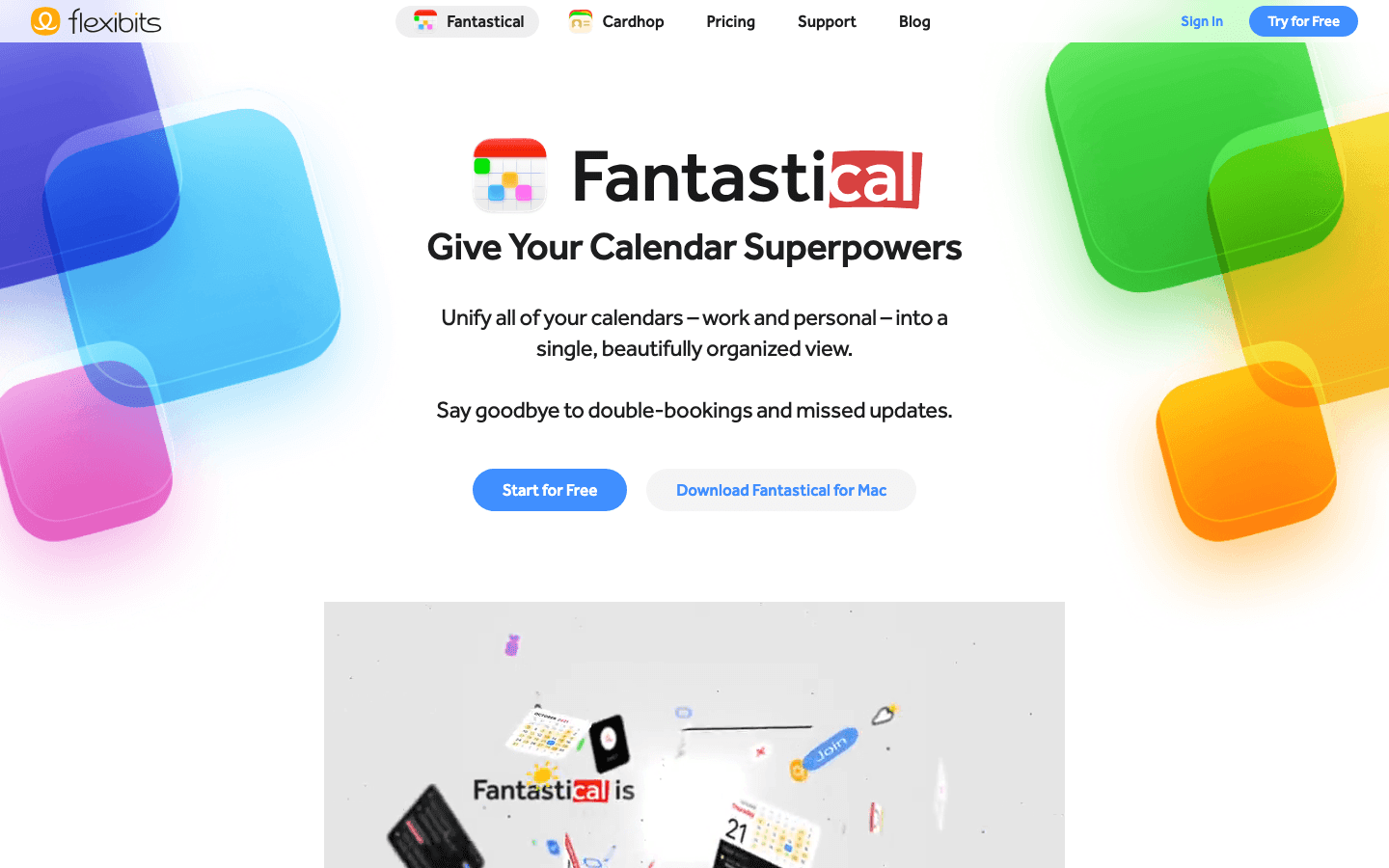
Fantastical is the go-to premium calendar for power users on Apple platforms. Natural language event creation ("dinner with Sophie next Friday at 7pm"), a unified inbox for calendars and tasks, a polished design, and strong integration with iCloud, Google Calendar, and Exchange make it the most capable personal calendar in the market. For the full Fantastical pricing breakdown, we have a dedicated comparison.
For couples, the sharing dynamic works through each person's existing calendar (typically Google or iCloud), which Fantastical displays together in one view. The scheduling link feature lets your partner book time with you easily. The aesthetic calendar apps guide covers Fantastical alongside other visually polished options.
Key Features
Natural language event creation across all platforms
Unified view of multiple calendars including shared ones
Personal scheduling links for easy booking
Weather, tasks, and calendar integration in one view
What Works
The best calendar UI and UX in the market for Apple users
Natural language input is faster than any other method
Limitations
Requires a paid subscription for most valuable features
Best on Apple platforms; Android support is limited
No energy awareness or AI scheduling
Pricing: Free | Individual $4.75/month (billed annually, $56.99/year) or $6.99/month.
Best for: Apple-ecosystem couples who want the most feature-rich, polished calendar experience.
6. Apple Calendar: Best for Apple-Only Couples
Built-in, free, and works flawlessly within the Apple ecosystem.
Apple Calendar requires no download, no subscription, and no setup beyond sharing an iCloud calendar with your partner. For couples where both people are on iPhone and Mac, it is frictionless. Create a shared iCloud calendar, invite your partner, and within seconds both devices show the same events. Siri integration makes adding events quick without opening the app.
The obvious limitation is the ecosystem lock: Apple Calendar does not work well (or at all, in some cases) for Android users. If your partner is on Android, one of the other options in this list is a better fit. For couples where both people are all-in on Apple, it is a perfectly capable shared calendar that costs nothing and requires no ongoing maintenance. The calendar management guide covers how Apple Calendar compares across more use cases.
Key Features
Shared iCloud calendars with instant sync across Apple devices
Siri for fast voice-based event creation
Native integration with Reminders and Maps
Compatible with Google Calendar for cross-platform viewing
What Works
Zero friction for Apple households, no app to download or account to create
Completely free with no upsell
Limitations
Very limited for mixed iPhone/Android couples
No couple-specific features, no shared lists, no event chat
Pricing: Free (built into iOS and macOS).
Best for: Couples where both people are exclusively on Apple devices.
Which Shared Calendar Is Right for Your Relationship?
Both on Apple, want simplicity: Apple Calendar. Free, native, done.
Mixed devices, want free: Google Calendar. Works everywhere, zero cost.
Want a dedicated couple experience: TimeTree. Built for sharing, free tier is excellent.
Want calendar plus grocery and task lists: Cozi. One app for coordination.
Both on Apple, want the best experience: Fantastical. Premium but worth it for power users.
Both want AI-powered daily planning: Lifestack. Goes beyond scheduling to intelligent planning around your real energy and priorities.
FAQ: Shared Calendar for Couples
What is the best free shared calendar for couples?
Google Calendar and TimeTree are the best free options. Google Calendar wins on compatibility (works on all devices and integrates with everything) while TimeTree wins on couple-specific features (event chat, activity feed, purpose-built sharing design). If you and your partner use different phone platforms, Google Calendar is the safer choice. If you both want a dedicated sharing experience, TimeTree is the better design for that purpose.
Can couples use Google Calendar together?
Yes. Create a new calendar in Google Calendar, go to its settings, and share it with your partner's Google account. They can choose to view only, add and edit events, or manage sharing settings. Events added to the shared calendar appear on both people's calendars immediately. The setup takes less than two minutes and works across all devices including iPhone, Android, and desktop browsers.
What shared calendar works between iPhone and Android?
Google Calendar is the best cross-platform option. It has native apps for both iOS and Android and syncs events in real time. TimeTree and Cozi also work across both platforms. Apple Calendar, by contrast, is designed for Apple devices and does not have an Android app, making it a poor choice for mixed-platform couples.
Is there a calendar app specifically designed for couples?
TimeTree is the closest to a purpose-built couples calendar. It offers shared calendars with event comments, group chat, activity feeds, and a design oriented around sharing rather than individual scheduling. Cupla is another couples-focused option that adds relationship milestones and date planning. Both are free to start.
How do couples use Lifestack together?
Each person connects their own wearable and task list to Lifestack. The app reads your shared calendar (via Google Calendar or iCloud) for time constraints, then builds each person's daily plan around their individual energy and priorities. You each see when the other is scheduled while getting your own AI-generated daily plan. It is less a "couple's app" and more two people individually planning smarter with shared schedule visibility. See the best scheduling apps guide for more context on where Lifestack fits.
Shared calendars should solve one problem: both people in a relationship knowing what is happening, when it is happening, and whether they are actually available. In practice, most couples default to texting each other schedule updates or relying on verbal check-ins, which works fine until a double-booking creates a conflict that could have been prevented.
The best shared calendar for couples is the one you both actually use, which means it needs to be easy enough to maintain without feeling like a chore. It also needs to genuinely solve the coordination problem: event visibility, quick adding, and ideally notifications that keep both people informed without creating noise.
We tested six apps for couples who want to stay better synchronized, ranging from free and straightforward to AI-powered and premium. Here is what we found.
Key Takeaways
Google Calendar and Apple Calendar are the best free options and handle basic sharing well for most couples. The gap between free and paid is real but only matters if you need scheduling tools or a more intentional shared experience.
TimeTree is the best purpose-built couples calendar. It is designed specifically for sharing and includes event comments and group chat that generic calendars do not have.
If you want both shared visibility and intelligent daily planning, Lifestack adds AI scheduling on top of your existing shared calendar, so you plan smarter without replacing what already works.
Quick Guide: Best Shared Calendars for Couples
Lifestack: AI planning with shared calendar integration and energy-aware scheduling
Google Calendar: Free, universal, easy sharing with instant cross-device sync
TimeTree: Purpose-built couples and family sharing with event chat
Cozi: Family organizer with shared calendar, grocery lists, and to-do lists
Fantastical: Premium calendar with natural language input and shared scheduling
Apple Calendar: Best for Apple-only households with native device integration
How We Evaluated These Apps
Ease of sharing setup: How quickly can two people start seeing each other's schedules
Cross-platform compatibility: Works on both iOS and Android, not just one ecosystem
Notification quality: Smart alerts that keep both people informed without over-notifying
Free plan usefulness: Does the free tier actually solve the core sharing problem
Extra features: Shared to-do lists, event comments, scheduling tools, AI planning
1. Lifestack: Best for Couples Who Both Want Smart Scheduling
AI planning on top of your shared calendar, not instead of it.
Lifestack takes a different angle from the other apps in this list. Rather than being a shared calendar replacement, it sits on top of your existing calendar setup and adds AI scheduling that actually considers your energy levels, recovery data from wearables (Oura, Whoop, Garmin), and real task priorities. The result is a daily plan that places your most demanding work when you are genuinely at your best, with full visibility into your partner's schedule.
For couples where both people are managing busy individual schedules that also need to coordinate, this combination is more useful than a shared calendar alone. You are not just seeing each other's events. You are building a plan for your day that accounts for when they need you, when you have focus time protected, and what actually needs to get done. The Lifestack overview explains how the energy-aware scheduling model works.
Key Features
Connects to Google Calendar, Todoist, Notion, and other existing tools
AI auto-scheduling based on task priority and wearable recovery data
Full shared calendar visibility within the app
Chrome extension for quick capture and plan review
iOS and Android apps with full editing
What Works
Adds genuine intelligence to your schedule without replacing what already works
Energy-aware planning is the most differentiated feature in the category
Limitations
Not a dedicated couple-sharing app, works best as a planning layer on top of another shared calendar
Best results require both people to be interested in intentional scheduling
Pricing: 7-day free trial, then $7/month, $50/year, or $120 lifetime.
Best for: Couples who both want AI-powered daily planning and energy-aware scheduling on top of a shared calendar.
2. Google Calendar: Best Free Shared Calendar
Free, universal, and works everywhere without setup friction.
Google Calendar is the default choice for most couples, and for good reason. Sharing a calendar takes under a minute: create a new calendar, share it with your partner's Google account, and you both see each other's events immediately. It works on every device, syncs instantly, and requires no paid subscription for the core sharing features.
The apps that work with Google Calendar are a legitimate consideration here. Because Google Calendar is the integration target for almost every productivity app on the market, whichever planner or task tool you add later will almost certainly sync to it. That flexibility compounds over time. The limitation is that Google Calendar is a tool built for breadth, not couples specifically, so it lacks the event comments, couple-focused notifications, and shared to-do features that purpose-built apps offer. See also: Google Calendar alternatives for when you need more.
Key Features
Instant calendar sharing with any Google account
Works on iOS, Android, web, and syncs to Apple Calendar
Shared calendars with individual color coding
AI scheduling suggestions and meeting booking links (Workspace tiers)
What Works
Zero cost for everything a couple needs for basic shared scheduling
The most widely supported calendar platform by third-party apps
Limitations
No couples-specific features like event chat or shared to-do lists
No energy awareness or intelligent scheduling in the free tier
Pricing: Free for individuals. Workspace plans from $6/user/month add AI features and larger storage.
Best for: Couples who want a free, zero-friction shared calendar that works on every device.
3. TimeTree: Best Purpose-Built Couples Calendar
Designed from the ground up for sharing between couples and families.
TimeTree is the most couple-focused app in this list. Its primary design metaphor is a shared space, not an individual calendar with sharing bolted on. Each shared calendar has a group chat so you can leave comments on events ("I need to leave by 6pm"), discuss plans, and share photos. Event management is collaborative from the start rather than one-sided visibility into each other's individual calendars.
TimeTree is free for the core features, which is a significant advantage. The free tier includes unlimited shared calendars, unlimited members, group chat, and basic photo sharing. For couples, this is usually everything needed without touching the Premium plan.
Key Features
Shared calendar with built-in group chat per calendar
Event comments and photo sharing tied to specific events
Activity feed showing what each person added or changed
Works on iOS, Android, and web
What Works
The event chat feature is genuinely useful for coordinating around specific plans
The free plan covers everything most couples actually need
Limitations
Less integrated with work tools compared to Google Calendar
No energy awareness or AI scheduling
Pricing: Free | Premium $4.49/month or $44.99/year per user.
Best for: Couples who want a dedicated sharing experience with event chat and activity feeds.
4. Cozi: Best for Couples Who Need Shared Lists Too
Calendar plus grocery lists and to-dos in one shared family hub.
Cozi started as a family organizer and has expanded to handle most of what couples need to coordinate: shared calendar, grocery lists, to-do lists, and a meal planning feature. The color-coded calendar makes it easy to see at a glance whose event is whose, and the shared lists mean you do not need a separate grocery list app alongside your calendar.
Cozi is free, and the free plan is functional. The Gold upgrade (currently $39/year) removes ads, adds enhanced reminders, and improves the month view. For most couples the free plan is sufficient. The family calendar app guide includes Cozi in a broader comparison of family-focused options.
Key Features
Color-coded shared calendar with per-person views
Shared grocery lists synced in real time
Shared to-do lists and meal planner
Agenda emails and reminders
What Works
Combining calendar and lists in one app reduces the number of tools needed
Simple enough that both partners will actually use it
Limitations
Design feels dated compared to TimeTree and Fantastical
No intelligent scheduling or energy awareness
Pricing: Free | Gold $39/year.
Best for: Couples who want a shared calendar plus grocery and to-do lists in one place.
5. Fantastical: Best Premium Calendar for Couples
The most polished calendar experience, with natural language input and shared scheduling.
Fantastical is the go-to premium calendar for power users on Apple platforms. Natural language event creation ("dinner with Sophie next Friday at 7pm"), a unified inbox for calendars and tasks, a polished design, and strong integration with iCloud, Google Calendar, and Exchange make it the most capable personal calendar in the market. For the full Fantastical pricing breakdown, we have a dedicated comparison.
For couples, the sharing dynamic works through each person's existing calendar (typically Google or iCloud), which Fantastical displays together in one view. The scheduling link feature lets your partner book time with you easily. The aesthetic calendar apps guide covers Fantastical alongside other visually polished options.
Key Features
Natural language event creation across all platforms
Unified view of multiple calendars including shared ones
Personal scheduling links for easy booking
Weather, tasks, and calendar integration in one view
What Works
The best calendar UI and UX in the market for Apple users
Natural language input is faster than any other method
Limitations
Requires a paid subscription for most valuable features
Best on Apple platforms; Android support is limited
No energy awareness or AI scheduling
Pricing: Free | Individual $4.75/month (billed annually, $56.99/year) or $6.99/month.
Best for: Apple-ecosystem couples who want the most feature-rich, polished calendar experience.
6. Apple Calendar: Best for Apple-Only Couples
Built-in, free, and works flawlessly within the Apple ecosystem.
Apple Calendar requires no download, no subscription, and no setup beyond sharing an iCloud calendar with your partner. For couples where both people are on iPhone and Mac, it is frictionless. Create a shared iCloud calendar, invite your partner, and within seconds both devices show the same events. Siri integration makes adding events quick without opening the app.
The obvious limitation is the ecosystem lock: Apple Calendar does not work well (or at all, in some cases) for Android users. If your partner is on Android, one of the other options in this list is a better fit. For couples where both people are all-in on Apple, it is a perfectly capable shared calendar that costs nothing and requires no ongoing maintenance. The calendar management guide covers how Apple Calendar compares across more use cases.
Key Features
Shared iCloud calendars with instant sync across Apple devices
Siri for fast voice-based event creation
Native integration with Reminders and Maps
Compatible with Google Calendar for cross-platform viewing
What Works
Zero friction for Apple households, no app to download or account to create
Completely free with no upsell
Limitations
Very limited for mixed iPhone/Android couples
No couple-specific features, no shared lists, no event chat
Pricing: Free (built into iOS and macOS).
Best for: Couples where both people are exclusively on Apple devices.
Which Shared Calendar Is Right for Your Relationship?
Both on Apple, want simplicity: Apple Calendar. Free, native, done.
Mixed devices, want free: Google Calendar. Works everywhere, zero cost.
Want a dedicated couple experience: TimeTree. Built for sharing, free tier is excellent.
Want calendar plus grocery and task lists: Cozi. One app for coordination.
Both on Apple, want the best experience: Fantastical. Premium but worth it for power users.
Both want AI-powered daily planning: Lifestack. Goes beyond scheduling to intelligent planning around your real energy and priorities.
FAQ: Shared Calendar for Couples
What is the best free shared calendar for couples?
Google Calendar and TimeTree are the best free options. Google Calendar wins on compatibility (works on all devices and integrates with everything) while TimeTree wins on couple-specific features (event chat, activity feed, purpose-built sharing design). If you and your partner use different phone platforms, Google Calendar is the safer choice. If you both want a dedicated sharing experience, TimeTree is the better design for that purpose.
Can couples use Google Calendar together?
Yes. Create a new calendar in Google Calendar, go to its settings, and share it with your partner's Google account. They can choose to view only, add and edit events, or manage sharing settings. Events added to the shared calendar appear on both people's calendars immediately. The setup takes less than two minutes and works across all devices including iPhone, Android, and desktop browsers.
What shared calendar works between iPhone and Android?
Google Calendar is the best cross-platform option. It has native apps for both iOS and Android and syncs events in real time. TimeTree and Cozi also work across both platforms. Apple Calendar, by contrast, is designed for Apple devices and does not have an Android app, making it a poor choice for mixed-platform couples.
Is there a calendar app specifically designed for couples?
TimeTree is the closest to a purpose-built couples calendar. It offers shared calendars with event comments, group chat, activity feeds, and a design oriented around sharing rather than individual scheduling. Cupla is another couples-focused option that adds relationship milestones and date planning. Both are free to start.
How do couples use Lifestack together?
Each person connects their own wearable and task list to Lifestack. The app reads your shared calendar (via Google Calendar or iCloud) for time constraints, then builds each person's daily plan around their individual energy and priorities. You each see when the other is scheduled while getting your own AI-generated daily plan. It is less a "couple's app" and more two people individually planning smarter with shared schedule visibility. See the best scheduling apps guide for more context on where Lifestack fits.



FOLLOW ON
FOLLOW ON
FOLLOW ON


Copyright 2026 © Lifestack. All rights reserved
Copyright 2026 © Lifestack. All rights reserved

