
App
Best Focus Apps in 2026: 5 Tools Tested
Best Focus Apps in 2026: 5 Tools Tested

The Freedom focus app is one of the most searched tools in productivity right now, and for good reason: distraction has become the default state for most people working on a screen. But blocking distractions is only half the equation. You still need to know what to focus on once the distractions are gone.
We tested five of the best focus apps in 2026, covering everything from AI-powered scheduling to gamified timers to aggressive website blockers. Each one targets a different layer of the focus problem, and the right pick depends on where your breakdown actually happens.
If you are specifically looking for apps that block websites and apps, Freedom leads that category. But if the issue is not having a clear plan for your focused time, the tools lower on this list do the deeper work. For a broader look at work focusing tools, our full comparison covers more options across categories.
Key Takeaways
Freedom is the best dedicated distraction blocker, but it does not solve the problem of knowing what to do with focused time
Lifestack addresses focus at the planning layer by scheduling deep work around your natural energy peaks
Forest is the best pick for short focus sessions; Opal is the best always-on iPhone screen time tool
Quick Guide: Best Focus Apps 2026
Lifestack (from $7/month): best for energy-aware deep work scheduling
Freedom (free, Premium from $3.33/month): best dedicated distraction blocker
Forest (free, Plus from $5.99/month): best gamified focus timer
Opal (free, Pro from $8.29/month): best always-on iPhone screen time control
RescueTime (from $7/month): best for understanding where your time actually goes
How We Evaluated
Does it address the root cause of distraction or just block symptoms?
Cross-device support (Mac, Windows, iPhone, Android)
Ease of use and setup friction
Free vs paid feature split
Whether it complements or replaces other focus tools
1. Lifestack
Best for building a focused daily plan around your actual energy, not just blocking sites.

Lifestack is an AI-powered daily planner that schedules your tasks and deep work sessions around your energy level, not just around empty time slots. If your best focus window is 9am to 11am, Lifestack learns that pattern and protects it, pushing low-energy tasks like email to the afternoon.
This is a different layer than Freedom or Opal. Those apps block access to distracting content. Lifestack answers the question that comes before: when should I focus, and on what? Without a clear answer to that question, lifting a block just returns you to an empty calendar.
The energy calendar approach Lifestack uses is particularly effective for people who notice their focus varies significantly across the day. It integrates with Apple Health, Google Health, and Garmin, so if you wear a fitness tracker, your health data informs your schedule automatically.
AI schedules deep work blocks around energy peaks
Integrates with Google Calendar, Apple Calendar, and health wearables
Available on iPhone, Android, and as a Chrome extension
Pulls task lists from Todoist, Google Tasks, and other tools
Does not block websites or apps directly (pair with Freedom for that)
Requires some time to learn your energy patterns before scheduling becomes precise
Pricing: $7/month or $50/year (7-day free trial on annual plan)
Best for: Anyone who struggles to decide what to work on during focused sessions, not just how to block distractions
2. Freedom
The most reliable distraction blocker across all your devices at once.
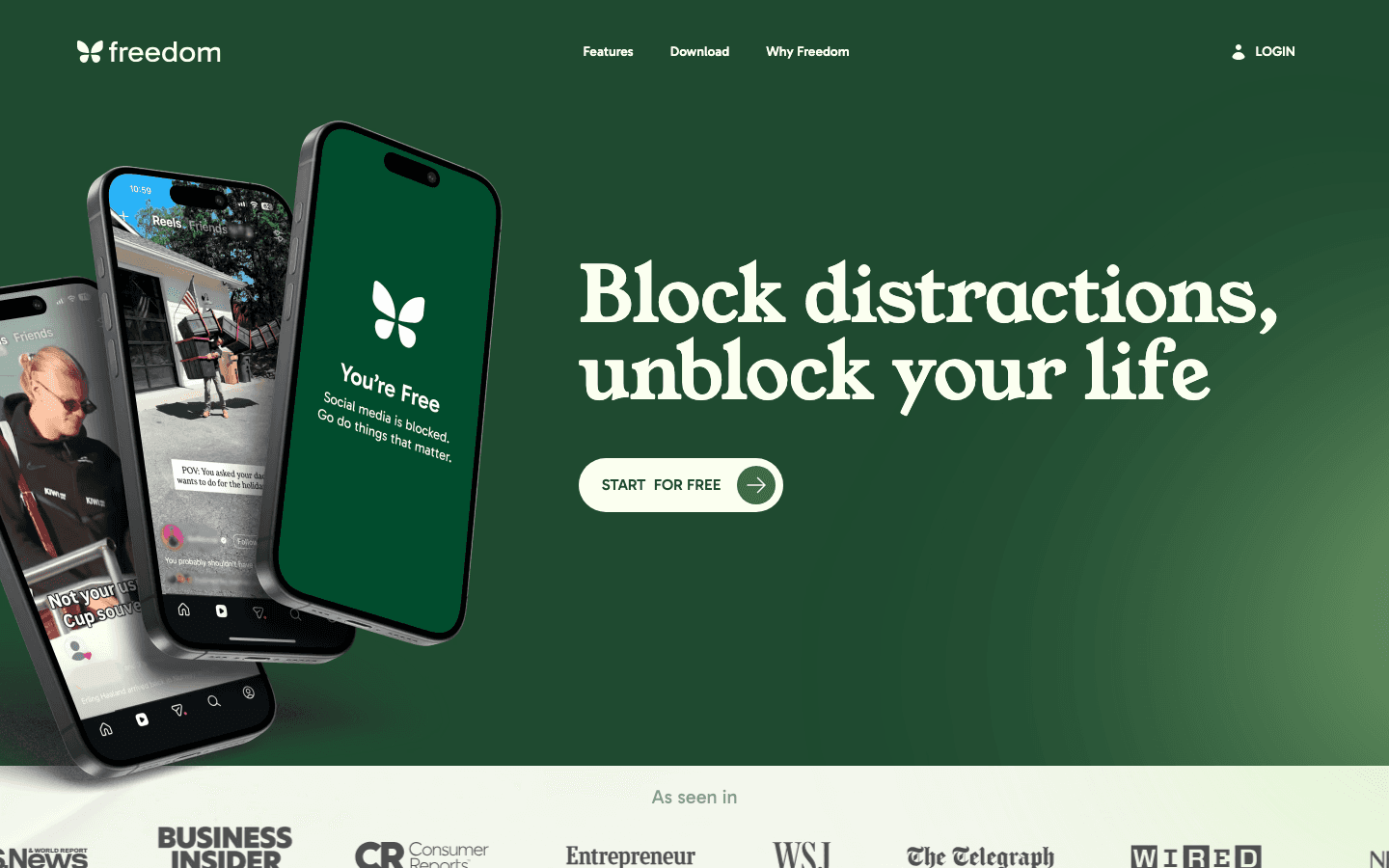
Freedom is the most popular focus and distraction blocking app with 4 million users across Mac, Windows, iOS, Android, and Chrome. Its biggest strength is cross-device sync: when you start a block session on your Mac, it locks your phone at the same time. Most competing blockers only work on one device.
The Locked Mode is the feature that makes Freedom genuinely effective. Once a session starts in locked mode, you cannot cancel it early, even by restarting the device. That commitment mechanism is what separates Freedom from softer alternatives that fold the moment willpower drops.
Blocks apps and websites across Mac, Windows, iPhone, Android simultaneously
Locked Mode prevents canceling sessions once started
Schedule recurring sessions (block Instagram every weekday morning, for example)
Free plan available with basic blocking
Does not tell you what to do during blocked time
Advanced scheduling requires Premium
Pricing: Free plan available. Premium from $3.33/month (annual) or $8.99/month. Lifetime option at $99.50.
Best for: People who need to forcefully remove access to distracting apps and websites across all devices during work sessions
3. Forest
The best option for short-session focus using a gamified timer.
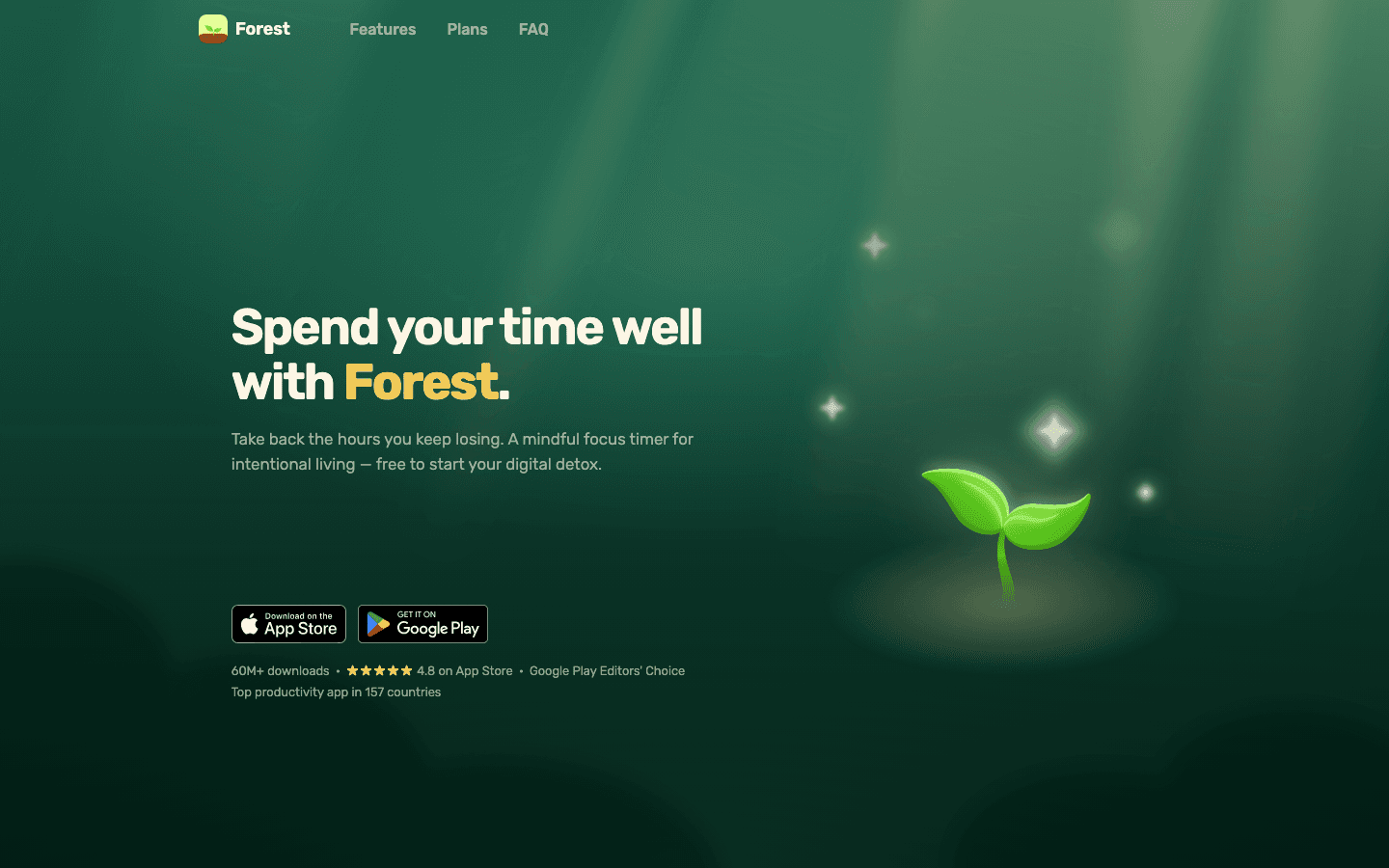
Forest gamifies focus sessions by growing a virtual tree while your phone stays face down. Leave the app and the tree dies. Over time, your completed sessions accumulate into a forest, and the app donates real trees to a global reforestation project through its coin system.
Forest is most effective for people doing short focused bursts of 25-50 minutes. The visual reward of a growing tree is a surprisingly effective accountability mechanism. It does not block other apps by default on iOS (Apple's restrictions prevent that without the Plus subscription), but the "stay in app" commitment still works as a soft lock.
Gamified timer with real-world tree planting
Free to start with no time limit on sessions
Plus subscription adds app blocking on Android and focus analytics
Simple and low-friction to start
iOS app blocking requires Plus subscription
Works best for defined-length sessions, not full-day focus
Pricing: Free. Plus from $5.99/month or ~$32/year.
Best for: People who respond well to visual rewards and want a lightweight focus timer for shorter work sessions
4. Opal
The best always-on screen time controller for iPhone.
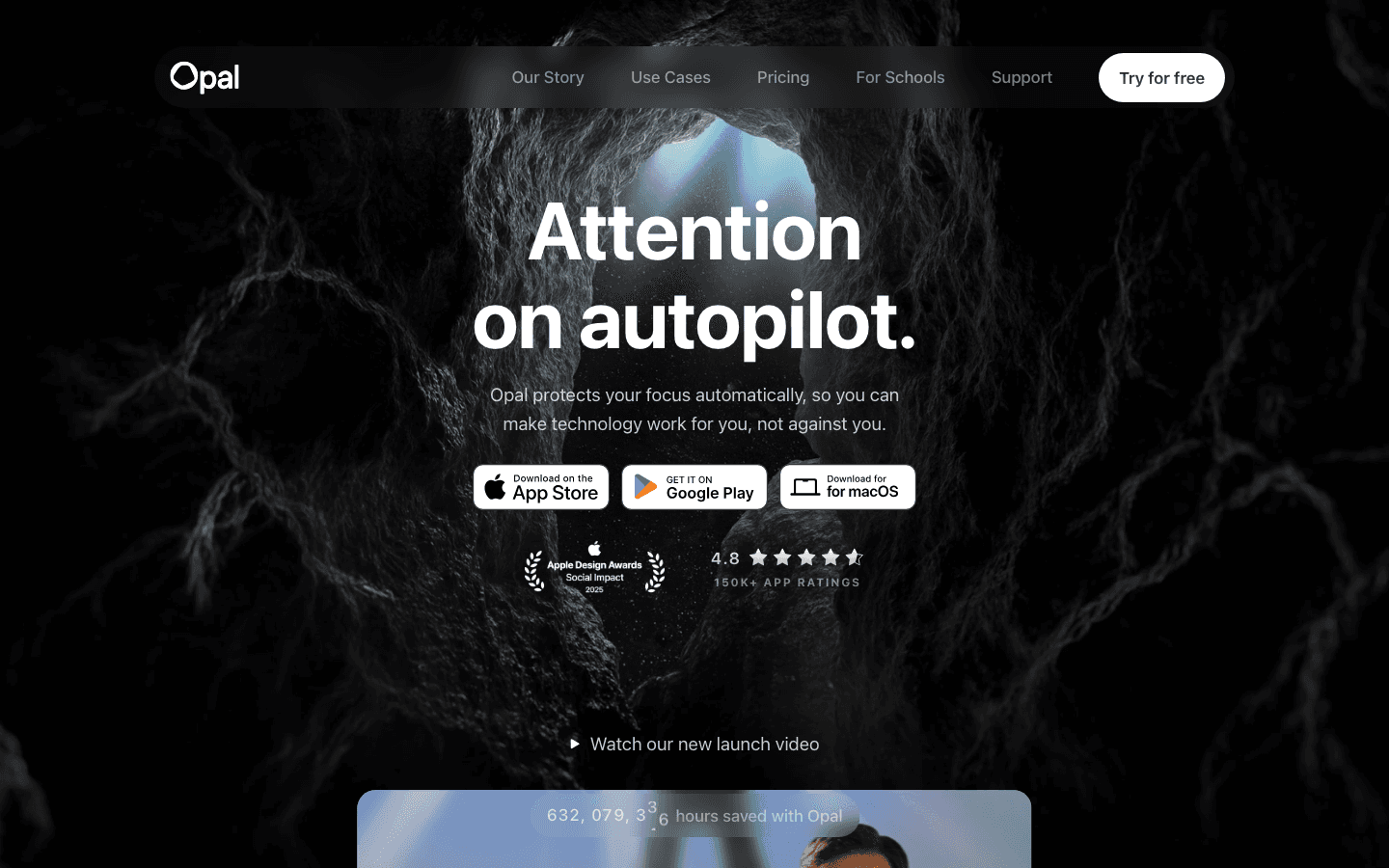
Opal uses Apple's Screen Time API to block distracting apps directly within iOS, without requiring a separate device or browser. You create Rules (not just one-off sessions) that block specific apps on a schedule. Hard Mode makes rules impossible to override without a 24-hour waiting period.
It runs continuously in the background, which is the key difference from session-based tools like Forest. Opal is designed for people who want always-on protection rather than deliberate session triggers. The free plan gives you one Rule, which is enough for most people to block their biggest distraction app (usually Instagram or TikTok). ADHD-specific focus tools often pair well with Opal's persistent blocking.
Deep iOS integration via Screen Time API
Hard Mode prevents overriding blocks without a 24-hour delay
Opal Score tracks focus trends over time
Free plan includes one blocking Rule
iOS only (no desktop or Android version)
Unlimited Rules require Pro at $8.29/month annual
Pricing: Free (1 Rule). Pro from $8.29/month (annual) or $19.99/month. Lifetime at $399.
Best for: iPhone users who want always-on distraction blocking baked into iOS rather than a separate session-based app
5. RescueTime
Best for understanding where your time actually goes before making changes.
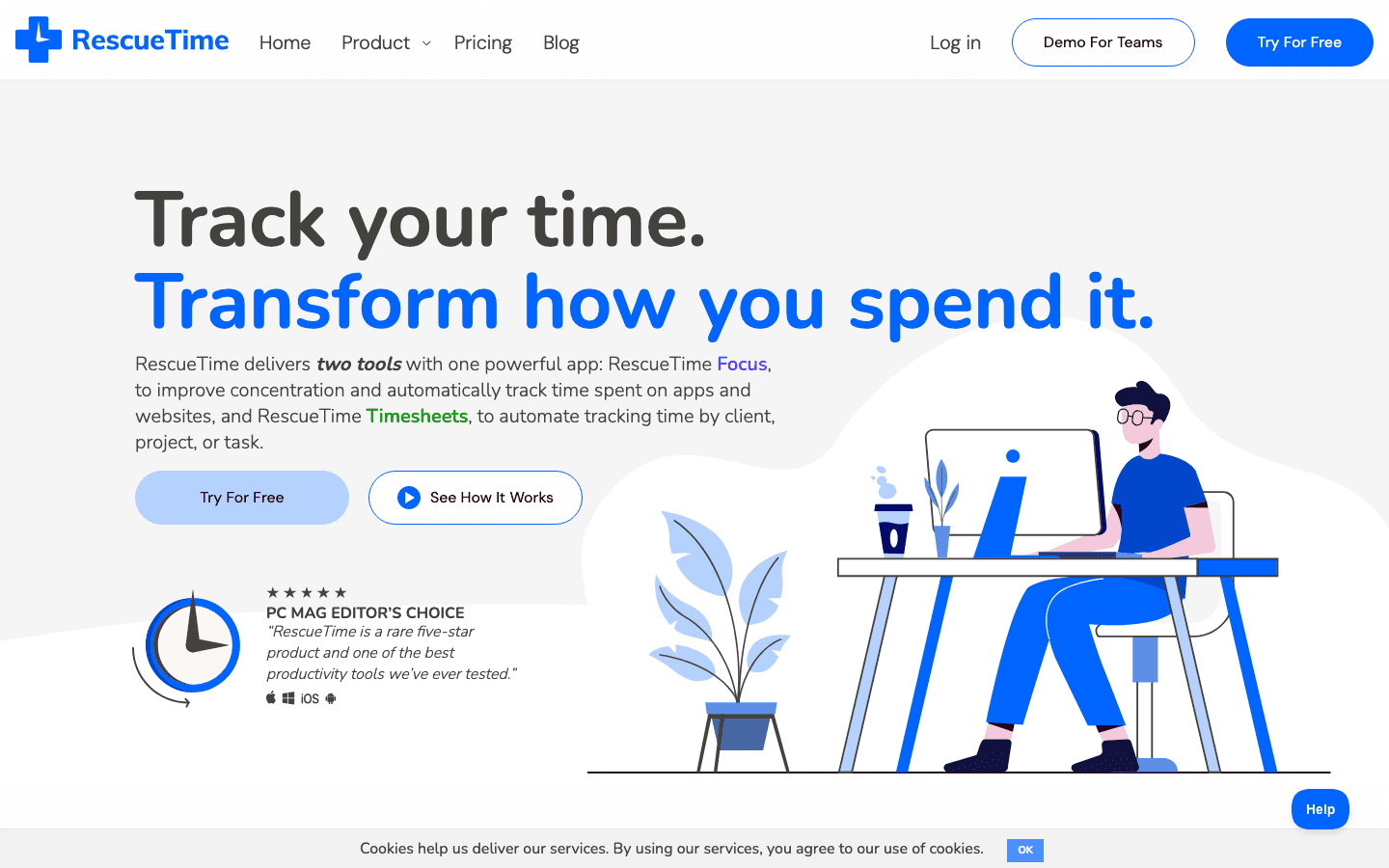
RescueTime runs in the background and logs every app and website you use, then categorizes it as productive or distracting. Unlike the other tools here, RescueTime's primary job is diagnosis, not blocking. The data it surfaces often surprises people who believe they are focused but are actually spending significant time in low-value apps.
The Focus plan adds the ability to block distracting sites during focus sessions, making it a two-in-one tool. For anyone who wants data before committing to a blocking strategy, start with RescueTime's free Lite plan for two weeks, see where your time goes, and then decide which blocker addresses the actual problem. This pairs well with a time-blocking app once you know which hours are most vulnerable.
Passive tracking shows where time actually goes
Focus plan adds active website blocking
Works on Mac, Windows, Chrome, Android
14-day free trial on paid plans
Limited iOS support compared to desktop
Free Lite plan has limited features
Pricing: Lite plan free. Focus from $7/month (annual). 14-day free trial.
Best for: People who want to understand their attention patterns before investing in a blocking tool
Which Focus App Is Right for You?
You do not know what to work on during focused time: Lifestack
You need to cut off access to distracting apps across all devices: Freedom
You want a lightweight timer with a visual reward: Forest
You use iPhone and want always-on blocking: Opal
You want to understand your attention patterns first: RescueTime
The most effective setup for serious deep work combines two layers: a planner like Lifestack to set your focused schedule, and a blocker like Freedom to protect it. Neither one alone covers the full problem. For more on focus apps specifically for Mac, our dedicated Mac guide has additional picks.
FAQ
What is the Freedom focus app?
Freedom (freedom.to) is a distraction-blocking app that runs across Mac, Windows, iPhone, and Android simultaneously. It blocks websites and apps during scheduled or manual focus sessions. Its Locked Mode prevents canceling a session once it starts, making it one of the most effective commitment devices for cutting off distractions. It has a free plan and a Premium tier from $3.33/month.
Is Freedom app free?
Yes, Freedom has a free plan that includes basic app and website blocking across multiple devices. The free plan is limited in session length and does not include scheduling, recurring sessions, or Locked Mode. Premium unlocks those features at $3.33/month (annual) or $8.99/month. There is also a lifetime option at $99.50.
What is the best app to stay focused at work?
The best app depends on where your focus problem actually starts. If you know what to work on but keep getting pulled into social media, Freedom or Opal are the right tools. If you have unblocked time but do not know how to use it, Lifestack is more effective because it builds a focused plan around your energy. If you need data first, start with RescueTime.
Does Freedom app work on iPhone?
Yes, Freedom works on iPhone. When you start a block session on your Mac or desktop, it syncs to your iPhone and blocks the same apps and sites simultaneously. This cross-device sync is Freedom's main advantage over apps like Opal, which is iOS-only in the other direction. The iPhone app requires iOS 16 or later.
Can I use focus apps with ADHD?
Yes. Focus apps can help with ADHD by reducing the environmental triggers for task-switching. The most effective combination for ADHD tends to be a structured planner to set the agenda, a blocker to remove distractions during those blocks, and a timer (like Forest) to make the commitment concrete. Our guide on ADHD focus apps has a fuller breakdown of what works and why.
The Freedom focus app is one of the most searched tools in productivity right now, and for good reason: distraction has become the default state for most people working on a screen. But blocking distractions is only half the equation. You still need to know what to focus on once the distractions are gone.
We tested five of the best focus apps in 2026, covering everything from AI-powered scheduling to gamified timers to aggressive website blockers. Each one targets a different layer of the focus problem, and the right pick depends on where your breakdown actually happens.
If you are specifically looking for apps that block websites and apps, Freedom leads that category. But if the issue is not having a clear plan for your focused time, the tools lower on this list do the deeper work. For a broader look at work focusing tools, our full comparison covers more options across categories.
Key Takeaways
Freedom is the best dedicated distraction blocker, but it does not solve the problem of knowing what to do with focused time
Lifestack addresses focus at the planning layer by scheduling deep work around your natural energy peaks
Forest is the best pick for short focus sessions; Opal is the best always-on iPhone screen time tool
Quick Guide: Best Focus Apps 2026
Lifestack (from $7/month): best for energy-aware deep work scheduling
Freedom (free, Premium from $3.33/month): best dedicated distraction blocker
Forest (free, Plus from $5.99/month): best gamified focus timer
Opal (free, Pro from $8.29/month): best always-on iPhone screen time control
RescueTime (from $7/month): best for understanding where your time actually goes
How We Evaluated
Does it address the root cause of distraction or just block symptoms?
Cross-device support (Mac, Windows, iPhone, Android)
Ease of use and setup friction
Free vs paid feature split
Whether it complements or replaces other focus tools
1. Lifestack
Best for building a focused daily plan around your actual energy, not just blocking sites.
Lifestack is an AI-powered daily planner that schedules your tasks and deep work sessions around your energy level, not just around empty time slots. If your best focus window is 9am to 11am, Lifestack learns that pattern and protects it, pushing low-energy tasks like email to the afternoon.
This is a different layer than Freedom or Opal. Those apps block access to distracting content. Lifestack answers the question that comes before: when should I focus, and on what? Without a clear answer to that question, lifting a block just returns you to an empty calendar.
The energy calendar approach Lifestack uses is particularly effective for people who notice their focus varies significantly across the day. It integrates with Apple Health, Google Health, and Garmin, so if you wear a fitness tracker, your health data informs your schedule automatically.
AI schedules deep work blocks around energy peaks
Integrates with Google Calendar, Apple Calendar, and health wearables
Available on iPhone, Android, and as a Chrome extension
Pulls task lists from Todoist, Google Tasks, and other tools
Does not block websites or apps directly (pair with Freedom for that)
Requires some time to learn your energy patterns before scheduling becomes precise
Pricing: $7/month or $50/year (7-day free trial on annual plan)
Best for: Anyone who struggles to decide what to work on during focused sessions, not just how to block distractions
2. Freedom
The most reliable distraction blocker across all your devices at once.
Freedom is the most popular focus and distraction blocking app with 4 million users across Mac, Windows, iOS, Android, and Chrome. Its biggest strength is cross-device sync: when you start a block session on your Mac, it locks your phone at the same time. Most competing blockers only work on one device.
The Locked Mode is the feature that makes Freedom genuinely effective. Once a session starts in locked mode, you cannot cancel it early, even by restarting the device. That commitment mechanism is what separates Freedom from softer alternatives that fold the moment willpower drops.
Blocks apps and websites across Mac, Windows, iPhone, Android simultaneously
Locked Mode prevents canceling sessions once started
Schedule recurring sessions (block Instagram every weekday morning, for example)
Free plan available with basic blocking
Does not tell you what to do during blocked time
Advanced scheduling requires Premium
Pricing: Free plan available. Premium from $3.33/month (annual) or $8.99/month. Lifetime option at $99.50.
Best for: People who need to forcefully remove access to distracting apps and websites across all devices during work sessions
3. Forest
The best option for short-session focus using a gamified timer.
Forest gamifies focus sessions by growing a virtual tree while your phone stays face down. Leave the app and the tree dies. Over time, your completed sessions accumulate into a forest, and the app donates real trees to a global reforestation project through its coin system.
Forest is most effective for people doing short focused bursts of 25-50 minutes. The visual reward of a growing tree is a surprisingly effective accountability mechanism. It does not block other apps by default on iOS (Apple's restrictions prevent that without the Plus subscription), but the "stay in app" commitment still works as a soft lock.
Gamified timer with real-world tree planting
Free to start with no time limit on sessions
Plus subscription adds app blocking on Android and focus analytics
Simple and low-friction to start
iOS app blocking requires Plus subscription
Works best for defined-length sessions, not full-day focus
Pricing: Free. Plus from $5.99/month or ~$32/year.
Best for: People who respond well to visual rewards and want a lightweight focus timer for shorter work sessions
4. Opal
The best always-on screen time controller for iPhone.
Opal uses Apple's Screen Time API to block distracting apps directly within iOS, without requiring a separate device or browser. You create Rules (not just one-off sessions) that block specific apps on a schedule. Hard Mode makes rules impossible to override without a 24-hour waiting period.
It runs continuously in the background, which is the key difference from session-based tools like Forest. Opal is designed for people who want always-on protection rather than deliberate session triggers. The free plan gives you one Rule, which is enough for most people to block their biggest distraction app (usually Instagram or TikTok). ADHD-specific focus tools often pair well with Opal's persistent blocking.
Deep iOS integration via Screen Time API
Hard Mode prevents overriding blocks without a 24-hour delay
Opal Score tracks focus trends over time
Free plan includes one blocking Rule
iOS only (no desktop or Android version)
Unlimited Rules require Pro at $8.29/month annual
Pricing: Free (1 Rule). Pro from $8.29/month (annual) or $19.99/month. Lifetime at $399.
Best for: iPhone users who want always-on distraction blocking baked into iOS rather than a separate session-based app
5. RescueTime
Best for understanding where your time actually goes before making changes.
RescueTime runs in the background and logs every app and website you use, then categorizes it as productive or distracting. Unlike the other tools here, RescueTime's primary job is diagnosis, not blocking. The data it surfaces often surprises people who believe they are focused but are actually spending significant time in low-value apps.
The Focus plan adds the ability to block distracting sites during focus sessions, making it a two-in-one tool. For anyone who wants data before committing to a blocking strategy, start with RescueTime's free Lite plan for two weeks, see where your time goes, and then decide which blocker addresses the actual problem. This pairs well with a time-blocking app once you know which hours are most vulnerable.
Passive tracking shows where time actually goes
Focus plan adds active website blocking
Works on Mac, Windows, Chrome, Android
14-day free trial on paid plans
Limited iOS support compared to desktop
Free Lite plan has limited features
Pricing: Lite plan free. Focus from $7/month (annual). 14-day free trial.
Best for: People who want to understand their attention patterns before investing in a blocking tool
Which Focus App Is Right for You?
You do not know what to work on during focused time: Lifestack
You need to cut off access to distracting apps across all devices: Freedom
You want a lightweight timer with a visual reward: Forest
You use iPhone and want always-on blocking: Opal
You want to understand your attention patterns first: RescueTime
The most effective setup for serious deep work combines two layers: a planner like Lifestack to set your focused schedule, and a blocker like Freedom to protect it. Neither one alone covers the full problem. For more on focus apps specifically for Mac, our dedicated Mac guide has additional picks.
FAQ
What is the Freedom focus app?
Freedom (freedom.to) is a distraction-blocking app that runs across Mac, Windows, iPhone, and Android simultaneously. It blocks websites and apps during scheduled or manual focus sessions. Its Locked Mode prevents canceling a session once it starts, making it one of the most effective commitment devices for cutting off distractions. It has a free plan and a Premium tier from $3.33/month.
Is Freedom app free?
Yes, Freedom has a free plan that includes basic app and website blocking across multiple devices. The free plan is limited in session length and does not include scheduling, recurring sessions, or Locked Mode. Premium unlocks those features at $3.33/month (annual) or $8.99/month. There is also a lifetime option at $99.50.
What is the best app to stay focused at work?
The best app depends on where your focus problem actually starts. If you know what to work on but keep getting pulled into social media, Freedom or Opal are the right tools. If you have unblocked time but do not know how to use it, Lifestack is more effective because it builds a focused plan around your energy. If you need data first, start with RescueTime.
Does Freedom app work on iPhone?
Yes, Freedom works on iPhone. When you start a block session on your Mac or desktop, it syncs to your iPhone and blocks the same apps and sites simultaneously. This cross-device sync is Freedom's main advantage over apps like Opal, which is iOS-only in the other direction. The iPhone app requires iOS 16 or later.
Can I use focus apps with ADHD?
Yes. Focus apps can help with ADHD by reducing the environmental triggers for task-switching. The most effective combination for ADHD tends to be a structured planner to set the agenda, a blocker to remove distractions during those blocks, and a timer (like Forest) to make the commitment concrete. Our guide on ADHD focus apps has a fuller breakdown of what works and why.



FOLLOW ON
FOLLOW ON
FOLLOW ON


Copyright 2026 © Lifestack. All rights reserved
Copyright 2026 © Lifestack. All rights reserved

