
App
Best Phone Planner Apps for 2026
Best Phone Planner Apps for 2026
Most people reach for a phone planner when they realize their current system isn't working. Maybe it's a notes app full of tasks that never get done. Maybe it's a calendar that shows meetings but nothing else. Maybe it's the habit of writing things on sticky notes and losing them.
A good phone planner app brings tasks, calendar, and scheduling into one place, works on both iOS and Android, and actually reduces the friction of staying organized rather than adding a new app to manage. We tested six of the best options in 2026 across real workweeks, not just demo environments, and here's what held up.
Pricing verified June 2026. Apps tested on iOS; Android versions noted where different.
Key Takeaways
Lifestack is the strongest pick if you want AI to build your schedule based on your energy, not just your free calendar slots
Fantastical is the most polished calendar-first phone planner for Apple users
Todoist and Any.do both offer strong free tiers for people who want basic task management without paying
Quick Guide: Best Phone Planner Apps
Lifestack: AI scheduling that adapts to your energy levels throughout the day
Motion: auto-builds your daily schedule from tasks and deadlines
Structured: visual timeline planner for seeing the whole day at once
Fantastical: best-in-class calendar app with tasks and natural language input
Any.do: clean task manager and daily planner with a generous free tier
Todoist: the reliable task list that works on every device
How We Evaluated
Mobile-first experience: the phone app has to be as good as the desktop version
Task and calendar integration: both in one place, not siloed
Low setup friction: planners you never set up are planners you never use
Reliability: notifications that fire, sync that works
Price value: free tiers that aren't crippled, paid tiers that earn their cost
1. Lifestack: Best AI-Powered Phone Planner
Schedules your day based on when you actually have energy for each task

Most AI planner apps take your tasks and find open calendar slots. Lifestack goes further: it tracks your energy levels throughout the day and schedules tasks based on when you're capable of doing them, not just when your calendar is empty. Deep focus work goes in the morning when your brain is sharp. Low-stakes tasks land in the afternoon slump. Your phone becomes a living schedule that matches your biology.
Setup involves connecting your calendar, adding your tasks, and tagging them by energy requirement. The AI generates a day plan, and when tasks slip or run long, it reschedules automatically. You spend less time managing the planner and more time working.
Energy-aware AI scheduling throughout the day
Calendar sync with Google Calendar and Apple Calendar
Auto-reschedules when your day falls behind
Strong iOS and Android apps
Good for people who want the decision of "what do I do next" made for them
What Works
Energy tagging genuinely changes the quality of work that gets done in each time slot
Low daily friction after initial setup
The automatic rescheduling removes one of the most annoying parts of manual planning
Limitations
Takes a few days to calibrate well
Calendar app is basic; not a full Fantastical replacement
No Pomodoro or focus timer built in
Pricing: $7/month or $50/year; $120 lifetime. 7-day free trial on annual plans.
Best for: people who want AI to handle the daily planning so they can focus on doing.
2. Motion: Best for Automatic Task Prioritization
Builds your schedule from scratch so you don't have to
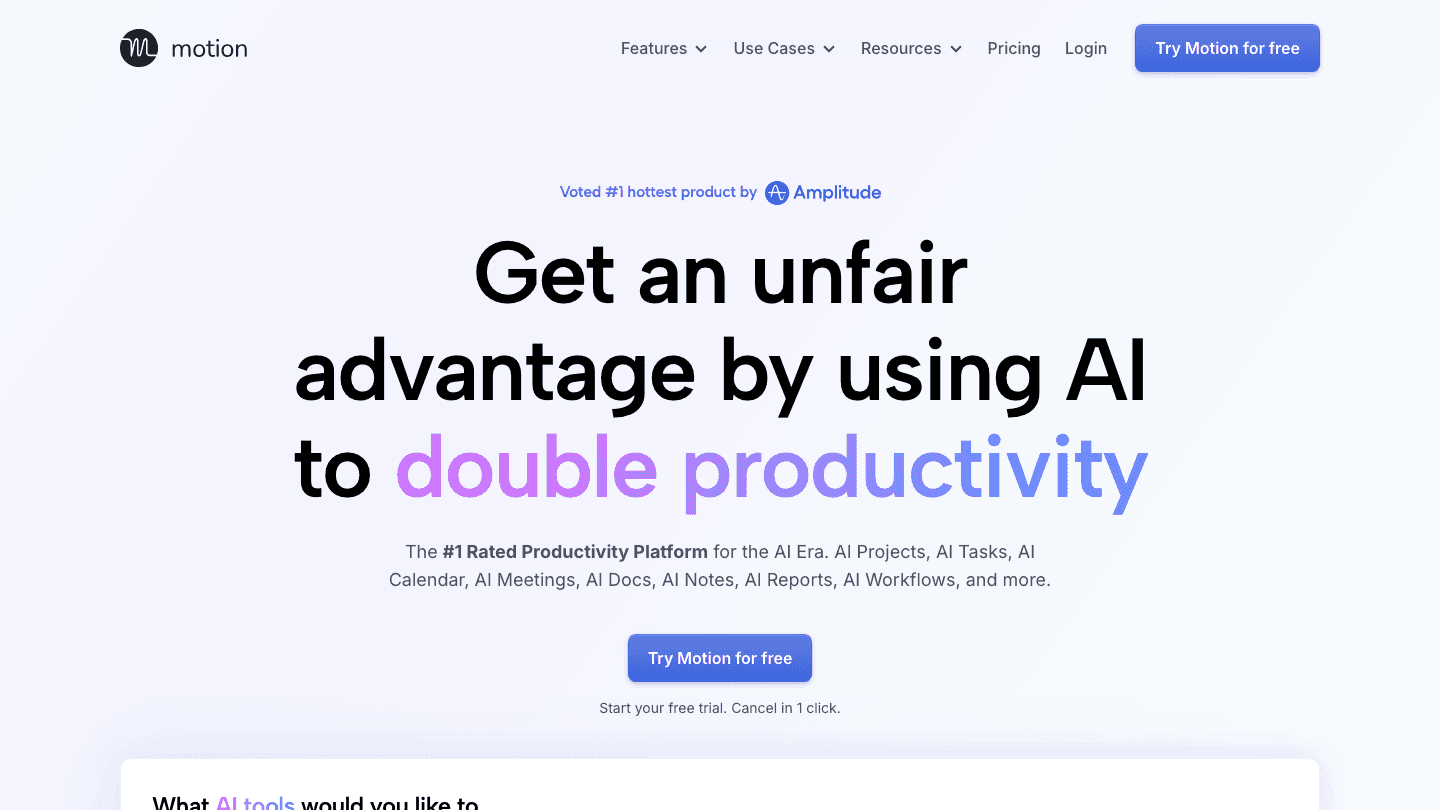
Motion takes every task on your list, every meeting on your calendar, and every deadline you've set, then assembles a daily schedule automatically. You don't drag tasks into time slots or decide what to prioritize. You add work to Motion and it figures out when each thing should happen.
The appeal for phone planning is that most scheduling apps require you to manually place tasks in your calendar, which is itself a time-consuming task. Motion removes that step. The result is a schedule you'd never build manually, optimized for deadlines and available time.
AI assembles your complete daily schedule from tasks and calendar events
Automatic reprioritization when deadlines shift
Meeting scheduler built in
Works on iPhone and Android
What Works
Deadline management is automatic rather than manual
Handles schedule overflow better than any manual system
Limitations
No energy-level awareness; treats all time slots as equal
Pricier than most alternatives at $19/month ($12.73/month billed annually)
Some users find the automatic placement hard to override
Pricing: $19/month; ~$12.73/month billed annually. Free trial available.
Best for: busy professionals juggling multiple deadlines who want a fully hands-off schedule.
3. Structured: Best Visual Phone Planner
See your entire day laid out on a scrollable timeline
Structured shows your day as a visual timeline: each task is a colored block, placed at the exact time it should happen. You scroll through the timeline to see what's next, what's done, and what's coming. It's the closest thing to a physical planner without paper.
There's no AI scheduling. You build the plan yourself. But for people who already know what needs to happen and just want a clear visual picture of their day, Structured is one of the most effective phone planners available. The timeline format is particularly good for seeing time gaps and back-to-back commitments at a glance.
Visual timeline showing every task as a time block
Drag-and-drop rearranging
Calendar sync for Google and Apple
Habit tracking and recurring tasks
Clean, minimal design
What Works
The timeline view is immediately clear, even with a full day
Free tier is actually useful
One of the better-looking planner apps on the list
Limitations
You have to build the schedule yourself
No AI assistance or automatic prioritization
Pricing: Free; Pro $6.99/month or $29.99/year; Lifetime $99.99.
Best for: people who want to see their full day visually and prefer building their own schedule.
4. Fantastical: Best Calendar-First Phone Planner
The most polished calendar app for Apple users, with tasks built in
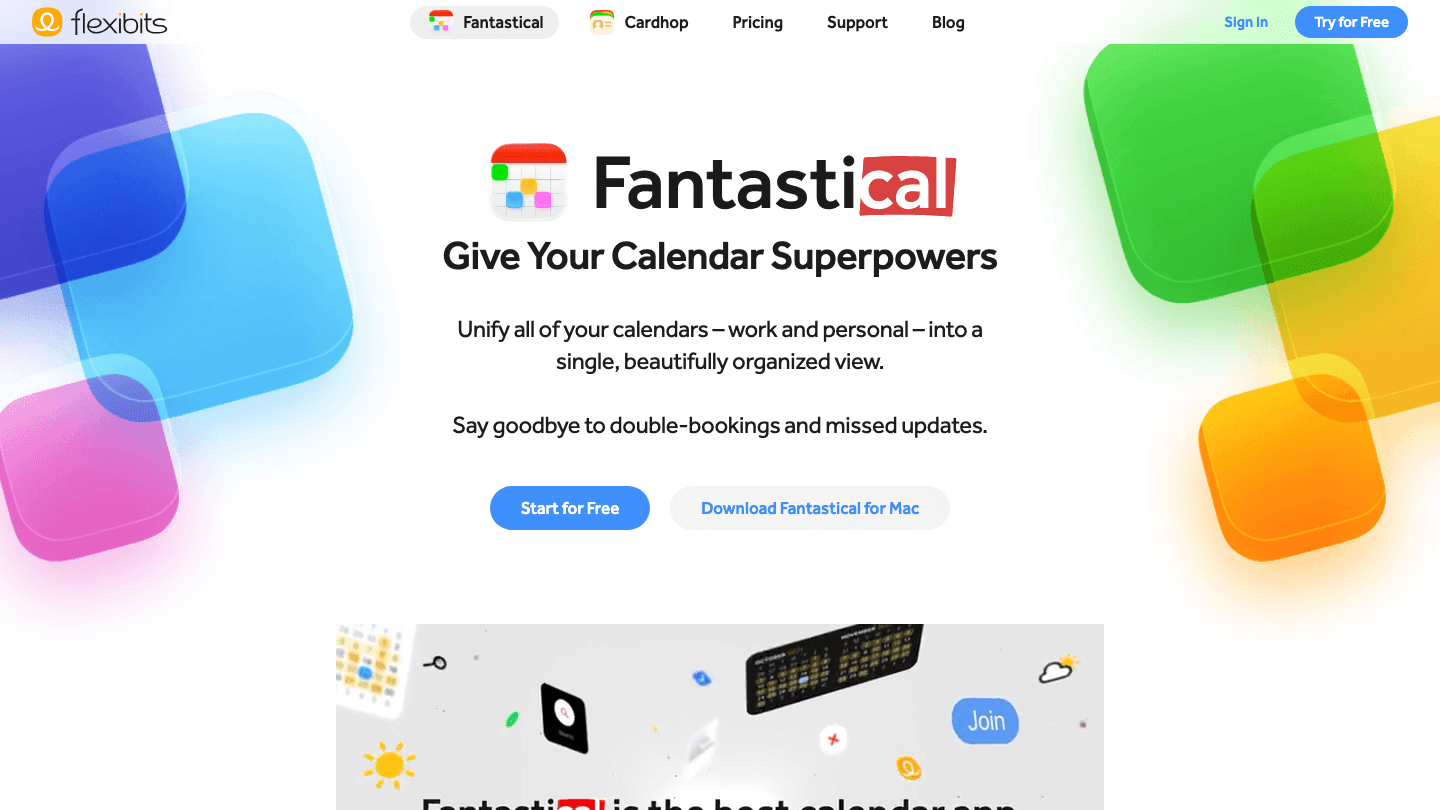
Fantastical is built around the calendar and adds task management on top of it rather than the other way around. Type "lunch with Sam on Thursday at noon" and it parses the event correctly, adds it to the right calendar, and puts it in the right time slot. It's the most natural language input of any app on this list.
The design is excellent throughout. Day view, week view, and month view are all cleanly laid out and genuinely useful on a phone screen. Calendar management is where Fantastical shines. Tasks sit alongside events in the same view rather than in a separate screen, which makes it easier to plan a day that mixes meetings with focused work.
Best-in-class natural language event and task entry
All calendar views clean and readable on iPhone
Tasks and calendar events in a single unified view
iOS widget support and Apple Watch app
Syncs with Google Calendar, Exchange, iCloud, and others
What Works
Natural language entry is faster than any other calendar app
The unified task and event view is genuinely useful for day planning
Best Apple Watch integration of any calendar app
Limitations
Primarily Apple-focused; Android version is more limited
No AI scheduling or automatic task placement
Premium subscription required for most useful features
Pricing: Free; Flexibits Premium $6.99/month or $56.99/year. 14-day free trial.
Best for: Apple ecosystem users who want a polished, calendar-first phone planner with tasks integrated.
5. Any.do: Best Simple Phone Planner with Free Tier
Tasks, calendar, and daily planner in a clean, accessible package
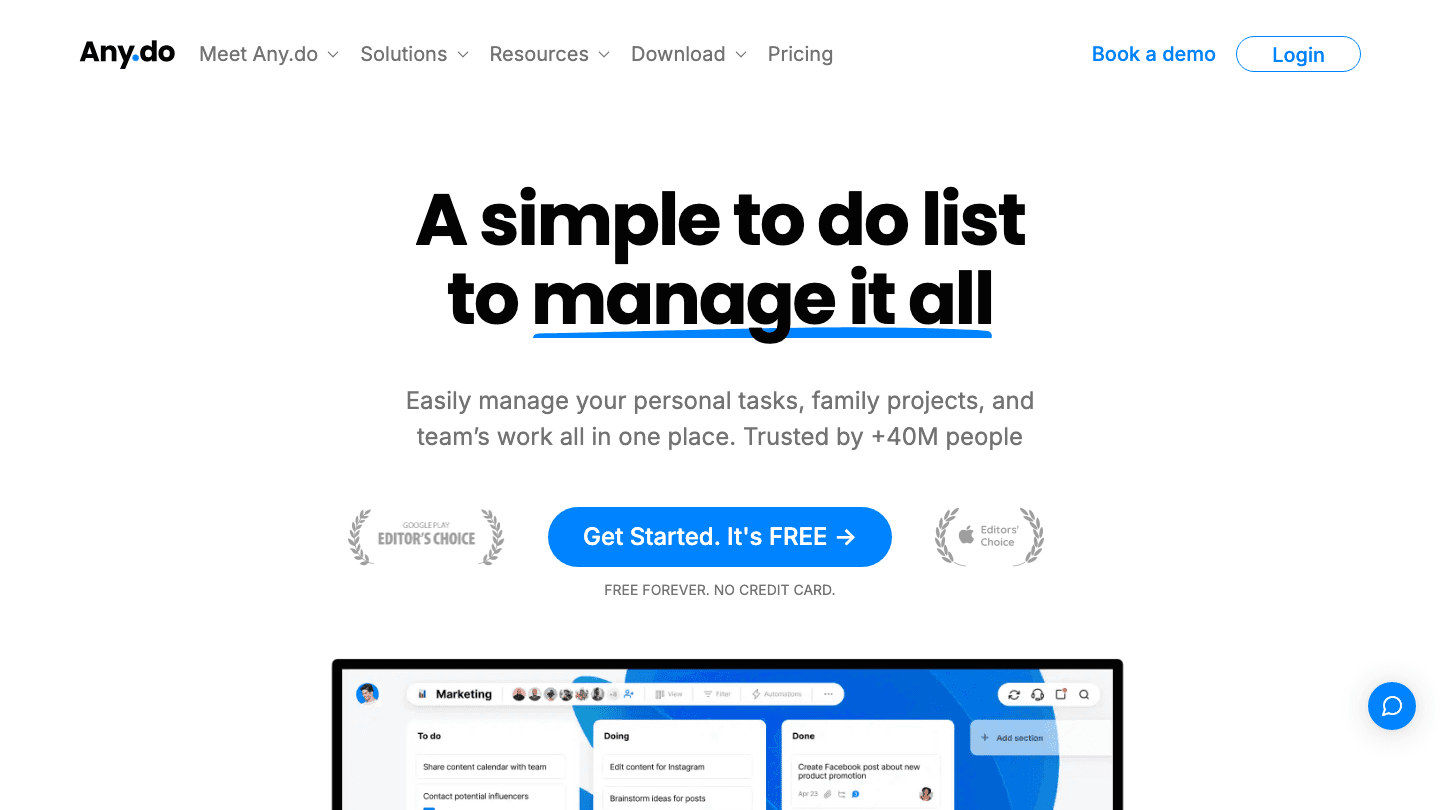
Any.do wraps task management, calendar view, and a daily planning ritual into one app. Each morning, the "My Day" feature prompts you to review what's on your list and drag tasks into today's plan. It's a low-tech daily planning habit that keeps the to-do list from becoming a black hole of neglected tasks.
The free tier covers the basics: unlimited tasks, reminders, calendar sync, and the daily planner. That's enough for most personal users. Premium adds recurring tasks, AI features, location-based reminders, and WhatsApp integration. As a reminder app with built-in planning, it's one of the better free options available.
Daily "My Day" planning ritual built in
Tasks, calendar, and reminders in one app
Voice input for quick task entry
Shared lists and collaboration features
Available on iOS, Android, web, and desktop
What Works
The "My Day" drag-to-today workflow builds a light daily planning habit
One of the better free tiers among planner apps
Clean, modern interface that doesn't feel overwhelming
Limitations
No AI scheduling or automatic task placement
Recurring tasks require Premium
Less powerful than Motion or Lifestack for complex scheduling needs
Pricing: Free; Premium $7.99/month or $4.99/month billed annually.
Best for: people who want a simple, clean phone planner with a solid free tier and a built-in daily planning habit.
6. Todoist: Best for Reliable Cross-Platform Task Management
The dependable task list that works everywhere
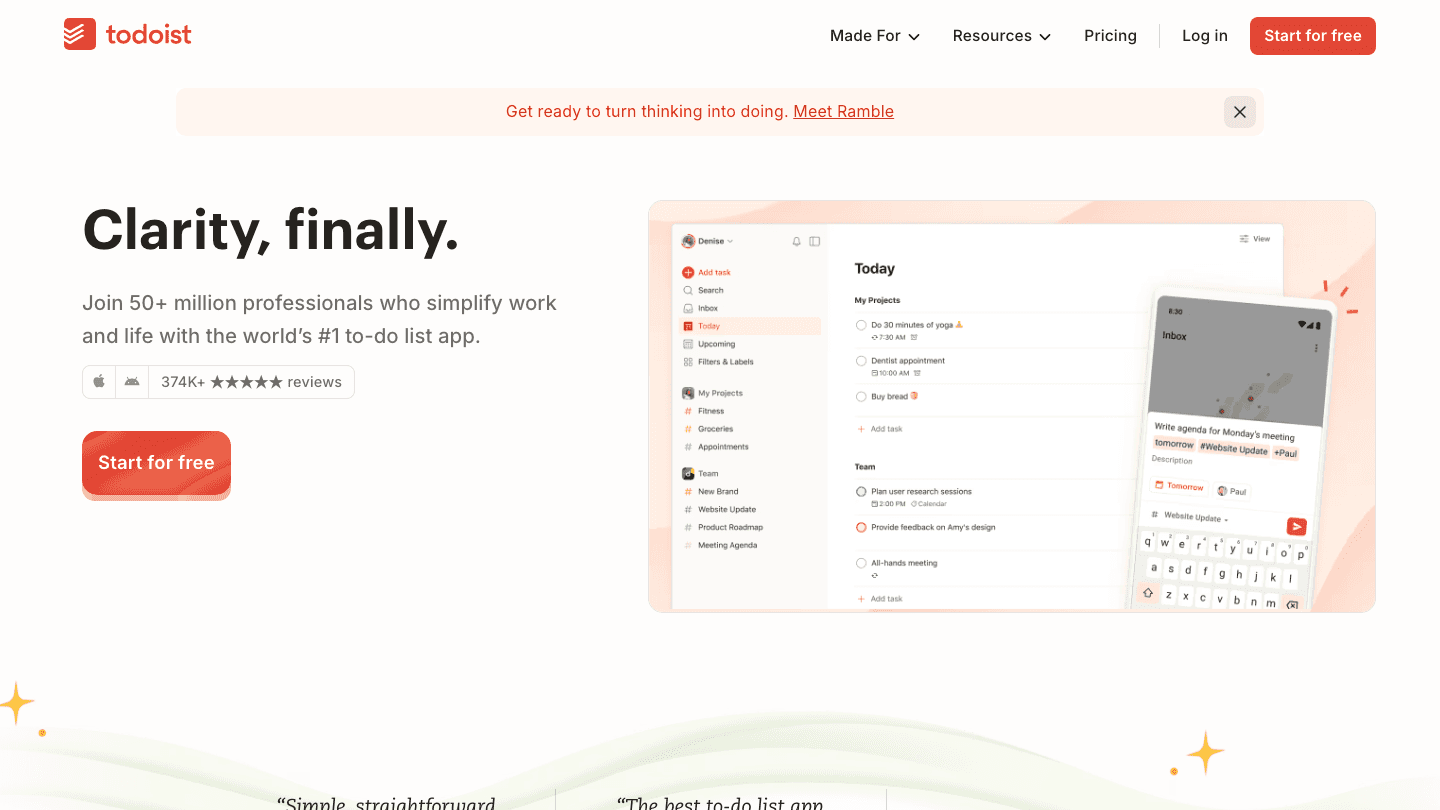
Todoist is the safest pick on this list for someone who wants a reliable task manager that works on every device without surprises. The interface hasn't changed dramatically in a decade because it doesn't need to: add a task, set a due date, organize into projects, and get reminded. It does those things very well.
Natural language parsing means "submit report by 3pm Friday" creates a task with the right deadline automatically. The iPhone app is fast, the Android version is equally good, and the web app is reliable for desktop planning. There's no AI scheduling or energy-aware planning, but that simplicity is the point.
Natural language date parsing for fast task entry
Project organization with priority levels
Reminders and recurring tasks
Excellent cross-platform consistency (iOS, Android, web, desktop)
Integrations with Slack, Google Calendar, and more
What Works
Fastest task entry of any app on this list thanks to natural language parsing
Reliable sync across every device without issues
Calendar view available in Pro for day planning
Limitations
No AI scheduling or automatic day planning
Calendar view requires a paid plan
Plain list format lacks visual structure of Structured or Fantastical
Pricing: Free; Pro subscription (see todoist.com for current pricing).
Best for: people who want a proven, dependable task manager that works identically on every device.
Which Phone Planner App Is Right for You?
Want AI to schedule your day automatically: Lifestack or Motion
Apple user who lives in their calendar: Fantastical
Want to see the whole day visually: Structured
Want a solid free planner: Any.do or Todoist
Have lots of overlapping deadlines: Motion
Want energy-based scheduling: Lifestack
Frequently Asked Questions
What is the best phone planner app for 2026?
Lifestack is the top pick for people who want AI-powered scheduling that adapts to how they work throughout the day. For calendar-focused planning on Apple devices, Fantastical is hard to beat. Todoist and Any.do are the strongest free options for straightforward task management.
What is the difference between a phone planner and a calendar app?
A calendar app primarily shows events and meetings. A phone planner app combines tasks, to-do lists, and calendar events into a unified daily view. Most of the apps on this list blur the line, but Fantastical leans more calendar-first while Todoist and Any.do lean more task-first. Lifestack and Motion treat the whole day as a scheduled plan.
Do phone planner apps work on both iPhone and Android?
Most do, but quality varies. Todoist and Any.do are equally good on both platforms. Lifestack and Motion have strong iOS and Android apps. Fantastical is best on Apple devices (iPhone, iPad, Mac, Apple Watch) and more limited on Android.
Is there a free phone planner app?
Yes. Todoist, Any.do, and Structured all have functional free tiers. Fantastical has a free tier as well, though most premium features require a subscription. If you need AI scheduling on a free plan, none of these offer it. Lifestack's free trial lets you test the AI features for 7 days on the annual plan.
How does Lifestack compare to Fantastical as a phone planner?
They target different things. Fantastical is a calendar-first app with excellent event entry and a unified task view. Lifestack is a scheduler-first app that uses AI to build your daily plan based on energy and task priority. If you want a great calendar, Fantastical wins. If you want AI to decide what you should be doing and when, Lifestack does that better.
Most people reach for a phone planner when they realize their current system isn't working. Maybe it's a notes app full of tasks that never get done. Maybe it's a calendar that shows meetings but nothing else. Maybe it's the habit of writing things on sticky notes and losing them.
A good phone planner app brings tasks, calendar, and scheduling into one place, works on both iOS and Android, and actually reduces the friction of staying organized rather than adding a new app to manage. We tested six of the best options in 2026 across real workweeks, not just demo environments, and here's what held up.
Pricing verified June 2026. Apps tested on iOS; Android versions noted where different.
Key Takeaways
Lifestack is the strongest pick if you want AI to build your schedule based on your energy, not just your free calendar slots
Fantastical is the most polished calendar-first phone planner for Apple users
Todoist and Any.do both offer strong free tiers for people who want basic task management without paying
Quick Guide: Best Phone Planner Apps
Lifestack: AI scheduling that adapts to your energy levels throughout the day
Motion: auto-builds your daily schedule from tasks and deadlines
Structured: visual timeline planner for seeing the whole day at once
Fantastical: best-in-class calendar app with tasks and natural language input
Any.do: clean task manager and daily planner with a generous free tier
Todoist: the reliable task list that works on every device
How We Evaluated
Mobile-first experience: the phone app has to be as good as the desktop version
Task and calendar integration: both in one place, not siloed
Low setup friction: planners you never set up are planners you never use
Reliability: notifications that fire, sync that works
Price value: free tiers that aren't crippled, paid tiers that earn their cost
1. Lifestack: Best AI-Powered Phone Planner
Schedules your day based on when you actually have energy for each task
Most AI planner apps take your tasks and find open calendar slots. Lifestack goes further: it tracks your energy levels throughout the day and schedules tasks based on when you're capable of doing them, not just when your calendar is empty. Deep focus work goes in the morning when your brain is sharp. Low-stakes tasks land in the afternoon slump. Your phone becomes a living schedule that matches your biology.
Setup involves connecting your calendar, adding your tasks, and tagging them by energy requirement. The AI generates a day plan, and when tasks slip or run long, it reschedules automatically. You spend less time managing the planner and more time working.
Energy-aware AI scheduling throughout the day
Calendar sync with Google Calendar and Apple Calendar
Auto-reschedules when your day falls behind
Strong iOS and Android apps
Good for people who want the decision of "what do I do next" made for them
What Works
Energy tagging genuinely changes the quality of work that gets done in each time slot
Low daily friction after initial setup
The automatic rescheduling removes one of the most annoying parts of manual planning
Limitations
Takes a few days to calibrate well
Calendar app is basic; not a full Fantastical replacement
No Pomodoro or focus timer built in
Pricing: $7/month or $50/year; $120 lifetime. 7-day free trial on annual plans.
Best for: people who want AI to handle the daily planning so they can focus on doing.
2. Motion: Best for Automatic Task Prioritization
Builds your schedule from scratch so you don't have to
Motion takes every task on your list, every meeting on your calendar, and every deadline you've set, then assembles a daily schedule automatically. You don't drag tasks into time slots or decide what to prioritize. You add work to Motion and it figures out when each thing should happen.
The appeal for phone planning is that most scheduling apps require you to manually place tasks in your calendar, which is itself a time-consuming task. Motion removes that step. The result is a schedule you'd never build manually, optimized for deadlines and available time.
AI assembles your complete daily schedule from tasks and calendar events
Automatic reprioritization when deadlines shift
Meeting scheduler built in
Works on iPhone and Android
What Works
Deadline management is automatic rather than manual
Handles schedule overflow better than any manual system
Limitations
No energy-level awareness; treats all time slots as equal
Pricier than most alternatives at $19/month ($12.73/month billed annually)
Some users find the automatic placement hard to override
Pricing: $19/month; ~$12.73/month billed annually. Free trial available.
Best for: busy professionals juggling multiple deadlines who want a fully hands-off schedule.
3. Structured: Best Visual Phone Planner
See your entire day laid out on a scrollable timeline
Structured shows your day as a visual timeline: each task is a colored block, placed at the exact time it should happen. You scroll through the timeline to see what's next, what's done, and what's coming. It's the closest thing to a physical planner without paper.
There's no AI scheduling. You build the plan yourself. But for people who already know what needs to happen and just want a clear visual picture of their day, Structured is one of the most effective phone planners available. The timeline format is particularly good for seeing time gaps and back-to-back commitments at a glance.
Visual timeline showing every task as a time block
Drag-and-drop rearranging
Calendar sync for Google and Apple
Habit tracking and recurring tasks
Clean, minimal design
What Works
The timeline view is immediately clear, even with a full day
Free tier is actually useful
One of the better-looking planner apps on the list
Limitations
You have to build the schedule yourself
No AI assistance or automatic prioritization
Pricing: Free; Pro $6.99/month or $29.99/year; Lifetime $99.99.
Best for: people who want to see their full day visually and prefer building their own schedule.
4. Fantastical: Best Calendar-First Phone Planner
The most polished calendar app for Apple users, with tasks built in
Fantastical is built around the calendar and adds task management on top of it rather than the other way around. Type "lunch with Sam on Thursday at noon" and it parses the event correctly, adds it to the right calendar, and puts it in the right time slot. It's the most natural language input of any app on this list.
The design is excellent throughout. Day view, week view, and month view are all cleanly laid out and genuinely useful on a phone screen. Calendar management is where Fantastical shines. Tasks sit alongside events in the same view rather than in a separate screen, which makes it easier to plan a day that mixes meetings with focused work.
Best-in-class natural language event and task entry
All calendar views clean and readable on iPhone
Tasks and calendar events in a single unified view
iOS widget support and Apple Watch app
Syncs with Google Calendar, Exchange, iCloud, and others
What Works
Natural language entry is faster than any other calendar app
The unified task and event view is genuinely useful for day planning
Best Apple Watch integration of any calendar app
Limitations
Primarily Apple-focused; Android version is more limited
No AI scheduling or automatic task placement
Premium subscription required for most useful features
Pricing: Free; Flexibits Premium $6.99/month or $56.99/year. 14-day free trial.
Best for: Apple ecosystem users who want a polished, calendar-first phone planner with tasks integrated.
5. Any.do: Best Simple Phone Planner with Free Tier
Tasks, calendar, and daily planner in a clean, accessible package
Any.do wraps task management, calendar view, and a daily planning ritual into one app. Each morning, the "My Day" feature prompts you to review what's on your list and drag tasks into today's plan. It's a low-tech daily planning habit that keeps the to-do list from becoming a black hole of neglected tasks.
The free tier covers the basics: unlimited tasks, reminders, calendar sync, and the daily planner. That's enough for most personal users. Premium adds recurring tasks, AI features, location-based reminders, and WhatsApp integration. As a reminder app with built-in planning, it's one of the better free options available.
Daily "My Day" planning ritual built in
Tasks, calendar, and reminders in one app
Voice input for quick task entry
Shared lists and collaboration features
Available on iOS, Android, web, and desktop
What Works
The "My Day" drag-to-today workflow builds a light daily planning habit
One of the better free tiers among planner apps
Clean, modern interface that doesn't feel overwhelming
Limitations
No AI scheduling or automatic task placement
Recurring tasks require Premium
Less powerful than Motion or Lifestack for complex scheduling needs
Pricing: Free; Premium $7.99/month or $4.99/month billed annually.
Best for: people who want a simple, clean phone planner with a solid free tier and a built-in daily planning habit.
6. Todoist: Best for Reliable Cross-Platform Task Management
The dependable task list that works everywhere
Todoist is the safest pick on this list for someone who wants a reliable task manager that works on every device without surprises. The interface hasn't changed dramatically in a decade because it doesn't need to: add a task, set a due date, organize into projects, and get reminded. It does those things very well.
Natural language parsing means "submit report by 3pm Friday" creates a task with the right deadline automatically. The iPhone app is fast, the Android version is equally good, and the web app is reliable for desktop planning. There's no AI scheduling or energy-aware planning, but that simplicity is the point.
Natural language date parsing for fast task entry
Project organization with priority levels
Reminders and recurring tasks
Excellent cross-platform consistency (iOS, Android, web, desktop)
Integrations with Slack, Google Calendar, and more
What Works
Fastest task entry of any app on this list thanks to natural language parsing
Reliable sync across every device without issues
Calendar view available in Pro for day planning
Limitations
No AI scheduling or automatic day planning
Calendar view requires a paid plan
Plain list format lacks visual structure of Structured or Fantastical
Pricing: Free; Pro subscription (see todoist.com for current pricing).
Best for: people who want a proven, dependable task manager that works identically on every device.
Which Phone Planner App Is Right for You?
Want AI to schedule your day automatically: Lifestack or Motion
Apple user who lives in their calendar: Fantastical
Want to see the whole day visually: Structured
Want a solid free planner: Any.do or Todoist
Have lots of overlapping deadlines: Motion
Want energy-based scheduling: Lifestack
Frequently Asked Questions
What is the best phone planner app for 2026?
Lifestack is the top pick for people who want AI-powered scheduling that adapts to how they work throughout the day. For calendar-focused planning on Apple devices, Fantastical is hard to beat. Todoist and Any.do are the strongest free options for straightforward task management.
What is the difference between a phone planner and a calendar app?
A calendar app primarily shows events and meetings. A phone planner app combines tasks, to-do lists, and calendar events into a unified daily view. Most of the apps on this list blur the line, but Fantastical leans more calendar-first while Todoist and Any.do lean more task-first. Lifestack and Motion treat the whole day as a scheduled plan.
Do phone planner apps work on both iPhone and Android?
Most do, but quality varies. Todoist and Any.do are equally good on both platforms. Lifestack and Motion have strong iOS and Android apps. Fantastical is best on Apple devices (iPhone, iPad, Mac, Apple Watch) and more limited on Android.
Is there a free phone planner app?
Yes. Todoist, Any.do, and Structured all have functional free tiers. Fantastical has a free tier as well, though most premium features require a subscription. If you need AI scheduling on a free plan, none of these offer it. Lifestack's free trial lets you test the AI features for 7 days on the annual plan.
How does Lifestack compare to Fantastical as a phone planner?
They target different things. Fantastical is a calendar-first app with excellent event entry and a unified task view. Lifestack is a scheduler-first app that uses AI to build your daily plan based on energy and task priority. If you want a great calendar, Fantastical wins. If you want AI to decide what you should be doing and when, Lifestack does that better.



FOLLOW ON
FOLLOW ON
FOLLOW ON


Copyright 2026 © Lifestack. All rights reserved
Copyright 2026 © Lifestack. All rights reserved

