
App
5 Best Time Optimization Tools in 2026
5 Best Time Optimization Tools in 2026

How you use your time is one of the most consequential decisions you make every day, and most people make it badly. Not because they're disorganized, but because the default tools for managing time (a calendar, a to-do list) were designed to record commitments, not optimize them. The question isn't just "what do I need to do?" It's "when should I do it, given how I actually feel and function?"
Time optimization tools take different approaches to this problem. Some track where your time goes so you can see the waste. Others automatically schedule tasks into your calendar. A few go further and account for your energy and focus patterns, not just your free slots. The best setup for most people involves at least two of these tools working together.
We tested the leading options and organized them by what problem they actually solve. Here's what each one does, who it's built for, and what it costs.
Key Takeaways
Lifestack is the only tool on this list that schedules tasks around your energy, not just your calendar availability
For time tracking and analysis, RescueTime (automatic) and Toggl Track (manual) cover very different workflows
The best time optimization stack combines a scheduler (Lifestack or Motion) with a tracker (Toggl or RescueTime)
Quick Guide: Best Time Optimization Tools
Lifestack: Best for energy-aware scheduling and daily planning
Motion: Best for AI auto-scheduling tasks around your calendar
Toggl Track: Best for manual time tracking across projects and clients
RescueTime: Best for automatic time tracking and focus analysis
Todoist: Best for task management with time-aware priorities
How We Evaluated
Does the tool help you plan better, track better, or both?
Is there any intelligence behind when tasks get scheduled?
How much manual setup and maintenance does it require?
Mobile and desktop app quality
Pricing relative to the actual value delivered
1. Lifestack: Best Energy-Aware Time Optimization Tool
Schedules your day around when you're actually capable of doing good work.

Lifestack is an AI daily planner that reads data from your wearables (Oura Ring, Whoop, Garmin, Apple Watch) to understand your energy and focus patterns. It then schedules your tasks and work blocks into the time windows when you're actually ready to do them. Deep work goes in your peak focus window. Admin tasks and low-stakes decisions go in the afternoon dip.
This is the distinction that separates Lifestack from every other tool in this list. Traditional time blocking apps treat all open calendar time as equally usable. Lifestack knows that 9am Thursday and 3pm Thursday are not the same block, even if both are technically free. The result is a daily plan that works with your biology instead of against it.
It integrates with your existing calendar and task apps, pulls in your events, and builds a full day plan automatically. The energy calendar approach it uses is particularly effective for people who notice significant variation in their focus throughout the day.
Key Features: Energy-aware scheduling, wearable data integration, calendar sync, AI daily planning, iOS and Android apps
What Works: The scheduling intelligence is genuinely differentiated; setup is fast; wearable integrations are deep
Limitations: Personal planning focus, not built for team project management or client billing
Pricing: $7/month, $50/year (includes 7-day free trial), or $120 lifetime.
Best for: Anyone who wants their task list scheduled automatically around their actual energy patterns, not just their free time slots.
2. Motion: Best AI Task Auto-Scheduler
Builds your full workday from tasks and meetings automatically, then rebuilds it when things change.
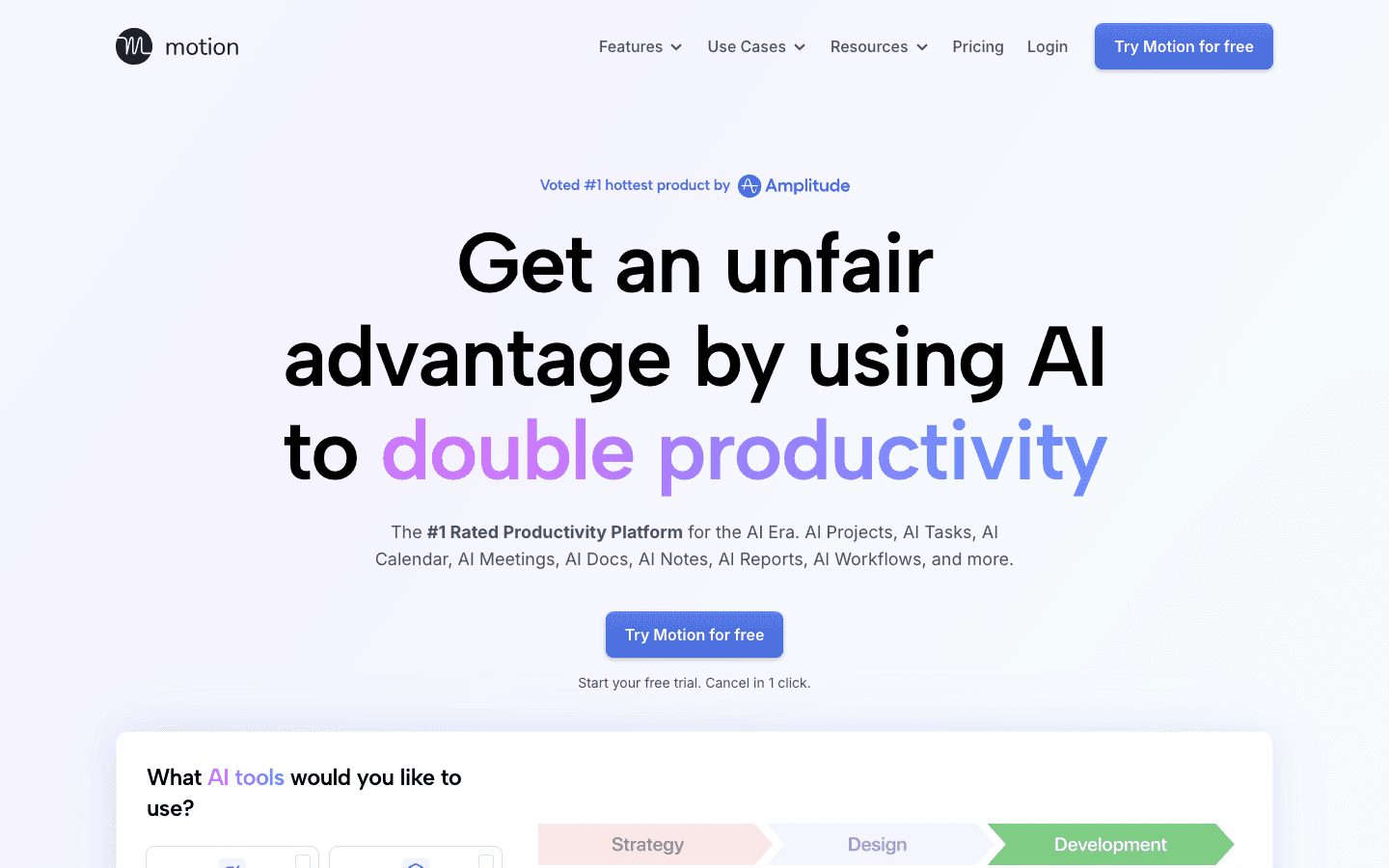
Motion connects to your calendar and task list, then uses AI to schedule your tasks into available time automatically. When a new meeting gets added or a task takes longer than expected, Motion reschedules the rest of your day in real time. For people who currently spend 15-20 minutes each morning manually planning their day, Motion removes almost all of that friction.
Motion works for individuals and teams, with project management tools, shared task assignments, and AI doc drafting built in. The AI scheduling is based on deadlines and priorities rather than energy levels, which is the main functional difference from Lifestack. If your biggest time optimization problem is "I don't know when to do my tasks," Motion solves it well. If your problem is "I know when I should work but I'm scheduling the wrong tasks in the wrong windows," Lifestack is the better fit.
Key Features: AI task auto-scheduling, real-time rescheduling, project management, calendar integration, team collaboration
What Works: True auto-scheduling that adjusts dynamically; good for project-heavy roles; handles complexity well
Limitations: No energy awareness; $19/month per seat is steep for individual users; learning curve upfront
Pricing: Pro AI $19/seat/month, Business AI $29/seat/month. Annual billing saves 33%. Free trial available.
Best for: Project managers, team leads, and busy individual contributors who want their task list automatically scheduled around their meetings.
3. Toggl Track: Best Manual Time Tracking Tool
Simple, reliable time tracking that shows exactly where your billable and non-billable hours go.
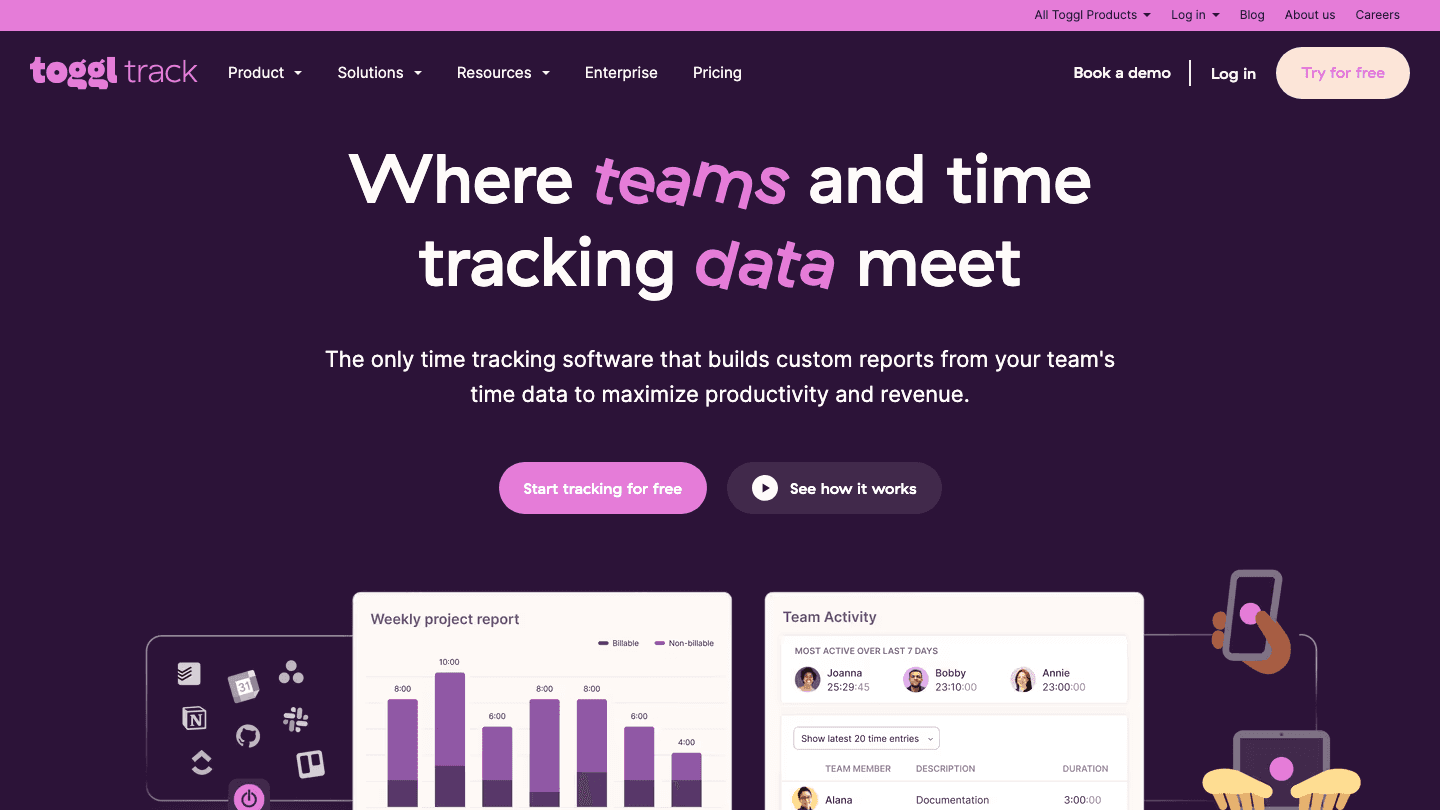
Toggl Track is a time tracker built around a simple concept: press start when you begin a task, stop when you finish. Every logged entry gets assigned to a project and client. At the end of the week or month, you have an accurate picture of where your hours actually went. For freelancers and consultants who bill by the hour, this is a compliance requirement as much as a productivity tool.
Where Toggl differs from automated trackers like RescueTime is intentionality. You decide what to track. This makes the data cleaner for billing purposes but means you have to remember to use it. The free plan is genuinely useful, the interface is clean, and the reporting is strong. Toggl doesn't help you optimize your schedule, but it gives you the raw data to see where optimization is needed.
Key Features: Manual time tracking, project and client tagging, team activity reports, integrations with 100+ tools, browser extension
What Works: Best-in-class time tracking experience; generous free plan; excellent reporting on paid tiers
Limitations: Manual only; doesn't schedule or plan; requires habit formation to be useful
Pricing: Free (unlimited tracking, 5 users). Starter $9/user/month; Premium $18/user/month.
Best for: Freelancers, consultants, and agencies who need accurate time tracking for billing and project reporting.
4. RescueTime: Best Automatic Time Analytics Tool
Runs in the background and shows you exactly how you spend your digital day, without any manual input.
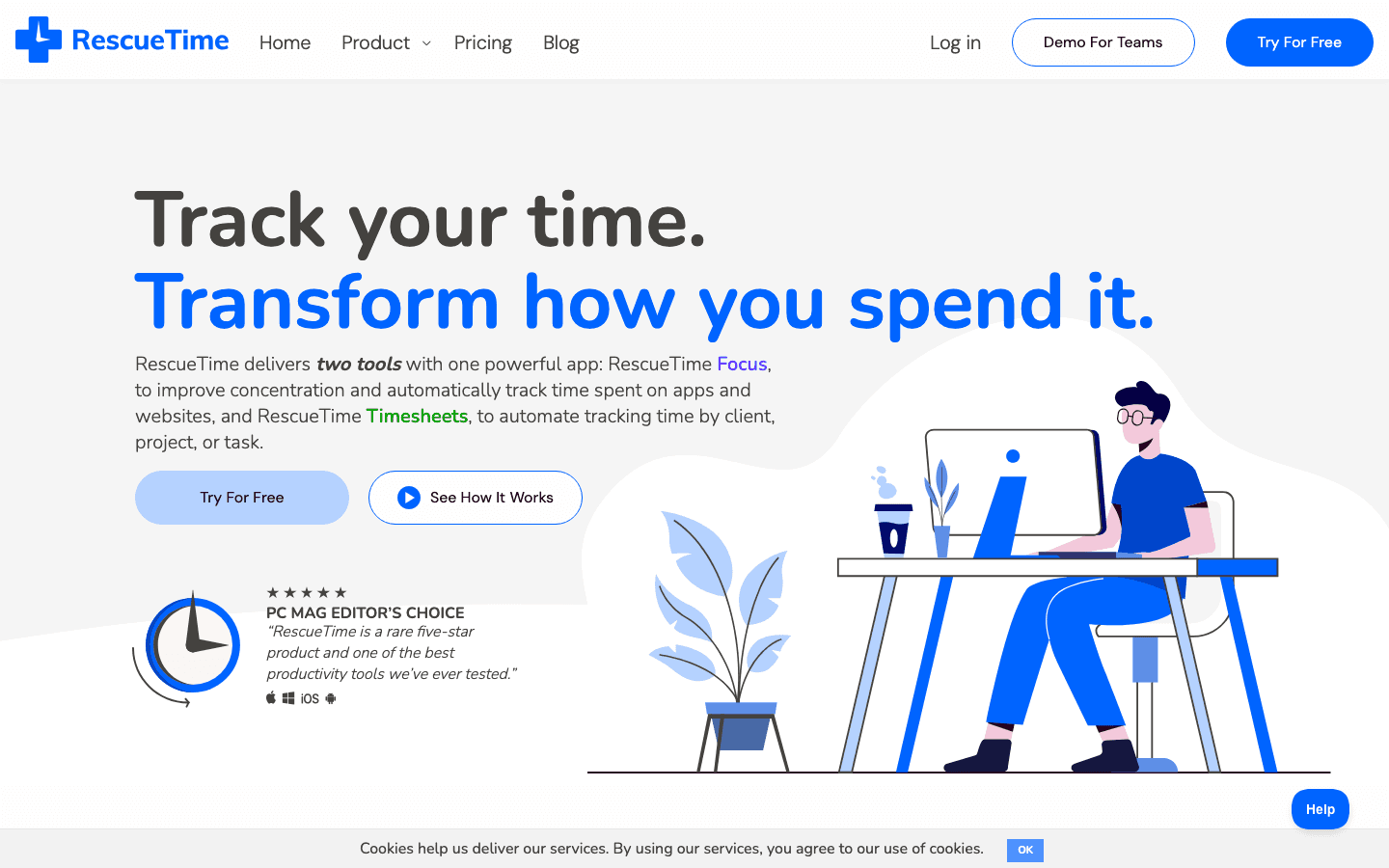
RescueTime runs silently in the background on your devices and automatically tracks everything: which apps you use, which websites you visit, how long you spend in each. The daily and weekly reports show you your real time allocation, not the one you think you have. For many people, the first report is a significant wake-up call.
Beyond tracking, RescueTime includes a Focus Sessions feature that blocks distracting sites and apps during work periods. The premium tier (Solo+) adds automatic time entries for billing, integrations with calendar and project tools, and deeper analytics by project. As a calendar management complement, RescueTime answers the question that calendars never do: what did you actually do with your time?
Key Features: Automatic app and website tracking, daily/weekly focus reports, distraction blocking, calendar integration (premium), billing timesheets (premium)
What Works: Zero-effort setup; the automatic data is accurate and often surprising; focus mode is effective
Limitations: Feels invasive to some users; no task management or scheduling; insights require you to act on them
Pricing: Solo $9/month ($7/month annually). Solo+ $15/month ($12/month annually). 14-day free trial.
Best for: Anyone who wants objective data on where their time goes without having to remember to press start or stop.
5. Todoist: Best Task Manager for Time-Aware Planning
Clean, reliable task management with priority filters and calendar view for daily time planning.
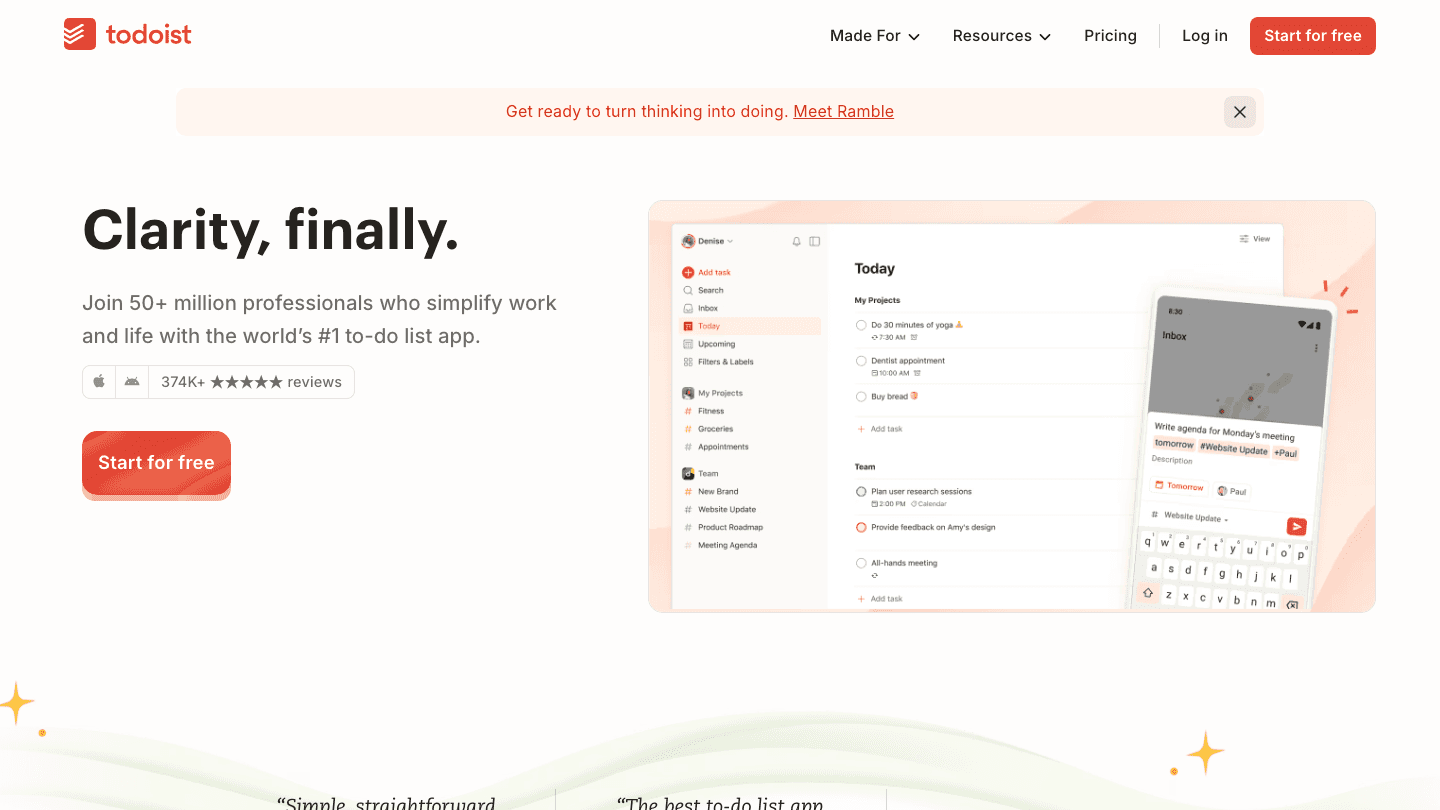
Todoist is one of the most widely used task management apps, and its strength for time optimization comes from its priority system and natural language scheduling. You can type "submit report next Tuesday at 2pm p1" and Todoist parses it instantly. The calendar view on the Pro plan shows your tasks alongside your calendar events, which makes it easier to see what's realistic for any given day.
Todoist doesn't do AI scheduling (it doesn't decide when to do your tasks for you), but it provides a clean layer on top of your calendar where priorities are visible and planning is fast. For people who find other tools too complex, Todoist's simplicity is its main advantage. It pairs well with ADHD time management strategies that emphasize reducing friction over adding more features. It also integrates directly with Lifestack, letting you sync tasks between the two apps.
Key Features: Natural language task entry, priority levels, calendar view, recurring tasks, AI assistant, Lifestack integration
What Works: Fast and frictionless; 50+ million users means strong integration ecosystem; genuinely excellent free plan
Limitations: No AI auto-scheduling; doesn't account for energy; time estimation is manual
Pricing: Free plan available. Pro $5/month ($4/month billed annually). Business also available.
Best for: People who want a reliable task manager that plays well with their calendar and other tools without requiring heavy setup.
Which Time Optimization Tool Is Right for You?
You want AI to build your daily schedule around your energy: Lifestack. Read more in our Lifestack overview.
You want tasks auto-scheduled into your calendar: Motion. Best for project-heavy roles.
You bill clients by the hour and need accurate records: Toggl Track. Start with the free plan.
You want to see where your time actually goes without any manual tracking: RescueTime.
You need a simple, fast task manager that integrates with everything: Todoist.
For a deeper look at why scheduling tasks by energy (not just by clock time) changes outcomes, see why energy-based planning beats time blocking. And if you're evaluating AI schedulers more broadly, the guide on best AI task managers covers more of the landscape.
Frequently Asked Questions
What does a time optimization tool do?
Time optimization tools help you use your available hours more effectively. This might mean tracking where your time goes (RescueTime, Toggl), automatically scheduling tasks into your calendar (Motion), or building a daily plan that accounts for your energy levels and focus patterns (Lifestack). The best tools reduce decision overhead and help you match the right work to the right moment in your day.
Is Lifestack a time tracking tool?
No. Lifestack is a planning tool: it schedules your tasks and work blocks into your day based on your energy and calendar data. It doesn't track time spent after the fact. If you need both planning (when to do things) and tracking (how long things took), pairing Lifestack with Toggl Track or RescueTime gives you the complete picture.
What's the difference between time tracking and time blocking?
Time tracking records what you actually did and how long it took. Time blocking assigns specific tasks to specific time windows in your calendar before you do them. They address different problems: tracking shows you where time went, blocking ensures important work has protected time. Energy-aware scheduling (Lifestack's approach) goes one step further by choosing which blocks should hold which types of work.
Can I use Lifestack with Todoist?
Yes. Lifestack integrates with Todoist so your tasks sync automatically. When Lifestack builds your daily plan, it can pull in tasks from your Todoist inbox and schedule them into your energy windows. This is one of the more practical combinations: Todoist for task capture and organization, Lifestack for intelligent daily scheduling.
Which time optimization tool is best for ADHD?
Lifestack is the strongest option for ADHD because it removes two of the hardest parts: deciding when to do something and generating the motivation to start during a low-energy window. By scheduling tasks into peak focus periods automatically, it reduces the friction that ADHD brains hit most often. See the full roundup in ADHD time management apps.
How you use your time is one of the most consequential decisions you make every day, and most people make it badly. Not because they're disorganized, but because the default tools for managing time (a calendar, a to-do list) were designed to record commitments, not optimize them. The question isn't just "what do I need to do?" It's "when should I do it, given how I actually feel and function?"
Time optimization tools take different approaches to this problem. Some track where your time goes so you can see the waste. Others automatically schedule tasks into your calendar. A few go further and account for your energy and focus patterns, not just your free slots. The best setup for most people involves at least two of these tools working together.
We tested the leading options and organized them by what problem they actually solve. Here's what each one does, who it's built for, and what it costs.
Key Takeaways
Lifestack is the only tool on this list that schedules tasks around your energy, not just your calendar availability
For time tracking and analysis, RescueTime (automatic) and Toggl Track (manual) cover very different workflows
The best time optimization stack combines a scheduler (Lifestack or Motion) with a tracker (Toggl or RescueTime)
Quick Guide: Best Time Optimization Tools
Lifestack: Best for energy-aware scheduling and daily planning
Motion: Best for AI auto-scheduling tasks around your calendar
Toggl Track: Best for manual time tracking across projects and clients
RescueTime: Best for automatic time tracking and focus analysis
Todoist: Best for task management with time-aware priorities
How We Evaluated
Does the tool help you plan better, track better, or both?
Is there any intelligence behind when tasks get scheduled?
How much manual setup and maintenance does it require?
Mobile and desktop app quality
Pricing relative to the actual value delivered
1. Lifestack: Best Energy-Aware Time Optimization Tool
Schedules your day around when you're actually capable of doing good work.
Lifestack is an AI daily planner that reads data from your wearables (Oura Ring, Whoop, Garmin, Apple Watch) to understand your energy and focus patterns. It then schedules your tasks and work blocks into the time windows when you're actually ready to do them. Deep work goes in your peak focus window. Admin tasks and low-stakes decisions go in the afternoon dip.
This is the distinction that separates Lifestack from every other tool in this list. Traditional time blocking apps treat all open calendar time as equally usable. Lifestack knows that 9am Thursday and 3pm Thursday are not the same block, even if both are technically free. The result is a daily plan that works with your biology instead of against it.
It integrates with your existing calendar and task apps, pulls in your events, and builds a full day plan automatically. The energy calendar approach it uses is particularly effective for people who notice significant variation in their focus throughout the day.
Key Features: Energy-aware scheduling, wearable data integration, calendar sync, AI daily planning, iOS and Android apps
What Works: The scheduling intelligence is genuinely differentiated; setup is fast; wearable integrations are deep
Limitations: Personal planning focus, not built for team project management or client billing
Pricing: $7/month, $50/year (includes 7-day free trial), or $120 lifetime.
Best for: Anyone who wants their task list scheduled automatically around their actual energy patterns, not just their free time slots.
2. Motion: Best AI Task Auto-Scheduler
Builds your full workday from tasks and meetings automatically, then rebuilds it when things change.
Motion connects to your calendar and task list, then uses AI to schedule your tasks into available time automatically. When a new meeting gets added or a task takes longer than expected, Motion reschedules the rest of your day in real time. For people who currently spend 15-20 minutes each morning manually planning their day, Motion removes almost all of that friction.
Motion works for individuals and teams, with project management tools, shared task assignments, and AI doc drafting built in. The AI scheduling is based on deadlines and priorities rather than energy levels, which is the main functional difference from Lifestack. If your biggest time optimization problem is "I don't know when to do my tasks," Motion solves it well. If your problem is "I know when I should work but I'm scheduling the wrong tasks in the wrong windows," Lifestack is the better fit.
Key Features: AI task auto-scheduling, real-time rescheduling, project management, calendar integration, team collaboration
What Works: True auto-scheduling that adjusts dynamically; good for project-heavy roles; handles complexity well
Limitations: No energy awareness; $19/month per seat is steep for individual users; learning curve upfront
Pricing: Pro AI $19/seat/month, Business AI $29/seat/month. Annual billing saves 33%. Free trial available.
Best for: Project managers, team leads, and busy individual contributors who want their task list automatically scheduled around their meetings.
3. Toggl Track: Best Manual Time Tracking Tool
Simple, reliable time tracking that shows exactly where your billable and non-billable hours go.
Toggl Track is a time tracker built around a simple concept: press start when you begin a task, stop when you finish. Every logged entry gets assigned to a project and client. At the end of the week or month, you have an accurate picture of where your hours actually went. For freelancers and consultants who bill by the hour, this is a compliance requirement as much as a productivity tool.
Where Toggl differs from automated trackers like RescueTime is intentionality. You decide what to track. This makes the data cleaner for billing purposes but means you have to remember to use it. The free plan is genuinely useful, the interface is clean, and the reporting is strong. Toggl doesn't help you optimize your schedule, but it gives you the raw data to see where optimization is needed.
Key Features: Manual time tracking, project and client tagging, team activity reports, integrations with 100+ tools, browser extension
What Works: Best-in-class time tracking experience; generous free plan; excellent reporting on paid tiers
Limitations: Manual only; doesn't schedule or plan; requires habit formation to be useful
Pricing: Free (unlimited tracking, 5 users). Starter $9/user/month; Premium $18/user/month.
Best for: Freelancers, consultants, and agencies who need accurate time tracking for billing and project reporting.
4. RescueTime: Best Automatic Time Analytics Tool
Runs in the background and shows you exactly how you spend your digital day, without any manual input.
RescueTime runs silently in the background on your devices and automatically tracks everything: which apps you use, which websites you visit, how long you spend in each. The daily and weekly reports show you your real time allocation, not the one you think you have. For many people, the first report is a significant wake-up call.
Beyond tracking, RescueTime includes a Focus Sessions feature that blocks distracting sites and apps during work periods. The premium tier (Solo+) adds automatic time entries for billing, integrations with calendar and project tools, and deeper analytics by project. As a calendar management complement, RescueTime answers the question that calendars never do: what did you actually do with your time?
Key Features: Automatic app and website tracking, daily/weekly focus reports, distraction blocking, calendar integration (premium), billing timesheets (premium)
What Works: Zero-effort setup; the automatic data is accurate and often surprising; focus mode is effective
Limitations: Feels invasive to some users; no task management or scheduling; insights require you to act on them
Pricing: Solo $9/month ($7/month annually). Solo+ $15/month ($12/month annually). 14-day free trial.
Best for: Anyone who wants objective data on where their time goes without having to remember to press start or stop.
5. Todoist: Best Task Manager for Time-Aware Planning
Clean, reliable task management with priority filters and calendar view for daily time planning.
Todoist is one of the most widely used task management apps, and its strength for time optimization comes from its priority system and natural language scheduling. You can type "submit report next Tuesday at 2pm p1" and Todoist parses it instantly. The calendar view on the Pro plan shows your tasks alongside your calendar events, which makes it easier to see what's realistic for any given day.
Todoist doesn't do AI scheduling (it doesn't decide when to do your tasks for you), but it provides a clean layer on top of your calendar where priorities are visible and planning is fast. For people who find other tools too complex, Todoist's simplicity is its main advantage. It pairs well with ADHD time management strategies that emphasize reducing friction over adding more features. It also integrates directly with Lifestack, letting you sync tasks between the two apps.
Key Features: Natural language task entry, priority levels, calendar view, recurring tasks, AI assistant, Lifestack integration
What Works: Fast and frictionless; 50+ million users means strong integration ecosystem; genuinely excellent free plan
Limitations: No AI auto-scheduling; doesn't account for energy; time estimation is manual
Pricing: Free plan available. Pro $5/month ($4/month billed annually). Business also available.
Best for: People who want a reliable task manager that plays well with their calendar and other tools without requiring heavy setup.
Which Time Optimization Tool Is Right for You?
You want AI to build your daily schedule around your energy: Lifestack. Read more in our Lifestack overview.
You want tasks auto-scheduled into your calendar: Motion. Best for project-heavy roles.
You bill clients by the hour and need accurate records: Toggl Track. Start with the free plan.
You want to see where your time actually goes without any manual tracking: RescueTime.
You need a simple, fast task manager that integrates with everything: Todoist.
For a deeper look at why scheduling tasks by energy (not just by clock time) changes outcomes, see why energy-based planning beats time blocking. And if you're evaluating AI schedulers more broadly, the guide on best AI task managers covers more of the landscape.
Frequently Asked Questions
What does a time optimization tool do?
Time optimization tools help you use your available hours more effectively. This might mean tracking where your time goes (RescueTime, Toggl), automatically scheduling tasks into your calendar (Motion), or building a daily plan that accounts for your energy levels and focus patterns (Lifestack). The best tools reduce decision overhead and help you match the right work to the right moment in your day.
Is Lifestack a time tracking tool?
No. Lifestack is a planning tool: it schedules your tasks and work blocks into your day based on your energy and calendar data. It doesn't track time spent after the fact. If you need both planning (when to do things) and tracking (how long things took), pairing Lifestack with Toggl Track or RescueTime gives you the complete picture.
What's the difference between time tracking and time blocking?
Time tracking records what you actually did and how long it took. Time blocking assigns specific tasks to specific time windows in your calendar before you do them. They address different problems: tracking shows you where time went, blocking ensures important work has protected time. Energy-aware scheduling (Lifestack's approach) goes one step further by choosing which blocks should hold which types of work.
Can I use Lifestack with Todoist?
Yes. Lifestack integrates with Todoist so your tasks sync automatically. When Lifestack builds your daily plan, it can pull in tasks from your Todoist inbox and schedule them into your energy windows. This is one of the more practical combinations: Todoist for task capture and organization, Lifestack for intelligent daily scheduling.
Which time optimization tool is best for ADHD?
Lifestack is the strongest option for ADHD because it removes two of the hardest parts: deciding when to do something and generating the motivation to start during a low-energy window. By scheduling tasks into peak focus periods automatically, it reduces the friction that ADHD brains hit most often. See the full roundup in ADHD time management apps.



FOLLOW ON
FOLLOW ON
FOLLOW ON


Copyright 2026 © Lifestack. All rights reserved
Copyright 2026 © Lifestack. All rights reserved

