
App
7 Best Fitness Apps in 2026
7 Best Fitness Apps in 2026

Most fitness apps do one thing well. Some track your runs, some log your lifts, some pipe a trainer onto your screen. What almost none of them do is tell you when your body is actually ready to train. You can have the most detailed lifting log in the world and still grind through a heavy squat session on four hours of sleep, then wonder why your numbers stalled.
That gap is why the list below starts where it does. The strongest fitness setup in 2026 is not a single app. It is usually a planner that knows your energy paired with a tracker that knows your training. We pulled together seven apps that cover the whole range, from energy-aware scheduling to GPS run tracking to guided studio workouts.
We looked at how each app handles workout planning, tracking, recovery, integrations with wearables, and price. Every price below was checked against the app's live pricing page in June 2026. Here is how they stack up.
Key Takeaways
Lifestack is the only app here that schedules workouts around your real energy and sleep, so you train hard on the right days and recover on the wrong ones.
For pure tracking, pick by discipline: Strava for cardio, Hevy or Strong for lifting, Runna for structured run coaching.
If you want guided sessions with zero planning, Nike Training Club is free and Apple Fitness+ is the best pick inside the Apple ecosystem.
The 7 Best Fitness Apps at a Glance
Lifestack: schedules workouts around your energy and circadian rhythm
Strava: the standard for run, ride, and cardio tracking
Hevy: clean strength tracker with strong progress charts
Nike Training Club: fully free library of guided workouts
Apple Fitness+: studio-style classes built for Apple Watch
Runna: personalized run training plans with coaching
Strong: simple, fast gym logging that gets out of your way
How We Evaluated These Fitness Apps
A good fitness app is the one you keep opening, so we weighed real daily usefulness over feature checklists. We scored each app on these points:
Energy and recovery awareness: does it know when you are actually ready to train?
Workout tracking: how well it logs lifts, runs, or guided sessions
Planning and scheduling: can it place a workout into your real day?
Wearable integrations: Apple Health, Garmin, Fitbit, and similar
Price: verified live, including what the free tier actually gives you
1. Lifestack: Best for Training Around Your Energy
The planner that schedules workouts when your body can actually handle them.

Lifestack is not a workout tracker in the usual sense, and that is the point. It is an energy-aware daily planner that reads your sleep, recovery, and circadian rhythm from your wearable, then builds a schedule that puts demanding work, including your workouts, at the hours you can actually perform. A tough interval session lands on a high-energy day. An easy mobility session lands when your recovery score is low.
Every other app on this list assumes you already know when to train. Lifestack answers that question for you. It syncs with your calendar and your health data, so a planned long run does not collide with a back-to-back meeting block or a night of bad sleep. If you have ever skipped a session because the day got away from you, this is the app that fixes the scheduling problem underneath the fitness problem.
Key features
Energy forecasting from sleep and recovery data
Auto-scheduling that places workouts on the right days and times
Two-way calendar sync so training fits your real life
Health and wearable integration for live readiness signals
What works
It is the only app here that connects how you feel to when you train
Reduces the all-or-nothing pattern of cramming or skipping workouts
Limitations
It plans your training rather than logging sets and reps, so pair it with a tracker
Pricing: Free 7-day trial on the annual plan. After that, $7 per month, $50 per year, or $120 once for lifetime access.
Best for: Anyone who is consistent in spirit but keeps losing workouts to bad timing, low energy, or a chaotic calendar. Pair it with an energy calendar approach to plan your whole week.
2. Strava: Best for Running and Cycling
The social hub where runners and cyclists log almost everything.
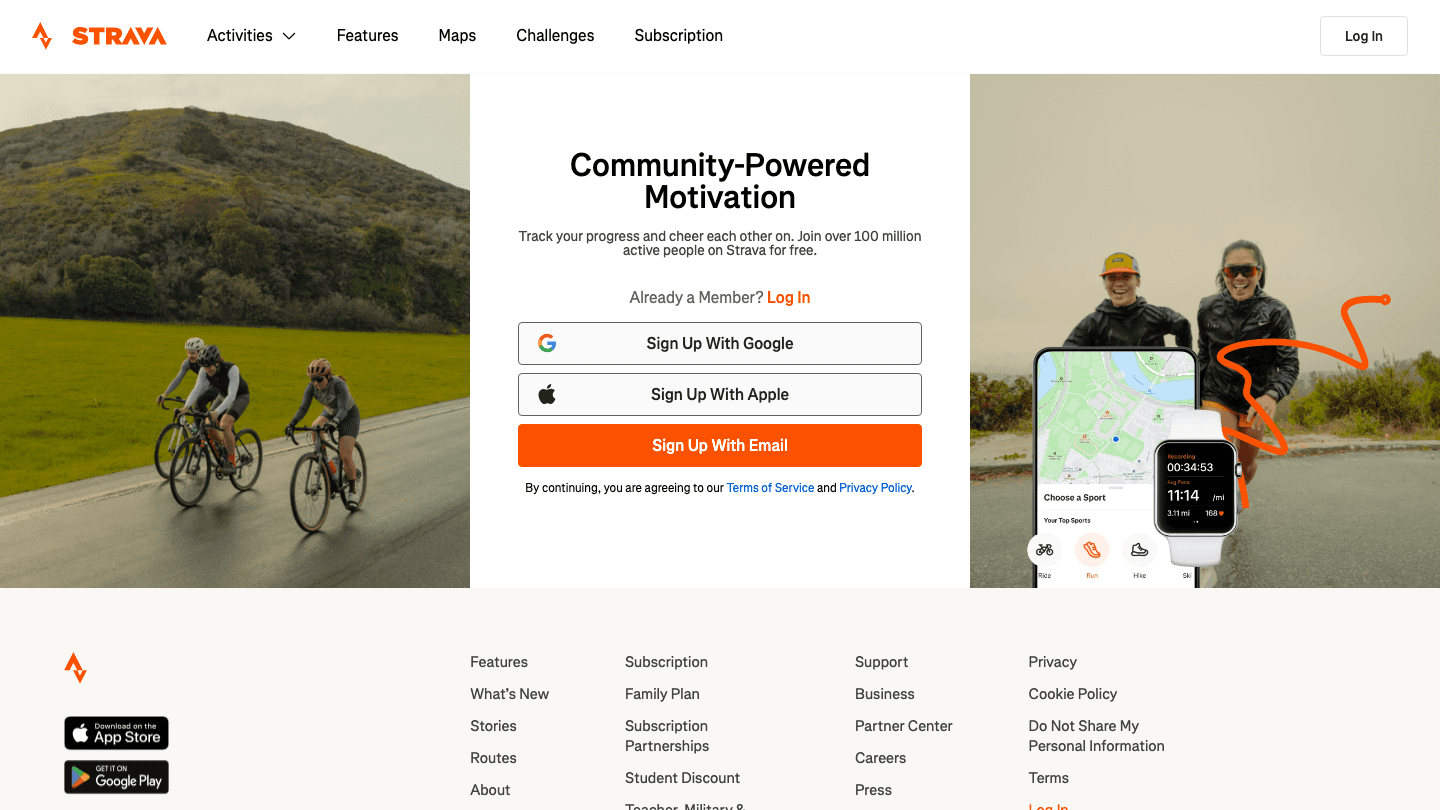
Strava has been the default cardio tracker for years, and 2026 has not changed that. GPS tracking is accurate, the pace and segment analysis is deep, and the social feed keeps a lot of people coming back day after day. Segments and challenges turn an ordinary run into something you want to chase.
It records the activity well, but it does not plan your week or read your recovery, so it tells you what you did rather than what you should do next. If you want Strava to feed a smarter schedule, see our guide to the best apps to use with Strava.
Key features
Accurate GPS tracking for runs, rides, and walks
Segments, leaderboards, and challenges
Strong social feed and route discovery
What works: The motivation loop is hard to beat. The community keeps casual athletes consistent in a way solo apps rarely manage.
Limitations
No energy awareness or recovery-based scheduling
Best features for analysis sit behind the paid tier
Pricing: Free tier covers basic tracking. The standard subscription is $11.99 per month or $79.99 per year. A family plan is $139.99 per year, and a Strava plus Runna bundle is $149.99 per year.
Best for: Runners and cyclists who want precise tracking plus a community to stay accountable to.
3. Hevy: Best for Strength Tracking
A fast, clean lifting log with progress charts people actually check.
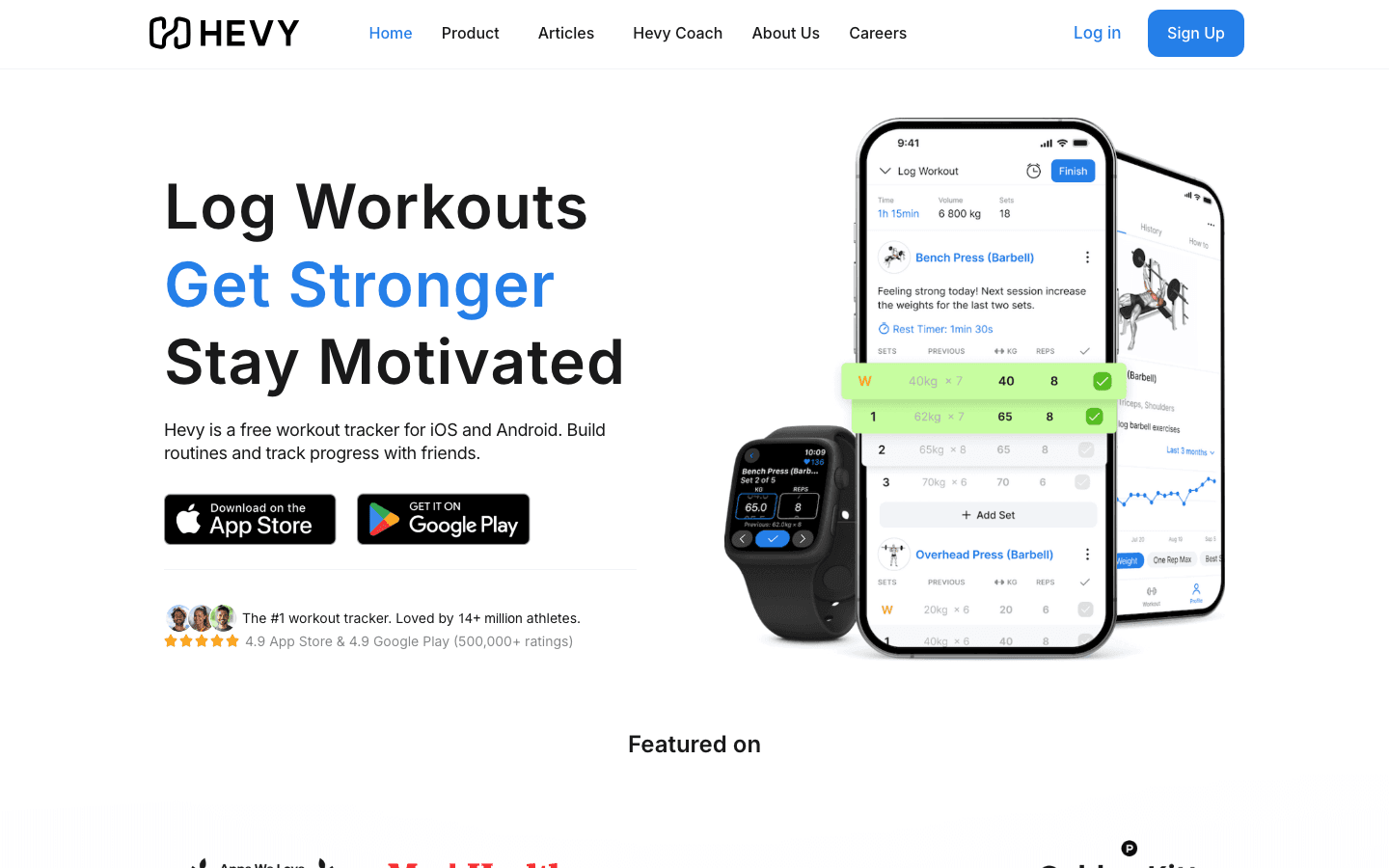
Hevy is the lifting tracker that keeps showing up at the top of gym forums, and it earns that. Logging a set is quick, the rest timer is built in, and the progress graphs make it easy to see whether you are actually getting stronger. Routine building is flexible without feeling fussy.
It also leans social, so you can follow friends and see their sessions, which adds a light accountability layer. What it does not do is decide when you should train, so a planner like Lifestack still has a job to do alongside it.
Key features
Quick set logging with an automatic rest timer
Unlimited progress graphs on the paid tier
Routine sharing and a social feed
Apple Watch support
What works: It is fast enough that logging never interrupts your session, which is the whole game for a gym tracker.
Limitations
Free tier caps you at four routines and three months of history
No recovery-based scheduling
Pricing: Free tier with limits. Hevy Pro is $2.99 per month, $23.99 per year, or $74.99 for lifetime.
Best for: Lifters who want a clean, low-friction log and clear progress tracking without paying much.
4. Nike Training Club: Best Free Guided Workouts
A full library of trainer-led sessions with no paywall.
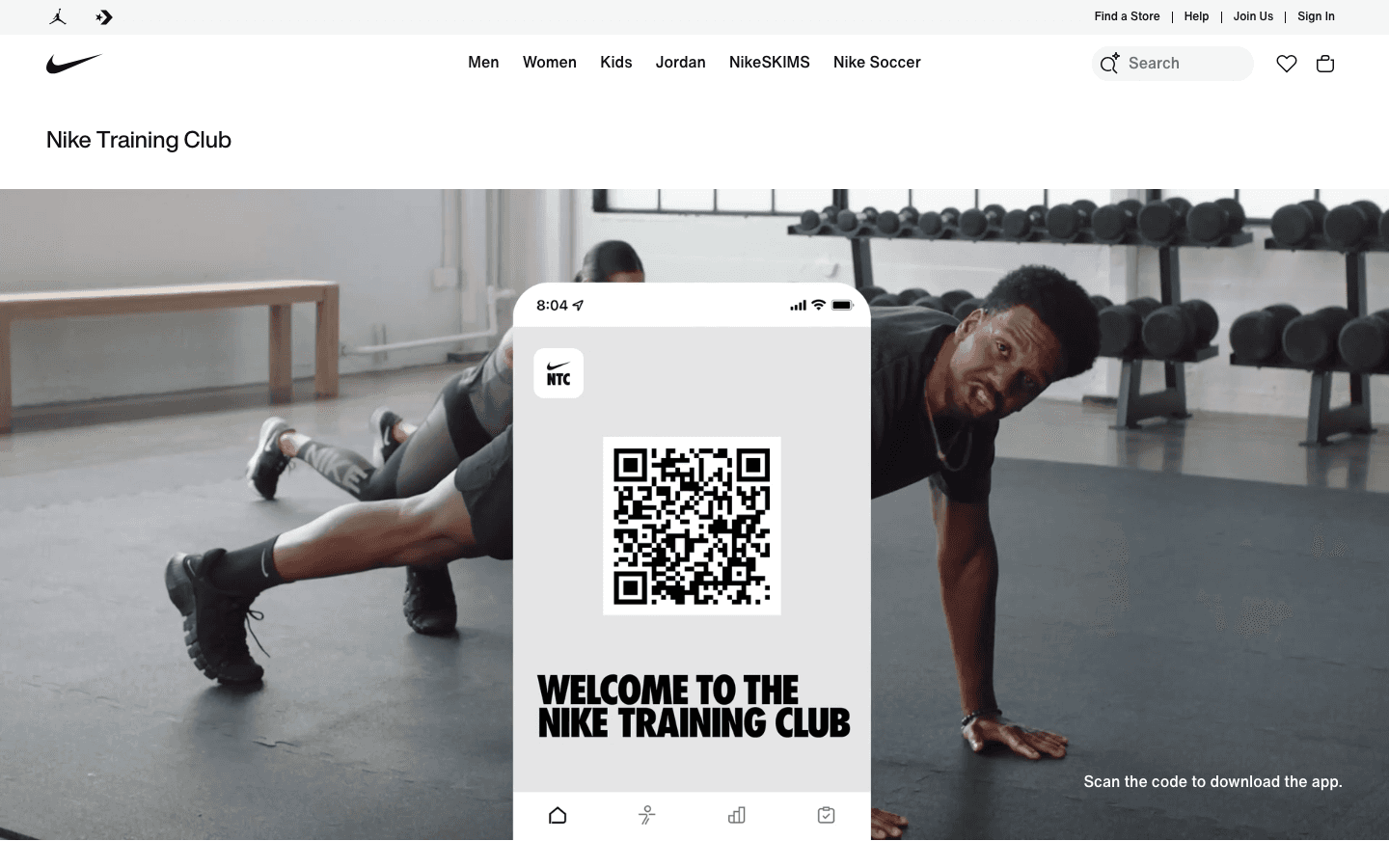
Nike Training Club went fully free years ago and has stayed that way, which makes it the easiest recommendation for anyone who wants guided workouts without a subscription. You get strength, HIIT, yoga, and mobility sessions led by real trainers, plus multi-week programs if you want structure.
There is no tracking of sets and reps in the way a gym logger handles it, and it will not schedule sessions around your energy. But for follow-along workouts at home with zero cost, very little beats it.
Key features
185-plus guided workouts across strength, cardio, and recovery
Multi-week training programs
No subscription and no locked premium content
What works: The whole library is free, the production quality is high, and beginners get real guidance instead of a blank screen.
Limitations
No detailed strength logging or progressive-overload tracking
No energy-aware scheduling
Pricing: Completely free. You only need a free Nike account, with no payment details required.
Best for: Beginners and home exercisers who want quality guided sessions at no cost.
5. Apple Fitness+: Best for the Apple Ecosystem
Studio-style classes that turn your Apple Watch into a live trainer.
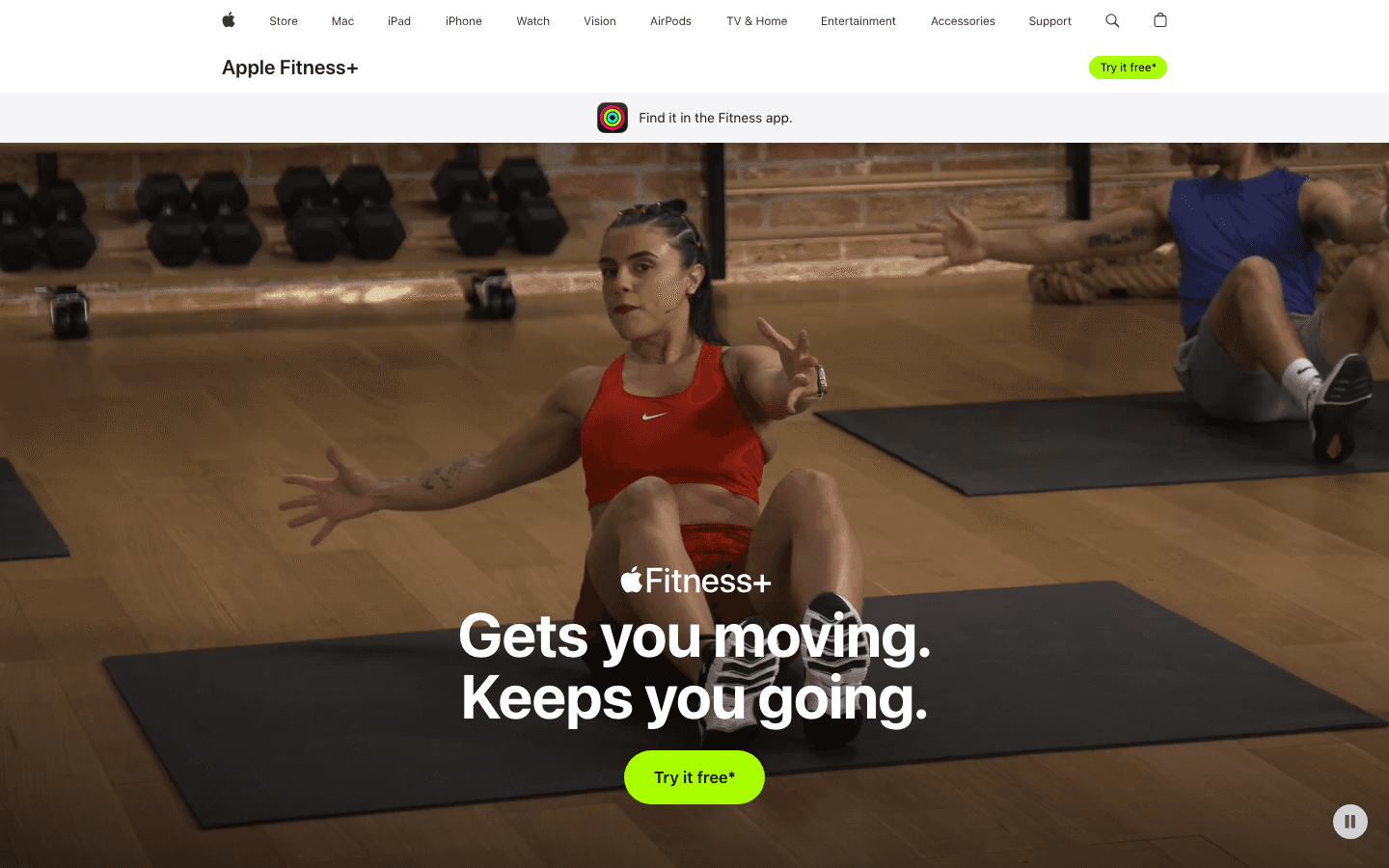
Apple Fitness+ is the most polished pick if you live inside Apple's world. Workouts pull your Apple Watch metrics on screen in real time, so your heart rate and burned calories sit right next to the trainer. The catalog spans strength, HIIT, yoga, cycling, and the popular Time to Walk audio sessions.
It needs an Apple Watch to shine, and it sits firmly in the guided-class category rather than the planning or logging one. If you want to wire it into a wider routine, our roundup of the best Apple Watch apps is a useful next read.
Key features
Live Apple Watch metrics displayed during workouts
Large catalog of trainer-led classes
Time to Walk and Time to Run audio sessions
What works: The Apple Watch integration is the smoothest of any guided app, and the class variety keeps it from getting stale.
Limitations
Really needs an Apple Watch to get full value
No scheduling around your energy or recovery
Pricing: $9.99 per month or $79.99 per year. It is also bundled into the Apple One Premier plan.
Best for: Apple Watch owners who want guided classes with live metrics on screen.
6. Runna: Best for Structured Run Plans
Personalized training plans for everything from a 5K to a marathon.

Runna sits a level above Strava for people who want a plan, not just a record. You tell it your goal race and your current fitness, and it builds a week-by-week plan with easy runs, intervals, and even strength sessions. It syncs to Apple Watch, Garmin, Coros, and Strava, so the workouts land on whatever you already wear.
It is focused on running, so it is not a general fitness app, and the plan tells you what to run without reading how recovered you are on a given morning. Lifestack can fill that timing gap by placing those runs on your higher-energy days.
Key features
Personalized plans for 5K through marathon
Guided audio for intervals and tempo work
Syncs with Apple Watch, Garmin, Coros, and Strava
What works: The plans feel genuinely tailored, and the coaching cues make hard sessions easier to execute correctly.
Limitations
Running only, so it will not cover your lifting or general training
No recovery-based rescheduling of the plan
Pricing: Free 7-day trial, then $19.99 per month or $119.99 per year.
Best for: Runners training for a specific race who want a real plan and a coach in their pocket.
7. Strong: Best for Simple Gym Logging
A no-frills lifting log built for speed.
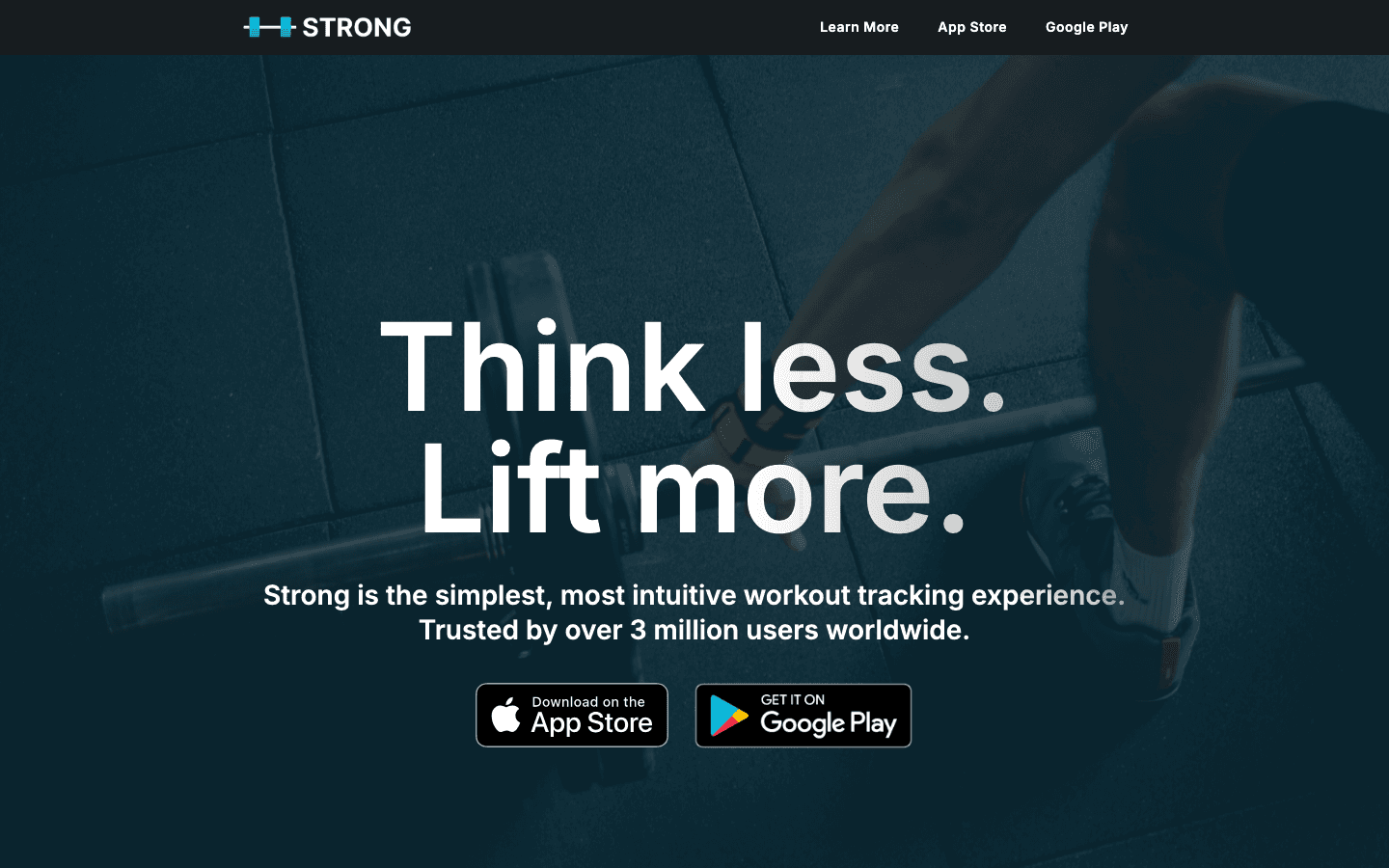
Strong is the minimalist counterpart to Hevy. Its whole pitch is "think less, lift more," and it delivers a fast, distraction-free logging experience with a built-in plate calculator and rest timer. If you find most trackers cluttered, Strong feels like a relief.
It does less than Hevy on the social and analytics side, which is the trade for that simplicity. As with every logger here, it tracks the work but does not decide when you should do it.
Key features
Fast, clean set logging
Plate calculator and rest timer
Apple Watch and Health support
What works: It is about as frictionless as gym logging gets, which makes it easy to stay consistent with.
Limitations
Free tier limits you to three custom routines
Fewer analytics and social features than Hevy
Pricing: Free tier with three routines. Strong Pro is $4.99 per month or $29.99 per year.
Best for: Lifters who want the simplest possible log and nothing extra to think about.
Which Fitness App Is Right for You?
There is no single best fitness app, only the best one for what you are trying to do. Here is the short version:
You keep losing workouts to bad timing or low energy: start with Lifestack and add a tracker.
You mostly run or ride: Strava for tracking, Runna if you want a coached plan.
You lift: Hevy for charts and a bit of community, Strong for bare-bones speed.
You want guided classes: Nike Training Club for free, Apple Fitness+ if you wear an Apple Watch.
The setup that works for most people is a planner plus a tracker. Use Lifestack to decide when to train based on your circadian rhythm and recovery, then let Strava, Hevy, or Runna record the session itself. If you wear a band, our guides to the best apps for Garmin, Fitbit, and Apple Health can help you connect everything.
Frequently Asked Questions
What is the best fitness app in 2026?
It depends on your goal. For most people the best result comes from pairing an energy-aware planner like Lifestack with a tracker that matches your sport, such as Strava for running or Hevy for lifting. That combination handles both when to train and what to log.
What is the best free fitness app?
Nike Training Club is the strongest fully free option, with a large library of guided workouts and no paywall. Strava and Hevy also have useful free tiers, though their best features sit behind a subscription.
Which fitness app is best for weight training?
Hevy and Strong are the two top strength trackers. Hevy gives you richer progress graphs and a social feed, while Strong is faster and simpler. Both are excellent for logging sets, reps, and progressive overload.
Do I need more than one fitness app?
Often, yes. Trackers record your workouts but do not schedule them around how recovered you are. A planner like Lifestack fills that gap by placing sessions on your higher-energy days, which is why a planner-plus-tracker setup works better than either alone. Building a steady morning routine around those sessions helps too.
Can a fitness app schedule workouts around my energy?
Lifestack is the main app built to do exactly this. It reads your sleep and recovery data, forecasts your energy through the day, and places workouts when you are most able to perform, rather than at a fixed time that ignores how you feel.
Most fitness apps do one thing well. Some track your runs, some log your lifts, some pipe a trainer onto your screen. What almost none of them do is tell you when your body is actually ready to train. You can have the most detailed lifting log in the world and still grind through a heavy squat session on four hours of sleep, then wonder why your numbers stalled.
That gap is why the list below starts where it does. The strongest fitness setup in 2026 is not a single app. It is usually a planner that knows your energy paired with a tracker that knows your training. We pulled together seven apps that cover the whole range, from energy-aware scheduling to GPS run tracking to guided studio workouts.
We looked at how each app handles workout planning, tracking, recovery, integrations with wearables, and price. Every price below was checked against the app's live pricing page in June 2026. Here is how they stack up.
Key Takeaways
Lifestack is the only app here that schedules workouts around your real energy and sleep, so you train hard on the right days and recover on the wrong ones.
For pure tracking, pick by discipline: Strava for cardio, Hevy or Strong for lifting, Runna for structured run coaching.
If you want guided sessions with zero planning, Nike Training Club is free and Apple Fitness+ is the best pick inside the Apple ecosystem.
The 7 Best Fitness Apps at a Glance
Lifestack: schedules workouts around your energy and circadian rhythm
Strava: the standard for run, ride, and cardio tracking
Hevy: clean strength tracker with strong progress charts
Nike Training Club: fully free library of guided workouts
Apple Fitness+: studio-style classes built for Apple Watch
Runna: personalized run training plans with coaching
Strong: simple, fast gym logging that gets out of your way
How We Evaluated These Fitness Apps
A good fitness app is the one you keep opening, so we weighed real daily usefulness over feature checklists. We scored each app on these points:
Energy and recovery awareness: does it know when you are actually ready to train?
Workout tracking: how well it logs lifts, runs, or guided sessions
Planning and scheduling: can it place a workout into your real day?
Wearable integrations: Apple Health, Garmin, Fitbit, and similar
Price: verified live, including what the free tier actually gives you
1. Lifestack: Best for Training Around Your Energy
The planner that schedules workouts when your body can actually handle them.
Lifestack is not a workout tracker in the usual sense, and that is the point. It is an energy-aware daily planner that reads your sleep, recovery, and circadian rhythm from your wearable, then builds a schedule that puts demanding work, including your workouts, at the hours you can actually perform. A tough interval session lands on a high-energy day. An easy mobility session lands when your recovery score is low.
Every other app on this list assumes you already know when to train. Lifestack answers that question for you. It syncs with your calendar and your health data, so a planned long run does not collide with a back-to-back meeting block or a night of bad sleep. If you have ever skipped a session because the day got away from you, this is the app that fixes the scheduling problem underneath the fitness problem.
Key features
Energy forecasting from sleep and recovery data
Auto-scheduling that places workouts on the right days and times
Two-way calendar sync so training fits your real life
Health and wearable integration for live readiness signals
What works
It is the only app here that connects how you feel to when you train
Reduces the all-or-nothing pattern of cramming or skipping workouts
Limitations
It plans your training rather than logging sets and reps, so pair it with a tracker
Pricing: Free 7-day trial on the annual plan. After that, $7 per month, $50 per year, or $120 once for lifetime access.
Best for: Anyone who is consistent in spirit but keeps losing workouts to bad timing, low energy, or a chaotic calendar. Pair it with an energy calendar approach to plan your whole week.
2. Strava: Best for Running and Cycling
The social hub where runners and cyclists log almost everything.
Strava has been the default cardio tracker for years, and 2026 has not changed that. GPS tracking is accurate, the pace and segment analysis is deep, and the social feed keeps a lot of people coming back day after day. Segments and challenges turn an ordinary run into something you want to chase.
It records the activity well, but it does not plan your week or read your recovery, so it tells you what you did rather than what you should do next. If you want Strava to feed a smarter schedule, see our guide to the best apps to use with Strava.
Key features
Accurate GPS tracking for runs, rides, and walks
Segments, leaderboards, and challenges
Strong social feed and route discovery
What works: The motivation loop is hard to beat. The community keeps casual athletes consistent in a way solo apps rarely manage.
Limitations
No energy awareness or recovery-based scheduling
Best features for analysis sit behind the paid tier
Pricing: Free tier covers basic tracking. The standard subscription is $11.99 per month or $79.99 per year. A family plan is $139.99 per year, and a Strava plus Runna bundle is $149.99 per year.
Best for: Runners and cyclists who want precise tracking plus a community to stay accountable to.
3. Hevy: Best for Strength Tracking
A fast, clean lifting log with progress charts people actually check.
Hevy is the lifting tracker that keeps showing up at the top of gym forums, and it earns that. Logging a set is quick, the rest timer is built in, and the progress graphs make it easy to see whether you are actually getting stronger. Routine building is flexible without feeling fussy.
It also leans social, so you can follow friends and see their sessions, which adds a light accountability layer. What it does not do is decide when you should train, so a planner like Lifestack still has a job to do alongside it.
Key features
Quick set logging with an automatic rest timer
Unlimited progress graphs on the paid tier
Routine sharing and a social feed
Apple Watch support
What works: It is fast enough that logging never interrupts your session, which is the whole game for a gym tracker.
Limitations
Free tier caps you at four routines and three months of history
No recovery-based scheduling
Pricing: Free tier with limits. Hevy Pro is $2.99 per month, $23.99 per year, or $74.99 for lifetime.
Best for: Lifters who want a clean, low-friction log and clear progress tracking without paying much.
4. Nike Training Club: Best Free Guided Workouts
A full library of trainer-led sessions with no paywall.
Nike Training Club went fully free years ago and has stayed that way, which makes it the easiest recommendation for anyone who wants guided workouts without a subscription. You get strength, HIIT, yoga, and mobility sessions led by real trainers, plus multi-week programs if you want structure.
There is no tracking of sets and reps in the way a gym logger handles it, and it will not schedule sessions around your energy. But for follow-along workouts at home with zero cost, very little beats it.
Key features
185-plus guided workouts across strength, cardio, and recovery
Multi-week training programs
No subscription and no locked premium content
What works: The whole library is free, the production quality is high, and beginners get real guidance instead of a blank screen.
Limitations
No detailed strength logging or progressive-overload tracking
No energy-aware scheduling
Pricing: Completely free. You only need a free Nike account, with no payment details required.
Best for: Beginners and home exercisers who want quality guided sessions at no cost.
5. Apple Fitness+: Best for the Apple Ecosystem
Studio-style classes that turn your Apple Watch into a live trainer.
Apple Fitness+ is the most polished pick if you live inside Apple's world. Workouts pull your Apple Watch metrics on screen in real time, so your heart rate and burned calories sit right next to the trainer. The catalog spans strength, HIIT, yoga, cycling, and the popular Time to Walk audio sessions.
It needs an Apple Watch to shine, and it sits firmly in the guided-class category rather than the planning or logging one. If you want to wire it into a wider routine, our roundup of the best Apple Watch apps is a useful next read.
Key features
Live Apple Watch metrics displayed during workouts
Large catalog of trainer-led classes
Time to Walk and Time to Run audio sessions
What works: The Apple Watch integration is the smoothest of any guided app, and the class variety keeps it from getting stale.
Limitations
Really needs an Apple Watch to get full value
No scheduling around your energy or recovery
Pricing: $9.99 per month or $79.99 per year. It is also bundled into the Apple One Premier plan.
Best for: Apple Watch owners who want guided classes with live metrics on screen.
6. Runna: Best for Structured Run Plans
Personalized training plans for everything from a 5K to a marathon.
Runna sits a level above Strava for people who want a plan, not just a record. You tell it your goal race and your current fitness, and it builds a week-by-week plan with easy runs, intervals, and even strength sessions. It syncs to Apple Watch, Garmin, Coros, and Strava, so the workouts land on whatever you already wear.
It is focused on running, so it is not a general fitness app, and the plan tells you what to run without reading how recovered you are on a given morning. Lifestack can fill that timing gap by placing those runs on your higher-energy days.
Key features
Personalized plans for 5K through marathon
Guided audio for intervals and tempo work
Syncs with Apple Watch, Garmin, Coros, and Strava
What works: The plans feel genuinely tailored, and the coaching cues make hard sessions easier to execute correctly.
Limitations
Running only, so it will not cover your lifting or general training
No recovery-based rescheduling of the plan
Pricing: Free 7-day trial, then $19.99 per month or $119.99 per year.
Best for: Runners training for a specific race who want a real plan and a coach in their pocket.
7. Strong: Best for Simple Gym Logging
A no-frills lifting log built for speed.
Strong is the minimalist counterpart to Hevy. Its whole pitch is "think less, lift more," and it delivers a fast, distraction-free logging experience with a built-in plate calculator and rest timer. If you find most trackers cluttered, Strong feels like a relief.
It does less than Hevy on the social and analytics side, which is the trade for that simplicity. As with every logger here, it tracks the work but does not decide when you should do it.
Key features
Fast, clean set logging
Plate calculator and rest timer
Apple Watch and Health support
What works: It is about as frictionless as gym logging gets, which makes it easy to stay consistent with.
Limitations
Free tier limits you to three custom routines
Fewer analytics and social features than Hevy
Pricing: Free tier with three routines. Strong Pro is $4.99 per month or $29.99 per year.
Best for: Lifters who want the simplest possible log and nothing extra to think about.
Which Fitness App Is Right for You?
There is no single best fitness app, only the best one for what you are trying to do. Here is the short version:
You keep losing workouts to bad timing or low energy: start with Lifestack and add a tracker.
You mostly run or ride: Strava for tracking, Runna if you want a coached plan.
You lift: Hevy for charts and a bit of community, Strong for bare-bones speed.
You want guided classes: Nike Training Club for free, Apple Fitness+ if you wear an Apple Watch.
The setup that works for most people is a planner plus a tracker. Use Lifestack to decide when to train based on your circadian rhythm and recovery, then let Strava, Hevy, or Runna record the session itself. If you wear a band, our guides to the best apps for Garmin, Fitbit, and Apple Health can help you connect everything.
Frequently Asked Questions
What is the best fitness app in 2026?
It depends on your goal. For most people the best result comes from pairing an energy-aware planner like Lifestack with a tracker that matches your sport, such as Strava for running or Hevy for lifting. That combination handles both when to train and what to log.
What is the best free fitness app?
Nike Training Club is the strongest fully free option, with a large library of guided workouts and no paywall. Strava and Hevy also have useful free tiers, though their best features sit behind a subscription.
Which fitness app is best for weight training?
Hevy and Strong are the two top strength trackers. Hevy gives you richer progress graphs and a social feed, while Strong is faster and simpler. Both are excellent for logging sets, reps, and progressive overload.
Do I need more than one fitness app?
Often, yes. Trackers record your workouts but do not schedule them around how recovered you are. A planner like Lifestack fills that gap by placing sessions on your higher-energy days, which is why a planner-plus-tracker setup works better than either alone. Building a steady morning routine around those sessions helps too.
Can a fitness app schedule workouts around my energy?
Lifestack is the main app built to do exactly this. It reads your sleep and recovery data, forecasts your energy through the day, and places workouts when you are most able to perform, rather than at a fixed time that ignores how you feel.



FOLLOW ON
FOLLOW ON
FOLLOW ON


Copyright 2026 © Lifestack. All rights reserved
Copyright 2026 © Lifestack. All rights reserved

