
App
6 Best Routine App Alternatives in 2026
6 Best Routine App Alternatives in 2026

Routine (routinehq.com) was a well-regarded daily planner and task management app that combined calendar, tasks, and notes in a unified interface. As of 2026, the app is no longer actively maintained, its website now showing an expired certificate and its App Store listing unavailable. If you've been using Routine and need a replacement, or if you're evaluating it and found it's no longer a viable option, this roundup covers six solid alternatives.
The apps below span different approaches: AI-driven scheduling, calendar-first planning, ritual-based daily reviews, and pure task management. Lifestack leads as the option that most directly extends what Routine was trying to do, by connecting your tasks and calendar to your actual daily capacity. The others cover different angles depending on what you valued most about Routine.
Key Takeaways
If you want an app that uses your energy and recovery data to automatically schedule your day, Lifestack is the most direct Routine replacement with that capability
Sunsama and Structured are the strongest alternatives for users who valued Routine's daily planning ritual and visual timeline
Todoist and Any.do cover the task management layer cleanly for users who mainly used Routine as a to-do list with calendar integration
Quick Guide
Lifestack: Best Routine alternative for AI-powered, energy-aware daily scheduling
Structured: Best for visual timeline daily planning on iPhone and Apple Watch
Any.do: Best free cross-platform task and calendar fusion
Sunsama: Best for daily planning rituals with deep integration into work tools
Fantastical: Best calendar-first approach with natural language task entry
Todoist: Best pure task management with flexible views and reliable cross-platform sync
How We Evaluated
Daily planning workflow: does the app support a morning planning ritual or just task capture
Calendar integration: bidirectional sync, task scheduling on calendar, time-blocking support
Energy and health integration: does it adapt to how you actually feel on a given day
Cross-platform: iOS, Android, Mac, Windows, Web availability
Pricing: value relative to Routine's discontinued subscription
1. Lifestack
Best for AI-powered daily scheduling based on energy and recovery

Routine aimed to be a unified workspace that combined tasks, notes, and calendar. Lifestack goes a layer further: it doesn't just show you your tasks and calendar together, it actively schedules your day based on your current energy state.
Each morning, Lifestack reads your sleep and recovery data from Apple Health or a connected wearable, assesses how recovered you are, and builds a daily plan that matches your most demanding tasks to your peak hours. If you slept poorly, demanding projects get moved to later or pushed to tomorrow. If your recovery is strong, the plan front-loads the work that requires your full attention. This is what energy-based planning means in practice: not a fixed template, but a daily schedule that reflects today's actual capacity.
It syncs with your existing calendar and task apps, and the interface is clean enough to use as your primary daily planning hub rather than an add-on. For people who valued Routine's attempt to integrate tasks and calendar, Lifestack extends that vision with health-data awareness.
What works: Morning plan generation from sleep + recovery + calendar + tasks in one view
What works: Adapts to your wearable data so every day's plan reflects real capacity, not assumptions
Limitations: No note-taking or document layer. Doesn't replace Notion or Obsidian for reference storage
Pricing: $7/month or $50/year (7-day free trial on annual). $120 lifetime.
Best for: Anyone who wants their daily schedule generated automatically around their real energy, not a fixed template.
2. Structured
Best visual timeline daily planner on iPhone and Apple Watch
Structured presents your day as a visual timeline, showing calendar events, tasks, and routines as blocks on a scrollable strip. The format is immediately intuitive and makes the relationship between your schedule and your available time visible in a way that list-based apps can't replicate.
For Routine users who valued the daily view and routine-building features, Structured is the most natural replacement. You can create morning and evening routine blocks that repeat daily, see how they fit around your meetings, and move tasks between slots by dragging. The Apple Watch complication lets you check your next block without opening your phone. See how it compares to other routine-building apps.
Limitations: Apple ecosystem only. No Android or web version. No energy or health integration.
Pricing: Free with limited features. Pro $6.99/month or $99.99 lifetime.
Best for: Apple users who want a visual timeline daily planner with repeating routine blocks.
3. Any.do
Best free cross-platform task and calendar combination
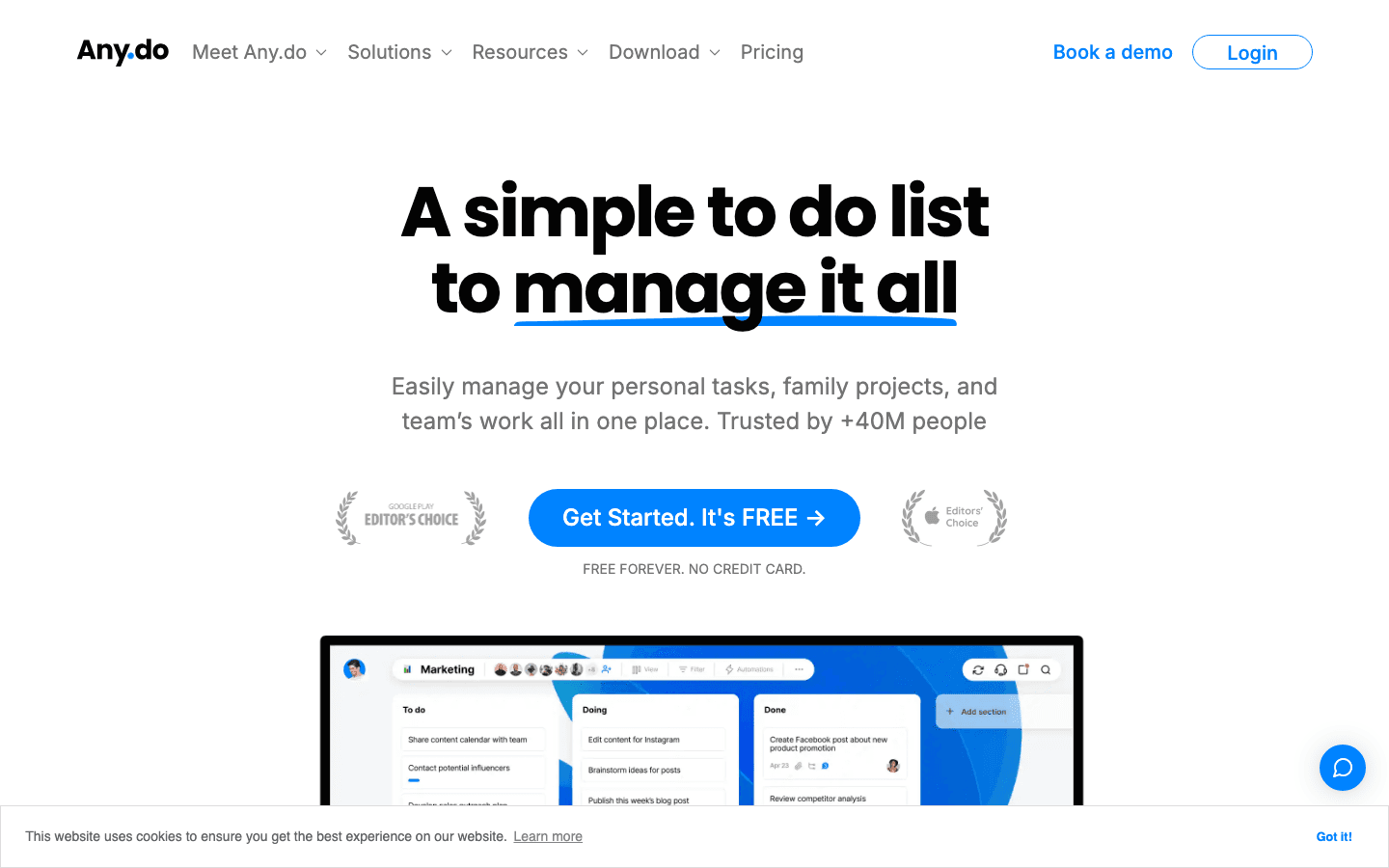
Any.do is a task manager with a built-in calendar view and a daily planning feature called "My Day" that gives you a brief guided review of your tasks each morning. The interface is clean and the free tier is genuinely useful, covering the core task + calendar integration that Routine provided without requiring a subscription.
It runs on iOS, Android, Mac, Windows, and web with reliable sync, making it one of the more practical options for users who worked across devices. The calendar integration is bidirectional, and it supports recurring tasks and reminders. For users who mainly used Routine as a task + calendar hub and found the price unjustifiable, Any.do provides most of that functionality at zero cost.
Limitations: No energy integration or AI scheduling. Free tier limits recurring reminders.
Pricing: Free with full core functionality. Premium from $9.99/month or $59.99/year.
Best for: Cross-platform users who want free task and calendar integration without sacrificing reliability.
4. Sunsama
Best for structured daily planning rituals with tool integrations
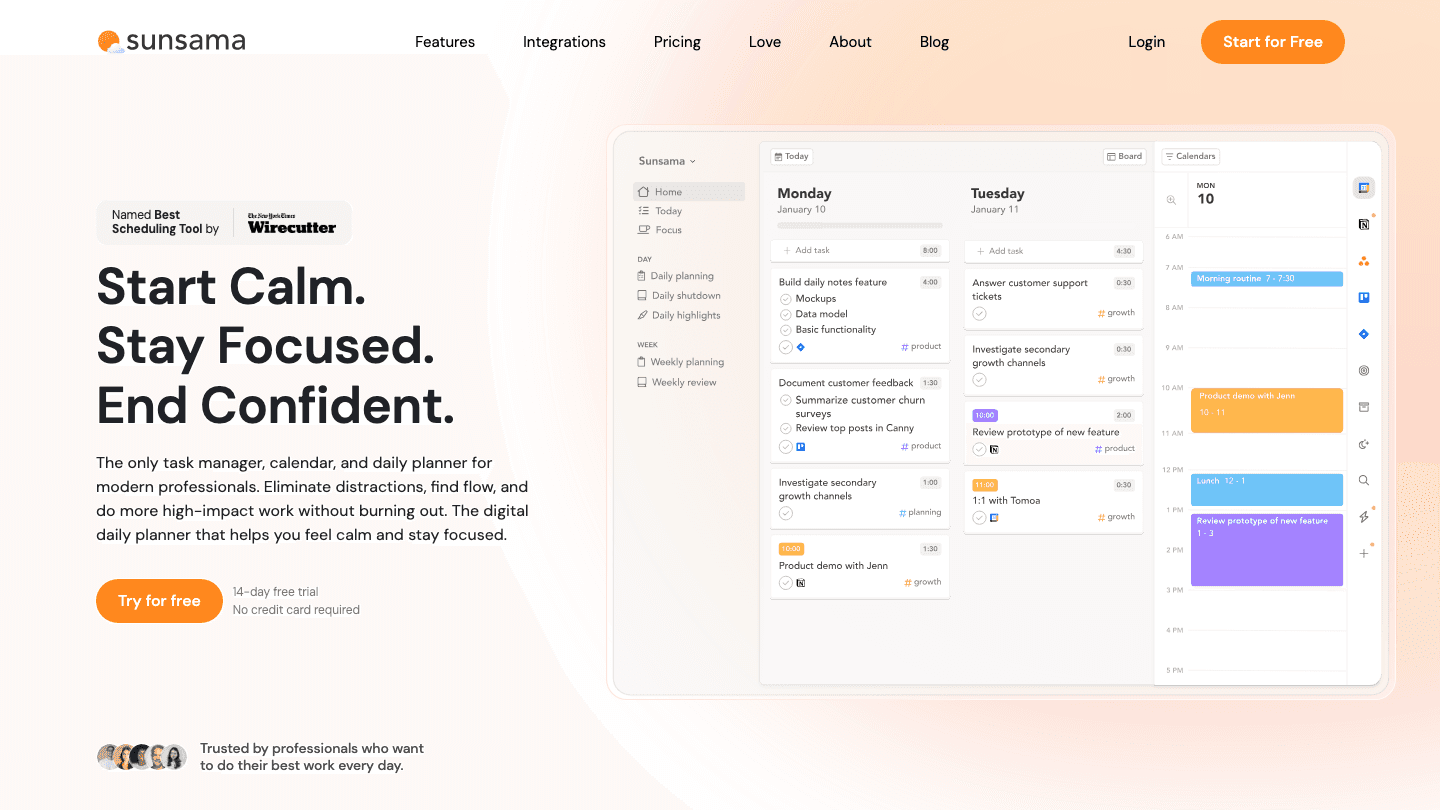
Sunsama is built around a daily planning and shutdown ritual. Each morning, you go through a brief structured process: pull in tasks from Asana, Jira, Linear, Todoist, or other tools, review your calendar, set a daily intention, and time-block the day. Each evening, you do a shutdown review. The structure is deliberate and, for the right user, genuinely effective at creating a sustainable daily work rhythm.
Where Routine targeted note-taking and task management integration, Sunsama targets the planning process itself. It's also the most expensive option here, at $22/month or $204/year. But for knowledge workers who found Routine useful primarily as a daily planning hub rather than a task database, Sunsama is worth comparing. See our existing Sunsama pricing breakdown for a full cost analysis.
Limitations: Most expensive option on this list. No mobile-first experience (web and desktop focused).
Pricing: $22/month or $17/month billed annually ($204/year). 14-day free trial.
Best for: Knowledge workers who want a structured morning planning ritual with deep integration into project management tools.
5. Fantastical
Best calendar-first approach with natural language input
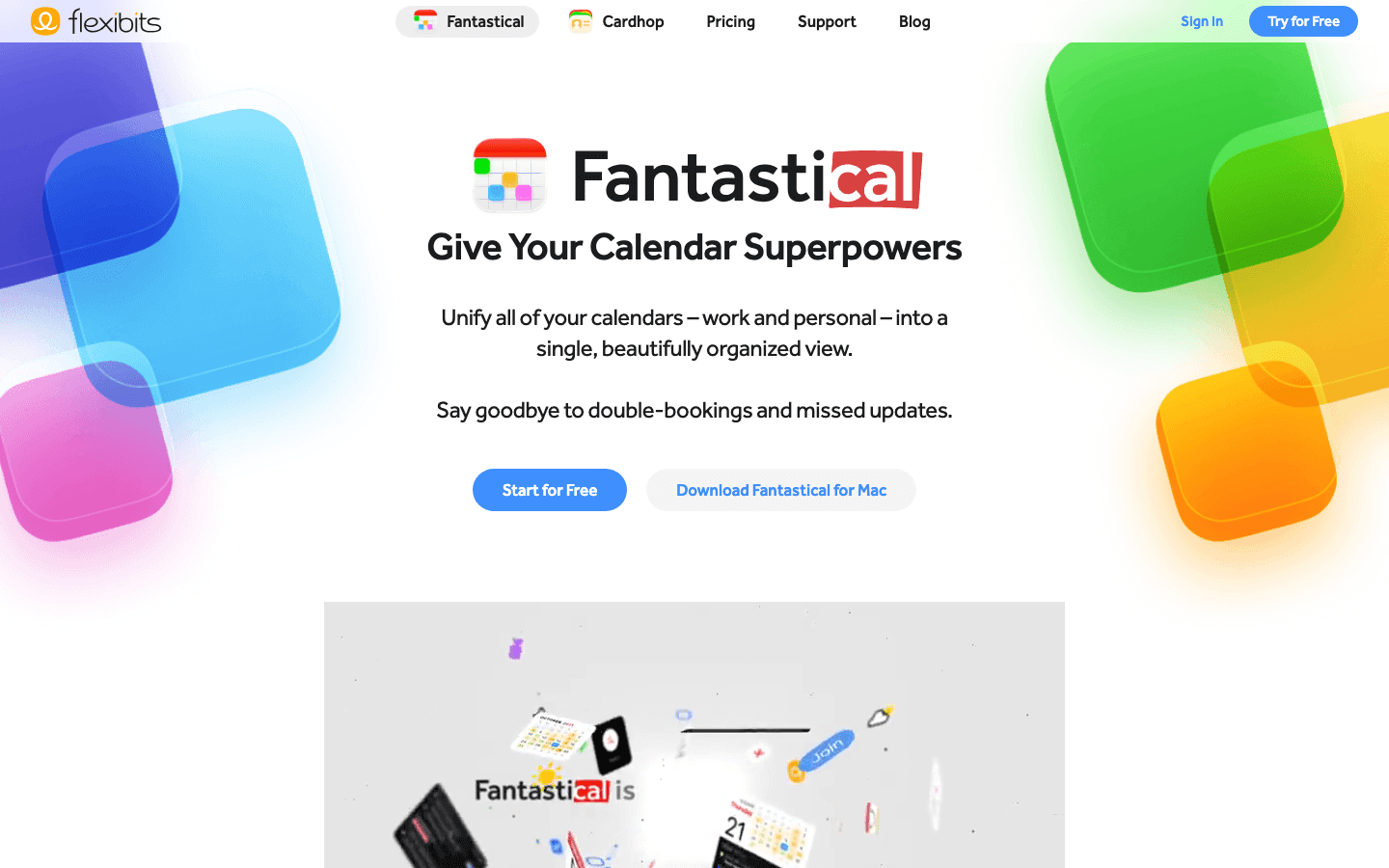
Fantastical takes a calendar-first approach to daily planning. It shows tasks and events together in a unified calendar view, supports natural language event and task creation ("lunch with Alex Thursday at noon" becomes a calendar entry automatically), and syncs with all major calendar services.
The DayTicker view at the top of the calendar shows upcoming events and tasks in a compact strip, and the Today widget brings that summary to your home screen. For Routine users who primarily valued the unified calendar + task view, Fantastical delivers that well. It's available on Mac, iPhone, iPad, Apple Watch, and Vision Pro. Daily planner apps often overlook the calendar-first approach, but Fantastical makes it the strongest available option.
Limitations: Apple ecosystem only. No Android. No energy integration or AI scheduling.
Pricing: Free with basic features. Premium $6.99/month or $56.99/year (14-day free trial).
Best for: Apple users who want their tasks and calendar unified with natural language input.
6. Todoist
Best pure task management with reliable cross-platform sync
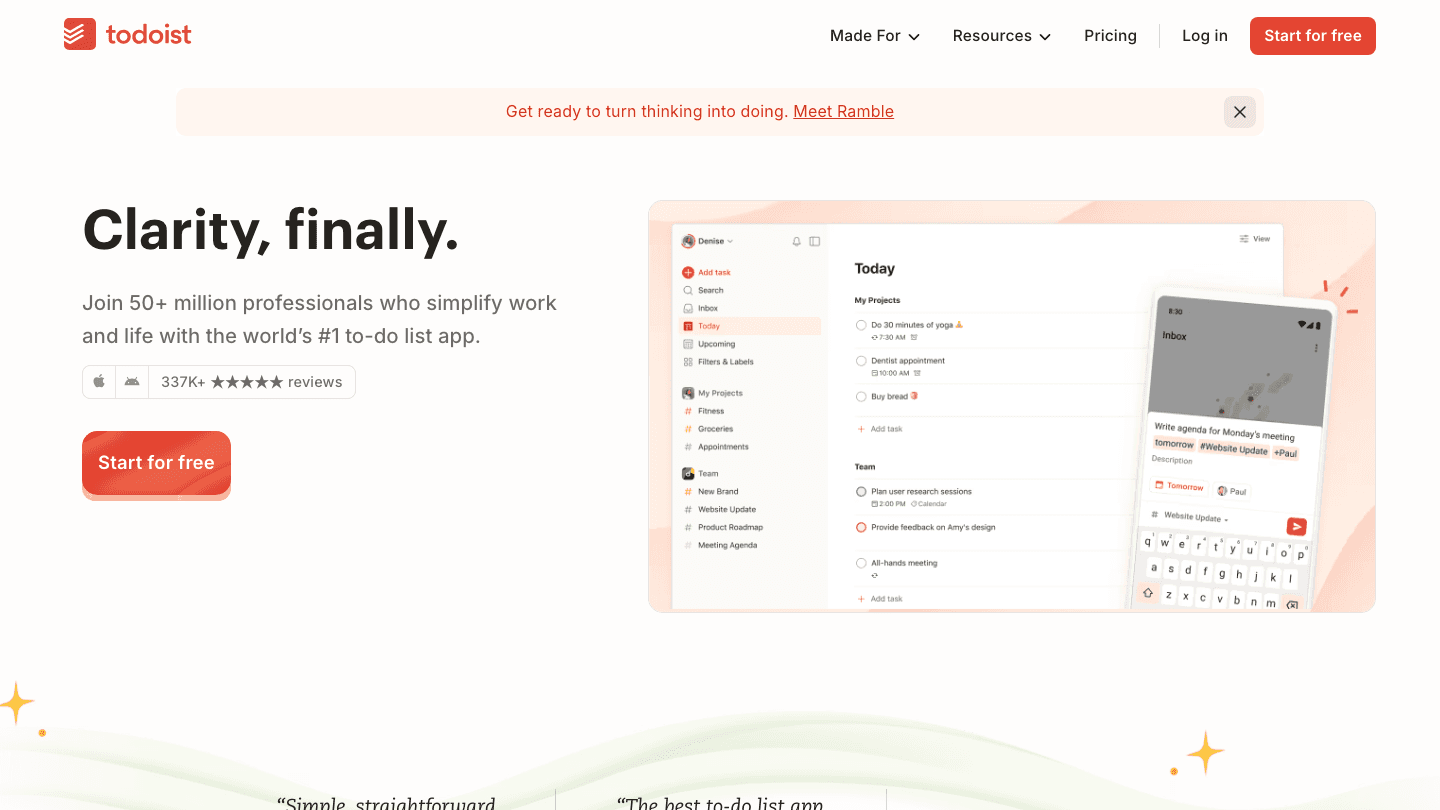
Todoist is the most battle-tested task manager on this list, with 50+ million users, consistent cross-platform availability (iOS, Android, Mac, Windows, Web, watch), and reliable sync. If Routine appealed to you primarily because it was a capable task manager with some calendar integration, Todoist covers the task management layer more thoroughly than any of the other options here.
The interface is clean, priorities and labels are flexible, and the free tier is genuinely usable without feeling hobbled. The calendar integration has improved significantly, showing tasks on Google Calendar and Outlook with two-way sync in the Pro tier. One native connection worth noting: Todoist works natively with Lifestack, so you can use Todoist as your task capture layer while Lifestack handles scheduling and energy-aware planning on top of it.
Limitations: No built-in daily planning ritual. Calendar integration requires Pro tier.
Pricing: Free tier available. Pro $6.99/month or $59.99/year (7-day trial).
Best for: Users who want the most reliable cross-platform task manager and don't need the daily planning ritual baked in.
Which Routine Alternative Is Right for You?
You want AI scheduling around your energy state: Lifestack. The only option here that uses sleep and recovery data to build your daily plan.
You want visual timeline planning on Apple devices: Structured. The closest equivalent to a visual daily planner with routine blocks.
You want free cross-platform task + calendar: Any.do. Most of Routine's core functionality at no cost.
You want a structured planning ritual with tool integrations: Sunsama. Best for knowledge workers who want a formal start and end to each workday.
You want a calendar-first unified view on Apple: Fantastical. Natural language input and the strongest calendar + task integration available on Apple platforms.
You want the most reliable task manager: Todoist. Pairs naturally with Lifestack if you want energy-aware scheduling on top.
FAQ
Is Routine app still active in 2026?
As of mid-2026, Routine's website (routinehq.com) shows an expired SSL certificate and the App Store listing for the iOS app is no longer available. The product appears to be discontinued or no longer maintained. Users looking for a Routine replacement should consider the alternatives in this guide.
What was the Routine app?
Routine was a daily planner and task management app that combined tasks, notes, calendar integration, and a unified daily view. It was popular with knowledge workers and developers who wanted a single workspace for tasks and time. Its closure leaves a gap that apps like Lifestack, Structured, and Sunsama fill in different ways.
Which Routine alternative is best for ADHD?
Lifestack is the strongest option for ADHD users because it removes the daily decision load of deciding what to work on and when. The energy-aware scheduling addresses the executive function challenge directly: you open the app and have a plan built for you based on how recovered you are. Structured is also popular in ADHD communities for its ADHD-friendly daily planning visual format.
What's the best free alternative to Routine?
Any.do offers the most functionality at no cost, with task management, calendar integration, and a daily review feature in the free tier. Todoist's free tier is also capable for task management specifically. Both work across iOS, Android, and web.
What's the difference between Sunsama and Lifestack?
Sunsama focuses on a manual daily planning ritual: you pull tasks from external tools each morning, set a daily intention, and time-block your schedule. Lifestack automates that process, building the daily plan from your energy state and task list without requiring a manual review session. Sunsama is more structured and intentional; Lifestack is more automatic. The right choice depends on whether you want to drive the planning process or delegate it.
Routine (routinehq.com) was a well-regarded daily planner and task management app that combined calendar, tasks, and notes in a unified interface. As of 2026, the app is no longer actively maintained, its website now showing an expired certificate and its App Store listing unavailable. If you've been using Routine and need a replacement, or if you're evaluating it and found it's no longer a viable option, this roundup covers six solid alternatives.
The apps below span different approaches: AI-driven scheduling, calendar-first planning, ritual-based daily reviews, and pure task management. Lifestack leads as the option that most directly extends what Routine was trying to do, by connecting your tasks and calendar to your actual daily capacity. The others cover different angles depending on what you valued most about Routine.
Key Takeaways
If you want an app that uses your energy and recovery data to automatically schedule your day, Lifestack is the most direct Routine replacement with that capability
Sunsama and Structured are the strongest alternatives for users who valued Routine's daily planning ritual and visual timeline
Todoist and Any.do cover the task management layer cleanly for users who mainly used Routine as a to-do list with calendar integration
Quick Guide
Lifestack: Best Routine alternative for AI-powered, energy-aware daily scheduling
Structured: Best for visual timeline daily planning on iPhone and Apple Watch
Any.do: Best free cross-platform task and calendar fusion
Sunsama: Best for daily planning rituals with deep integration into work tools
Fantastical: Best calendar-first approach with natural language task entry
Todoist: Best pure task management with flexible views and reliable cross-platform sync
How We Evaluated
Daily planning workflow: does the app support a morning planning ritual or just task capture
Calendar integration: bidirectional sync, task scheduling on calendar, time-blocking support
Energy and health integration: does it adapt to how you actually feel on a given day
Cross-platform: iOS, Android, Mac, Windows, Web availability
Pricing: value relative to Routine's discontinued subscription
1. Lifestack
Best for AI-powered daily scheduling based on energy and recovery
Routine aimed to be a unified workspace that combined tasks, notes, and calendar. Lifestack goes a layer further: it doesn't just show you your tasks and calendar together, it actively schedules your day based on your current energy state.
Each morning, Lifestack reads your sleep and recovery data from Apple Health or a connected wearable, assesses how recovered you are, and builds a daily plan that matches your most demanding tasks to your peak hours. If you slept poorly, demanding projects get moved to later or pushed to tomorrow. If your recovery is strong, the plan front-loads the work that requires your full attention. This is what energy-based planning means in practice: not a fixed template, but a daily schedule that reflects today's actual capacity.
It syncs with your existing calendar and task apps, and the interface is clean enough to use as your primary daily planning hub rather than an add-on. For people who valued Routine's attempt to integrate tasks and calendar, Lifestack extends that vision with health-data awareness.
What works: Morning plan generation from sleep + recovery + calendar + tasks in one view
What works: Adapts to your wearable data so every day's plan reflects real capacity, not assumptions
Limitations: No note-taking or document layer. Doesn't replace Notion or Obsidian for reference storage
Pricing: $7/month or $50/year (7-day free trial on annual). $120 lifetime.
Best for: Anyone who wants their daily schedule generated automatically around their real energy, not a fixed template.
2. Structured
Best visual timeline daily planner on iPhone and Apple Watch
Structured presents your day as a visual timeline, showing calendar events, tasks, and routines as blocks on a scrollable strip. The format is immediately intuitive and makes the relationship between your schedule and your available time visible in a way that list-based apps can't replicate.
For Routine users who valued the daily view and routine-building features, Structured is the most natural replacement. You can create morning and evening routine blocks that repeat daily, see how they fit around your meetings, and move tasks between slots by dragging. The Apple Watch complication lets you check your next block without opening your phone. See how it compares to other routine-building apps.
Limitations: Apple ecosystem only. No Android or web version. No energy or health integration.
Pricing: Free with limited features. Pro $6.99/month or $99.99 lifetime.
Best for: Apple users who want a visual timeline daily planner with repeating routine blocks.
3. Any.do
Best free cross-platform task and calendar combination
Any.do is a task manager with a built-in calendar view and a daily planning feature called "My Day" that gives you a brief guided review of your tasks each morning. The interface is clean and the free tier is genuinely useful, covering the core task + calendar integration that Routine provided without requiring a subscription.
It runs on iOS, Android, Mac, Windows, and web with reliable sync, making it one of the more practical options for users who worked across devices. The calendar integration is bidirectional, and it supports recurring tasks and reminders. For users who mainly used Routine as a task + calendar hub and found the price unjustifiable, Any.do provides most of that functionality at zero cost.
Limitations: No energy integration or AI scheduling. Free tier limits recurring reminders.
Pricing: Free with full core functionality. Premium from $9.99/month or $59.99/year.
Best for: Cross-platform users who want free task and calendar integration without sacrificing reliability.
4. Sunsama
Best for structured daily planning rituals with tool integrations
Sunsama is built around a daily planning and shutdown ritual. Each morning, you go through a brief structured process: pull in tasks from Asana, Jira, Linear, Todoist, or other tools, review your calendar, set a daily intention, and time-block the day. Each evening, you do a shutdown review. The structure is deliberate and, for the right user, genuinely effective at creating a sustainable daily work rhythm.
Where Routine targeted note-taking and task management integration, Sunsama targets the planning process itself. It's also the most expensive option here, at $22/month or $204/year. But for knowledge workers who found Routine useful primarily as a daily planning hub rather than a task database, Sunsama is worth comparing. See our existing Sunsama pricing breakdown for a full cost analysis.
Limitations: Most expensive option on this list. No mobile-first experience (web and desktop focused).
Pricing: $22/month or $17/month billed annually ($204/year). 14-day free trial.
Best for: Knowledge workers who want a structured morning planning ritual with deep integration into project management tools.
5. Fantastical
Best calendar-first approach with natural language input
Fantastical takes a calendar-first approach to daily planning. It shows tasks and events together in a unified calendar view, supports natural language event and task creation ("lunch with Alex Thursday at noon" becomes a calendar entry automatically), and syncs with all major calendar services.
The DayTicker view at the top of the calendar shows upcoming events and tasks in a compact strip, and the Today widget brings that summary to your home screen. For Routine users who primarily valued the unified calendar + task view, Fantastical delivers that well. It's available on Mac, iPhone, iPad, Apple Watch, and Vision Pro. Daily planner apps often overlook the calendar-first approach, but Fantastical makes it the strongest available option.
Limitations: Apple ecosystem only. No Android. No energy integration or AI scheduling.
Pricing: Free with basic features. Premium $6.99/month or $56.99/year (14-day free trial).
Best for: Apple users who want their tasks and calendar unified with natural language input.
6. Todoist
Best pure task management with reliable cross-platform sync
Todoist is the most battle-tested task manager on this list, with 50+ million users, consistent cross-platform availability (iOS, Android, Mac, Windows, Web, watch), and reliable sync. If Routine appealed to you primarily because it was a capable task manager with some calendar integration, Todoist covers the task management layer more thoroughly than any of the other options here.
The interface is clean, priorities and labels are flexible, and the free tier is genuinely usable without feeling hobbled. The calendar integration has improved significantly, showing tasks on Google Calendar and Outlook with two-way sync in the Pro tier. One native connection worth noting: Todoist works natively with Lifestack, so you can use Todoist as your task capture layer while Lifestack handles scheduling and energy-aware planning on top of it.
Limitations: No built-in daily planning ritual. Calendar integration requires Pro tier.
Pricing: Free tier available. Pro $6.99/month or $59.99/year (7-day trial).
Best for: Users who want the most reliable cross-platform task manager and don't need the daily planning ritual baked in.
Which Routine Alternative Is Right for You?
You want AI scheduling around your energy state: Lifestack. The only option here that uses sleep and recovery data to build your daily plan.
You want visual timeline planning on Apple devices: Structured. The closest equivalent to a visual daily planner with routine blocks.
You want free cross-platform task + calendar: Any.do. Most of Routine's core functionality at no cost.
You want a structured planning ritual with tool integrations: Sunsama. Best for knowledge workers who want a formal start and end to each workday.
You want a calendar-first unified view on Apple: Fantastical. Natural language input and the strongest calendar + task integration available on Apple platforms.
You want the most reliable task manager: Todoist. Pairs naturally with Lifestack if you want energy-aware scheduling on top.
FAQ
Is Routine app still active in 2026?
As of mid-2026, Routine's website (routinehq.com) shows an expired SSL certificate and the App Store listing for the iOS app is no longer available. The product appears to be discontinued or no longer maintained. Users looking for a Routine replacement should consider the alternatives in this guide.
What was the Routine app?
Routine was a daily planner and task management app that combined tasks, notes, calendar integration, and a unified daily view. It was popular with knowledge workers and developers who wanted a single workspace for tasks and time. Its closure leaves a gap that apps like Lifestack, Structured, and Sunsama fill in different ways.
Which Routine alternative is best for ADHD?
Lifestack is the strongest option for ADHD users because it removes the daily decision load of deciding what to work on and when. The energy-aware scheduling addresses the executive function challenge directly: you open the app and have a plan built for you based on how recovered you are. Structured is also popular in ADHD communities for its ADHD-friendly daily planning visual format.
What's the best free alternative to Routine?
Any.do offers the most functionality at no cost, with task management, calendar integration, and a daily review feature in the free tier. Todoist's free tier is also capable for task management specifically. Both work across iOS, Android, and web.
What's the difference between Sunsama and Lifestack?
Sunsama focuses on a manual daily planning ritual: you pull tasks from external tools each morning, set a daily intention, and time-block your schedule. Lifestack automates that process, building the daily plan from your energy state and task list without requiring a manual review session. Sunsama is more structured and intentional; Lifestack is more automatic. The right choice depends on whether you want to drive the planning process or delegate it.



FOLLOW ON
FOLLOW ON
FOLLOW ON


Copyright 2026 © Lifestack. All rights reserved
Copyright 2026 © Lifestack. All rights reserved

