
App
Best AI Automation Apps in 2026
Best AI Automation Apps in 2026

"AI automation app" covers a lot of ground. Some apps automate your calendar, building your day around meetings and deadlines without you dragging blocks around. Others automate busywork between tools, firing off actions the moment something happens. A few automate your task list, sorting and surfacing what matters next. The right one depends on what you actually want off your plate.
We spent time inside six of the most talked-about options. The goal was simple: figure out which apps genuinely save time, and which just add another dashboard to check. We looked at how each one handles automation in practice, what it costs in 2026, and who it actually fits.
One thread runs through the whole list. The apps that respect your real capacity, not just open slots on a grid, are the ones that stick. That is why Lifestack sits at the top. It plans around your energy, not just your free time, which is the part most automation tools miss entirely.
Key Takeaways
Lifestack is the best AI automation app for people who want their day planned around real energy levels, not just empty calendar slots.
Workflow tools like Zapier automate tasks between apps, while schedulers like Motion and Reclaim automate your calendar. Pick based on the job you want done.
Most of these apps offer a free tier or trial, so you can test the automation before paying.
Quick Guide: The 6 Best AI Automation Apps
Lifestack: energy-aware day planning that auto-schedules around how you actually feel.
Motion: AI calendar that auto-builds your schedule from tasks and deadlines.
Reclaim.ai: automated focus time and habit defense for Google and Outlook calendars.
Zapier: connects thousands of apps and automates actions between them.
Notion: a workspace with AI that automates notes, summaries, and database tasks.
Todoist: a task manager with smart scheduling and natural language input.
How We Evaluated These Apps
Not every automation app does the same thing, so we judged each one on what it sets out to do. Across the board, we weighed the same set of factors:
Automation depth: how much it actually does on its own versus how much setup it needs.
Energy and capacity awareness: whether it plans around your real bandwidth or just fills open time.
Integrations: how well it connects to the calendars and tools you already use.
Pricing: verified current costs, free tiers, and trials.
Mobile experience: whether the automation holds up away from a desk.
For more on the scheduling side of this, our guide to the best auto scheduling apps goes deeper on how automated calendars compare.
1. Lifestack: Best AI Automation App Overall
Auto-schedules your day around your energy, not just your free time.

Lifestack automates the one decision most planners ignore: when you have the energy to do the work. It pulls data from your wearable, reads your calendar, and builds a day that puts demanding tasks in your high-energy windows and lighter work in the dips. You are not dragging blocks around a grid. The schedule assembles itself, then adjusts as your day changes.
That is a different kind of automation than most apps on this list. A calendar tool can find an open hour. Lifestack asks whether that hour is actually a good time for deep work, based on your sleep and recovery. For anyone who has ever scheduled a hard task at 3pm and then stared at it, that difference is the whole point.
Key Features
Energy-based auto-scheduling driven by wearable and sleep data.
Two-way calendar sync with Google and Apple Calendar.
Automatic rescheduling when your day shifts.
Task integrations including Todoist for smarter daily planning.
What Works
It plans around capacity, which prevents the overscheduling other apps cause.
The mobile app is the main experience, not an afterthought.
Setup is fast and the automation starts working the same day.
Limitations
You get the most from it with a wearable that tracks sleep and recovery.
It focuses on personal planning, not cross-app workflow automation like Zapier.
Pricing: $7 per month, or $50 per year with a 7-day free trial. A $120 one-time lifetime plan is also available.
Best for: Anyone who wants a day that adapts to their energy automatically. Read more in our intro to Lifestack and why energy-based planning beats time blocking.
2. Motion: Best AI Calendar Automation
Turns your task list into a fully built calendar automatically.
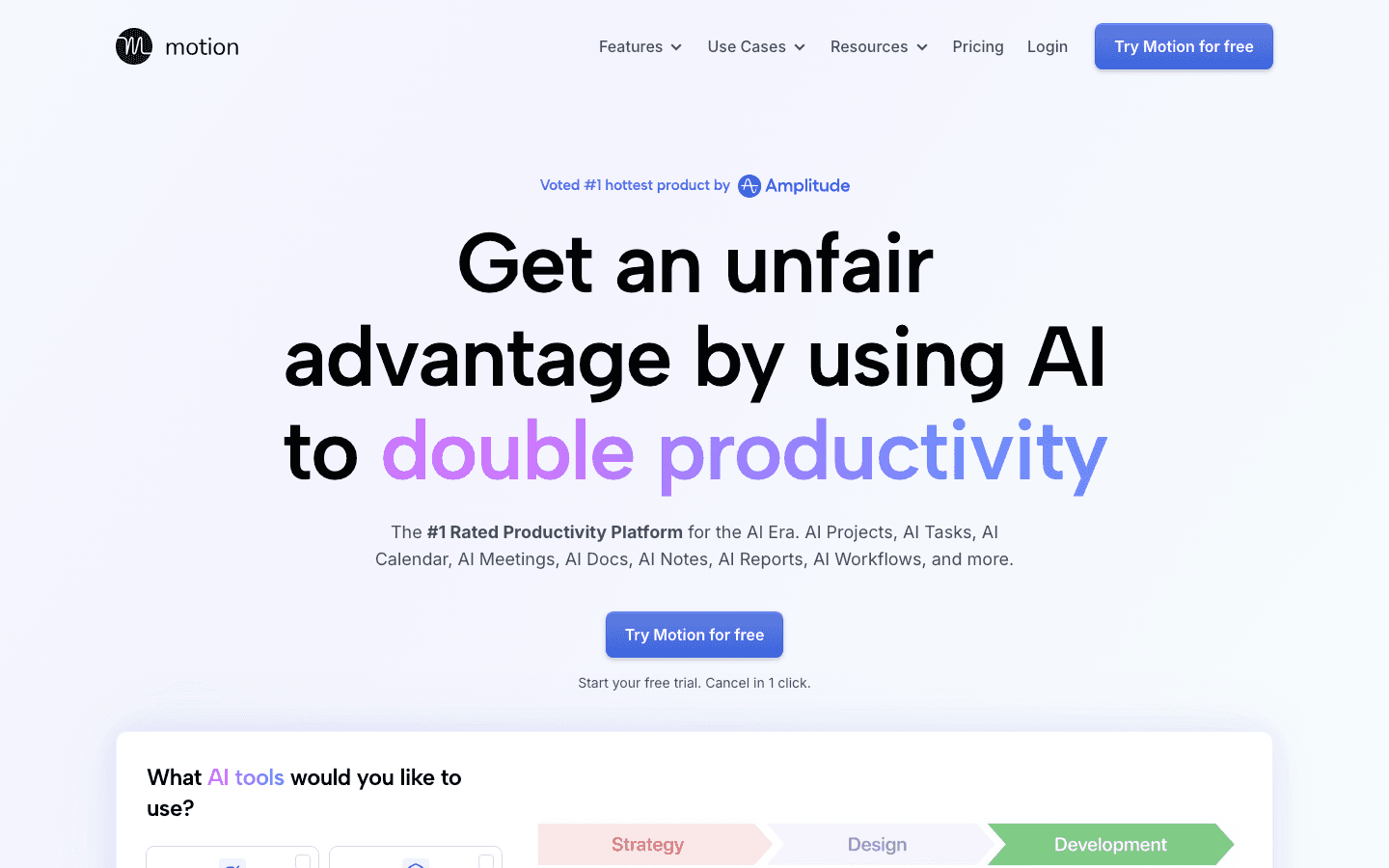
Motion takes your tasks, projects, and deadlines and assembles them into a calendar without you placing anything by hand. When a meeting lands or a deadline moves, it reshuffles the rest of your day. For people who live by their task list and want it turned into a real plan, it is one of the strongest tools here.
The trade-off is intensity. Motion wants to own your whole workflow, and it shines most when you commit to that. Used halfway, it can feel like a lot of machinery for a simple schedule.
Key Features
Automatic task scheduling based on priority and deadlines.
Project management with timelines and team capacity views.
AI chat and writing tools built into the workspace.
Limitations
No energy awareness. It fills time without knowing if you can sustain it.
Pricier than most personal planners, and the feature set can overwhelm solo users.
Pricing: The Pro AI plan is $19 per seat per month, with annual billing saving roughly a third. A free trial is available. See our full Motion pricing breakdown for details.
Best for: Task-driven professionals who want their entire workload auto-scheduled.
3. Reclaim.ai: Best for Automated Focus Time
Defends your calendar with AI agents that protect deep work.
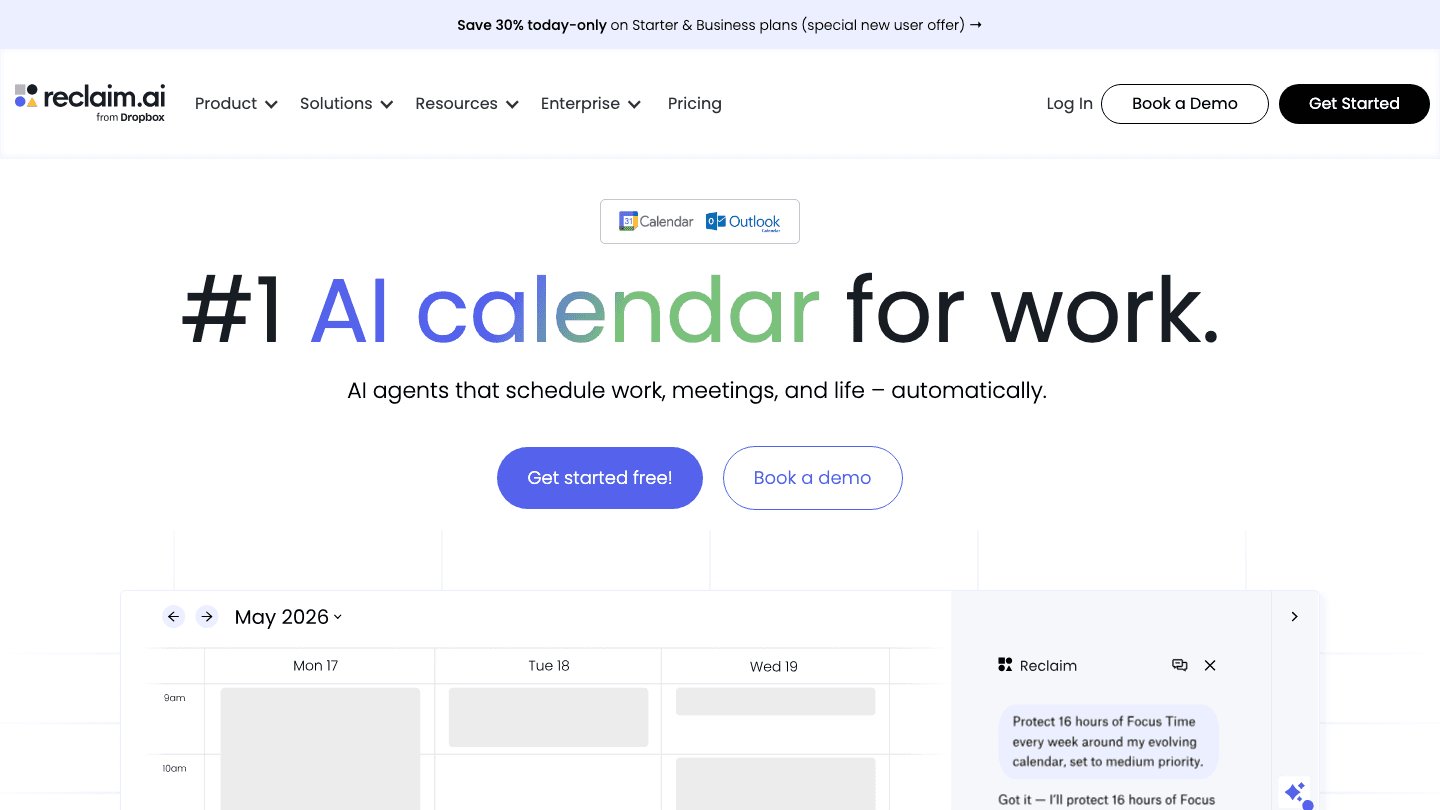
Reclaim.ai sits on top of Google or Outlook Calendar and automates the parts you forget to protect. It carves out focus time, defends recurring habits, and moves flexible events around when conflicts pop up. The newer AI agents let you describe what you want in plain language and watch it adjust your week.
It is less of a standalone planner and more of a layer that makes your existing calendar smarter. If you already live in Google Calendar, that is a low-friction win.
Key Features
Automatic focus time and habit scheduling.
Smart meeting scheduling with buffer time.
AI agents that adjust your week on request.
Limitations
It works around your calendar, not your energy, so it can still book a hard task at a low point.
Best features assume you are deep in Google or Outlook already.
Pricing: A free Lite plan is available. Paid plans start at $10 per seat per month for Starter and $15 per seat per month for Business. If you want options, see our best Reclaim AI alternatives.
Best for: Google and Outlook users who want focus time defended automatically.
4. Zapier: Best for Cross-App Workflow Automation
Connects thousands of apps so actions happen without you.
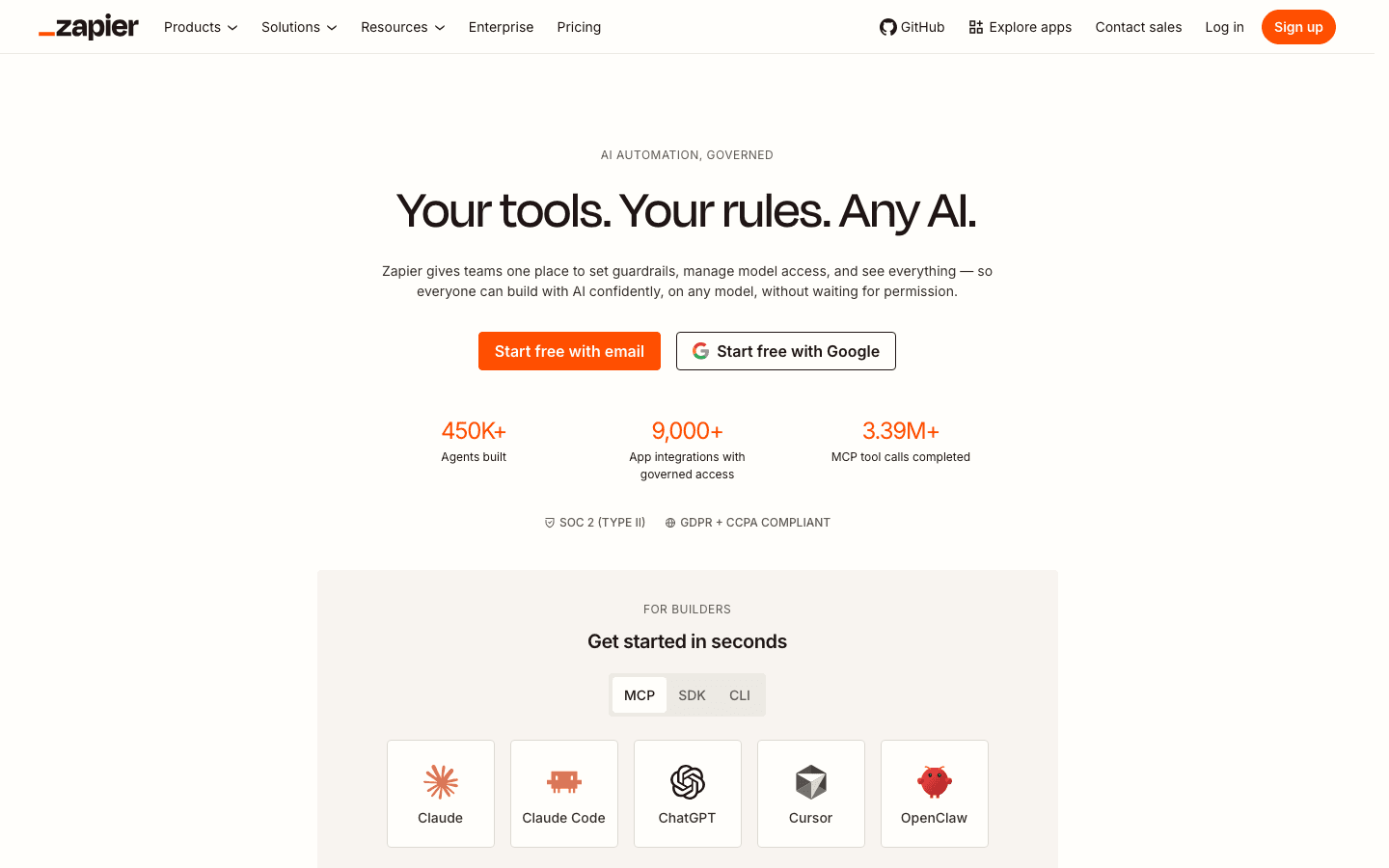
Zapier is the classic answer to "I keep doing the same thing between two apps." It links thousands of services and runs automations, so a new form entry can create a task, a new email can log a row, and a new deal can ping your team. None of that is a calendar feature. It is the glue between everything else.
If your time sink is repetitive busywork rather than scheduling, Zapier is the most powerful tool on this list. It rewards a bit of setup with hours saved every week.
Key Features
Thousands of app integrations with trigger-and-action automations.
Multi-step workflows and AI-assisted building.
Governed AI access for teams.
Limitations
It automates tasks between apps, not your personal schedule or energy.
Task-based pricing can climb fast as your automations grow.
Pricing: A free plan covers 100 tasks per month. The Professional plan starts at $19.99 per month billed annually, or about $29.99 billed monthly, scaling with task volume.
Best for: Anyone automating repetitive work across many tools. Our roundup of the best task automation tools covers more in this category.
5. Notion: Best for Automating Your Workspace
An all-in-one workspace with AI that handles notes and database work.
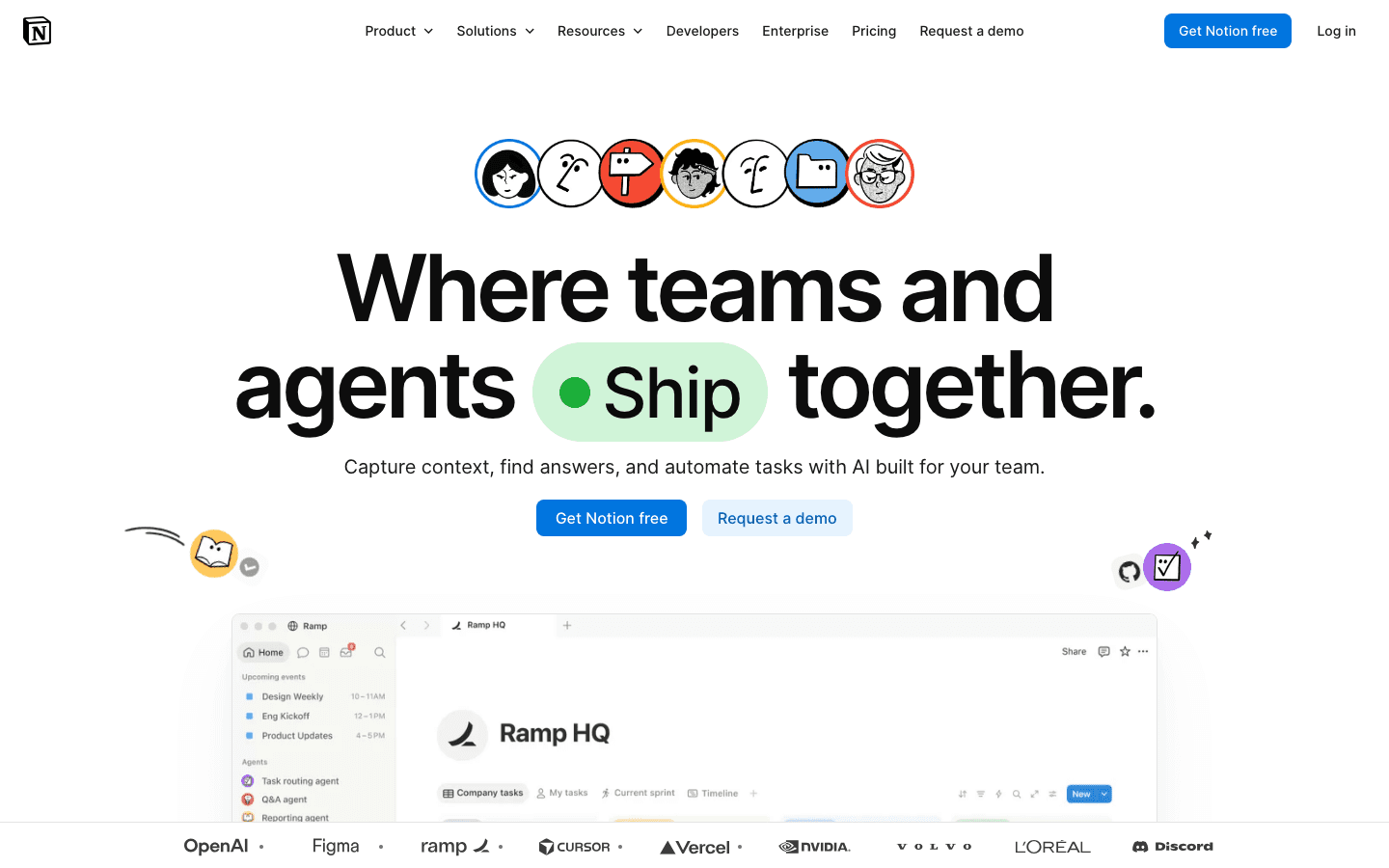
Notion is where many teams already keep their docs, wikis, and trackers. Its AI automates the slow parts: summarizing long pages, drafting content, filling database properties, and answering questions across your workspace. Newer agents can run small repeating tasks on their own.
It is not a scheduler, and it will not plan your day. But if your work lives in documents and databases, automating that surface saves real time. Pair it with a planner and you cover both sides.
Key Features
AI writing, summarizing, and translation inside any page.
Database autofill and workspace-wide AI search.
Agents for small recurring tasks.
Limitations
No calendar automation or energy planning.
A blank workspace takes setup before the automation pays off.
Pricing: A free plan is available. Plus is $10 per member per month and Business is $20 per member per month, with AI features included at varying limits. See our Notion pricing guide for the full picture.
Best for: Teams that already run on Notion and want their docs and databases automated. Also worth a look: apps to use with Notion.
6. Todoist: Best for Automated Task Sorting
A task manager that schedules and surfaces the right work next.
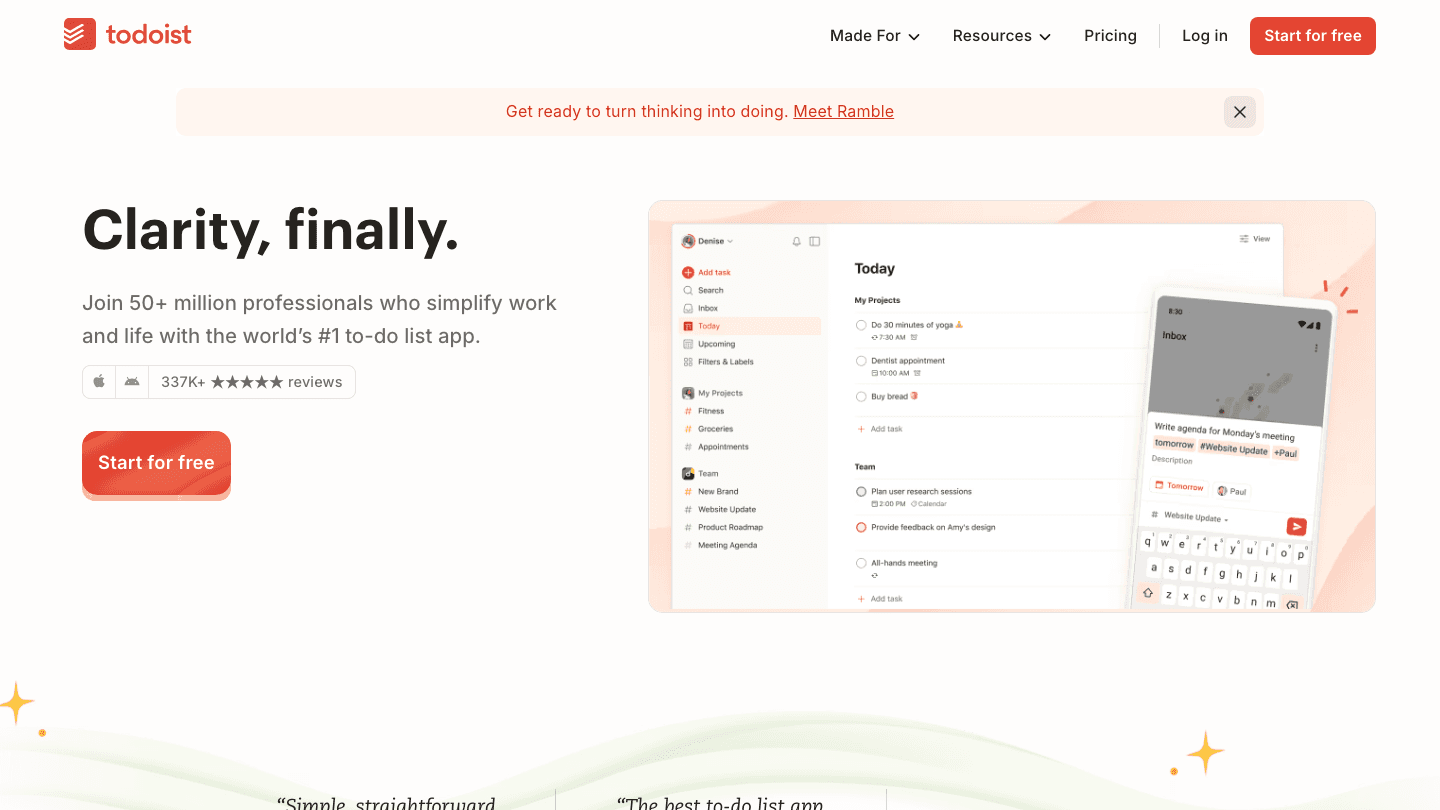
Todoist keeps things light. You type tasks in plain language ("submit report every Friday at 4pm") and it parses the date, recurrence, and priority for you. Its smart views then surface what is due and what matters, so you spend less time organizing the list and more time working it.
It is not trying to run your calendar or your workflows. It does one job, task capture and sorting, and does it cleanly. That focus is exactly why so many people stick with it.
Key Features
Natural language task entry with automatic dates and recurrence.
Smart filters and priority sorting.
Integrations with calendars and tools like Lifestack.
Limitations
It manages tasks, but it does not auto-build your day around energy.
Deeper automation needs a paid plan.
Pricing: A free Beginner plan is available. Pro is $5 per month billed annually, or $7 monthly. Business is $8 per user per month billed annually.
Best for: People who want a fast, focused task list with light automation. It pairs well with a planner, as in using Todoist with Lifestack.
Which AI Automation App Is Right for You?
The best choice comes down to what you want automated. Here is the short version:
Want your day planned around your energy? Lifestack. Nothing else here plans around capacity.
Want your task list turned into a full calendar? Motion.
Want focus time defended on Google or Outlook? Reclaim.ai.
Want to automate work between different apps? Zapier.
Want your docs and databases automated? Notion.
Want a simple, smart task list? Todoist.
Many people run two of these together: one to automate the work itself, and one to automate when that work happens. If you go that route, start with the planner. Knowing when you have energy to do something is more useful than a longer to-do list. For broader picks, see our best AI productivity tools and best AI task manager apps.
Frequently Asked Questions
What is an AI automation app?
An AI automation app uses artificial intelligence to handle work you would otherwise do by hand. That can mean building your schedule, sorting your tasks, defending focus time, or moving data between other apps. The common thread is that the software makes decisions and takes action on its own once you set it up.
What is the best AI automation app in 2026?
For personal planning, Lifestack is our top pick because it automates your day around your real energy levels instead of just open calendar slots. For cross-app workflows, Zapier is the most powerful. The best one for you depends on whether you want to automate your schedule, your tasks, or your tools.
Are there free AI automation apps?
Yes. Reclaim.ai, Zapier, Notion, and Todoist all offer free tiers, and Lifestack and Motion offer free trials. Free plans usually cap how much automation you can run, but they are enough to test whether an app fits your workflow before you pay.
What is the difference between a workflow automation app and an AI scheduler?
A workflow automation app like Zapier connects different tools and runs actions between them, such as creating a task when an email arrives. An AI scheduler like Lifestack or Motion automates your calendar, deciding when work should happen. Many people use one of each.
Can an AI automation app schedule around my energy levels?
Most cannot. Calendar tools find open time, but they do not know whether you can focus then. Lifestack is built specifically for this. It reads your sleep and recovery data and places demanding work in your high-energy windows, which is why it leads this list.
"AI automation app" covers a lot of ground. Some apps automate your calendar, building your day around meetings and deadlines without you dragging blocks around. Others automate busywork between tools, firing off actions the moment something happens. A few automate your task list, sorting and surfacing what matters next. The right one depends on what you actually want off your plate.
We spent time inside six of the most talked-about options. The goal was simple: figure out which apps genuinely save time, and which just add another dashboard to check. We looked at how each one handles automation in practice, what it costs in 2026, and who it actually fits.
One thread runs through the whole list. The apps that respect your real capacity, not just open slots on a grid, are the ones that stick. That is why Lifestack sits at the top. It plans around your energy, not just your free time, which is the part most automation tools miss entirely.
Key Takeaways
Lifestack is the best AI automation app for people who want their day planned around real energy levels, not just empty calendar slots.
Workflow tools like Zapier automate tasks between apps, while schedulers like Motion and Reclaim automate your calendar. Pick based on the job you want done.
Most of these apps offer a free tier or trial, so you can test the automation before paying.
Quick Guide: The 6 Best AI Automation Apps
Lifestack: energy-aware day planning that auto-schedules around how you actually feel.
Motion: AI calendar that auto-builds your schedule from tasks and deadlines.
Reclaim.ai: automated focus time and habit defense for Google and Outlook calendars.
Zapier: connects thousands of apps and automates actions between them.
Notion: a workspace with AI that automates notes, summaries, and database tasks.
Todoist: a task manager with smart scheduling and natural language input.
How We Evaluated These Apps
Not every automation app does the same thing, so we judged each one on what it sets out to do. Across the board, we weighed the same set of factors:
Automation depth: how much it actually does on its own versus how much setup it needs.
Energy and capacity awareness: whether it plans around your real bandwidth or just fills open time.
Integrations: how well it connects to the calendars and tools you already use.
Pricing: verified current costs, free tiers, and trials.
Mobile experience: whether the automation holds up away from a desk.
For more on the scheduling side of this, our guide to the best auto scheduling apps goes deeper on how automated calendars compare.
1. Lifestack: Best AI Automation App Overall
Auto-schedules your day around your energy, not just your free time.
Lifestack automates the one decision most planners ignore: when you have the energy to do the work. It pulls data from your wearable, reads your calendar, and builds a day that puts demanding tasks in your high-energy windows and lighter work in the dips. You are not dragging blocks around a grid. The schedule assembles itself, then adjusts as your day changes.
That is a different kind of automation than most apps on this list. A calendar tool can find an open hour. Lifestack asks whether that hour is actually a good time for deep work, based on your sleep and recovery. For anyone who has ever scheduled a hard task at 3pm and then stared at it, that difference is the whole point.
Key Features
Energy-based auto-scheduling driven by wearable and sleep data.
Two-way calendar sync with Google and Apple Calendar.
Automatic rescheduling when your day shifts.
Task integrations including Todoist for smarter daily planning.
What Works
It plans around capacity, which prevents the overscheduling other apps cause.
The mobile app is the main experience, not an afterthought.
Setup is fast and the automation starts working the same day.
Limitations
You get the most from it with a wearable that tracks sleep and recovery.
It focuses on personal planning, not cross-app workflow automation like Zapier.
Pricing: $7 per month, or $50 per year with a 7-day free trial. A $120 one-time lifetime plan is also available.
Best for: Anyone who wants a day that adapts to their energy automatically. Read more in our intro to Lifestack and why energy-based planning beats time blocking.
2. Motion: Best AI Calendar Automation
Turns your task list into a fully built calendar automatically.
Motion takes your tasks, projects, and deadlines and assembles them into a calendar without you placing anything by hand. When a meeting lands or a deadline moves, it reshuffles the rest of your day. For people who live by their task list and want it turned into a real plan, it is one of the strongest tools here.
The trade-off is intensity. Motion wants to own your whole workflow, and it shines most when you commit to that. Used halfway, it can feel like a lot of machinery for a simple schedule.
Key Features
Automatic task scheduling based on priority and deadlines.
Project management with timelines and team capacity views.
AI chat and writing tools built into the workspace.
Limitations
No energy awareness. It fills time without knowing if you can sustain it.
Pricier than most personal planners, and the feature set can overwhelm solo users.
Pricing: The Pro AI plan is $19 per seat per month, with annual billing saving roughly a third. A free trial is available. See our full Motion pricing breakdown for details.
Best for: Task-driven professionals who want their entire workload auto-scheduled.
3. Reclaim.ai: Best for Automated Focus Time
Defends your calendar with AI agents that protect deep work.
Reclaim.ai sits on top of Google or Outlook Calendar and automates the parts you forget to protect. It carves out focus time, defends recurring habits, and moves flexible events around when conflicts pop up. The newer AI agents let you describe what you want in plain language and watch it adjust your week.
It is less of a standalone planner and more of a layer that makes your existing calendar smarter. If you already live in Google Calendar, that is a low-friction win.
Key Features
Automatic focus time and habit scheduling.
Smart meeting scheduling with buffer time.
AI agents that adjust your week on request.
Limitations
It works around your calendar, not your energy, so it can still book a hard task at a low point.
Best features assume you are deep in Google or Outlook already.
Pricing: A free Lite plan is available. Paid plans start at $10 per seat per month for Starter and $15 per seat per month for Business. If you want options, see our best Reclaim AI alternatives.
Best for: Google and Outlook users who want focus time defended automatically.
4. Zapier: Best for Cross-App Workflow Automation
Connects thousands of apps so actions happen without you.
Zapier is the classic answer to "I keep doing the same thing between two apps." It links thousands of services and runs automations, so a new form entry can create a task, a new email can log a row, and a new deal can ping your team. None of that is a calendar feature. It is the glue between everything else.
If your time sink is repetitive busywork rather than scheduling, Zapier is the most powerful tool on this list. It rewards a bit of setup with hours saved every week.
Key Features
Thousands of app integrations with trigger-and-action automations.
Multi-step workflows and AI-assisted building.
Governed AI access for teams.
Limitations
It automates tasks between apps, not your personal schedule or energy.
Task-based pricing can climb fast as your automations grow.
Pricing: A free plan covers 100 tasks per month. The Professional plan starts at $19.99 per month billed annually, or about $29.99 billed monthly, scaling with task volume.
Best for: Anyone automating repetitive work across many tools. Our roundup of the best task automation tools covers more in this category.
5. Notion: Best for Automating Your Workspace
An all-in-one workspace with AI that handles notes and database work.
Notion is where many teams already keep their docs, wikis, and trackers. Its AI automates the slow parts: summarizing long pages, drafting content, filling database properties, and answering questions across your workspace. Newer agents can run small repeating tasks on their own.
It is not a scheduler, and it will not plan your day. But if your work lives in documents and databases, automating that surface saves real time. Pair it with a planner and you cover both sides.
Key Features
AI writing, summarizing, and translation inside any page.
Database autofill and workspace-wide AI search.
Agents for small recurring tasks.
Limitations
No calendar automation or energy planning.
A blank workspace takes setup before the automation pays off.
Pricing: A free plan is available. Plus is $10 per member per month and Business is $20 per member per month, with AI features included at varying limits. See our Notion pricing guide for the full picture.
Best for: Teams that already run on Notion and want their docs and databases automated. Also worth a look: apps to use with Notion.
6. Todoist: Best for Automated Task Sorting
A task manager that schedules and surfaces the right work next.
Todoist keeps things light. You type tasks in plain language ("submit report every Friday at 4pm") and it parses the date, recurrence, and priority for you. Its smart views then surface what is due and what matters, so you spend less time organizing the list and more time working it.
It is not trying to run your calendar or your workflows. It does one job, task capture and sorting, and does it cleanly. That focus is exactly why so many people stick with it.
Key Features
Natural language task entry with automatic dates and recurrence.
Smart filters and priority sorting.
Integrations with calendars and tools like Lifestack.
Limitations
It manages tasks, but it does not auto-build your day around energy.
Deeper automation needs a paid plan.
Pricing: A free Beginner plan is available. Pro is $5 per month billed annually, or $7 monthly. Business is $8 per user per month billed annually.
Best for: People who want a fast, focused task list with light automation. It pairs well with a planner, as in using Todoist with Lifestack.
Which AI Automation App Is Right for You?
The best choice comes down to what you want automated. Here is the short version:
Want your day planned around your energy? Lifestack. Nothing else here plans around capacity.
Want your task list turned into a full calendar? Motion.
Want focus time defended on Google or Outlook? Reclaim.ai.
Want to automate work between different apps? Zapier.
Want your docs and databases automated? Notion.
Want a simple, smart task list? Todoist.
Many people run two of these together: one to automate the work itself, and one to automate when that work happens. If you go that route, start with the planner. Knowing when you have energy to do something is more useful than a longer to-do list. For broader picks, see our best AI productivity tools and best AI task manager apps.
Frequently Asked Questions
What is an AI automation app?
An AI automation app uses artificial intelligence to handle work you would otherwise do by hand. That can mean building your schedule, sorting your tasks, defending focus time, or moving data between other apps. The common thread is that the software makes decisions and takes action on its own once you set it up.
What is the best AI automation app in 2026?
For personal planning, Lifestack is our top pick because it automates your day around your real energy levels instead of just open calendar slots. For cross-app workflows, Zapier is the most powerful. The best one for you depends on whether you want to automate your schedule, your tasks, or your tools.
Are there free AI automation apps?
Yes. Reclaim.ai, Zapier, Notion, and Todoist all offer free tiers, and Lifestack and Motion offer free trials. Free plans usually cap how much automation you can run, but they are enough to test whether an app fits your workflow before you pay.
What is the difference between a workflow automation app and an AI scheduler?
A workflow automation app like Zapier connects different tools and runs actions between them, such as creating a task when an email arrives. An AI scheduler like Lifestack or Motion automates your calendar, deciding when work should happen. Many people use one of each.
Can an AI automation app schedule around my energy levels?
Most cannot. Calendar tools find open time, but they do not know whether you can focus then. Lifestack is built specifically for this. It reads your sleep and recovery data and places demanding work in your high-energy windows, which is why it leads this list.



FOLLOW ON
FOLLOW ON
FOLLOW ON


Copyright 2026 © Lifestack. All rights reserved
Copyright 2026 © Lifestack. All rights reserved

