
App
Best Productive Websites in 2026: 7 We Tested
Best Productive Websites in 2026: 7 We Tested
You open your laptop with every intention of getting things done. An hour later you've checked email three times, scrolled Twitter, and started a podcast. Sound familiar? The websites you visit shape your day more than most productivity advice ever will.
The good news: there are websites and web-based tools built specifically to pull your attention in the right direction. Whether you need a smarter way to plan your schedule, a way to kill distraction before it starts, or simply a timer that keeps you honest, these tools exist and most of them work.
We tested dozens of productive websites across planning, task management, focus, time awareness, and habit formation. The seven below are the ones we actually kept using after the testing period ended.
A note on the list: we prioritized variety. There is no point in giving you seven Pomodoro timers. Instead, each pick addresses a different layer of the productivity problem.
Key Takeaways
Energy-aware scheduling is the most underrated productivity lever. Most tools ignore your energy levels entirely, which is why your calendar fills up but your output does not match it.
The best productive websites solve one problem well. Tools that try to do everything rarely do any of it at a level worth paying for.
Time tracking and focus tools work best in combination. Knowing where your time goes (RescueTime) and protecting it (Forest or Brain.fm) is a more complete system than either approach alone.
Quick Guide: 7 Best Productive Websites in 2026
Lifestack: Energy-aware AI planner that auto-schedules your day around your peak focus windows
Todoist: Polished task manager with natural language input and cross-device sync
Notion: All-in-one workspace for notes, wikis, databases, and lightweight project tracking
Brain.fm: AI-generated focus music designed to help you enter deep work faster
Toggl Track: Simple time tracker with detailed reporting, free for individuals
RescueTime: Automatic time-tracking that shows exactly how you actually spend your day
Forest: Gamified focus timer that grows a virtual tree while you stay on task
How We Evaluated These Tools
Ease of starting a session: friction kills focus habits before they form
Web-first usability: works well in a browser, not just as an app
Free plan usefulness: does the free tier actually let you do meaningful work
Depth without overwhelm: powerful enough to stick with, simple enough to start
Mobile parity: for tools where mobile matters, the app experience should match the web
1. Lifestack: Best for Energy-Aware Planning
Schedule your day around how you actually feel, not just when things need to happen.

Lifestack starts with a question most planners never ask: when are you actually productive? It connects your calendar, task list, and wearable data (Oura, Whoop, Garmin, Apple Watch) and uses that to place tasks at the times your energy will support them. A complex writing task goes in your peak window. Admin and email go when you tend to crash.
This is different from basic time-blocking. Time-blocking fills slots. Lifestack fills the right slots with the right work. If you have ever read the case for energy-based planning, Lifestack is the tool that actually executes it. It is also built with ADHD in mind, so the interface keeps decisions minimal and the plan visual.
The Chrome extension and mobile apps mean you can check and adjust your plan without context-switching to another tab. It is genuinely a full-day planning system, not a to-do list with a calendar view bolted on.
Key Features
AI auto-scheduling based on task priority and energy data from wearables
Connects Google Calendar, Todoist, TickTick, Notion, and other task sources
Daily plan view with energy score context
Chrome extension for quick task capture and plan review
iOS and Android apps with full plan editing
What Works
The wearable integration makes scheduling feel genuinely personalized
One-tap rescheduling when your day goes sideways
Works as a coordination layer on top of tools you already use
Limitations
Best results require a wearable (works without one, but energy awareness is limited)
No team features, built for individual use
Pricing: 7-day free trial, then $7/month, $50/year, or $120 lifetime.
Best for: Anyone who wants their schedule to match their energy, not just their calendar.
2. Todoist: Best Task Manager
Capture, organize, and check off tasks with the cleanest interface in the category.
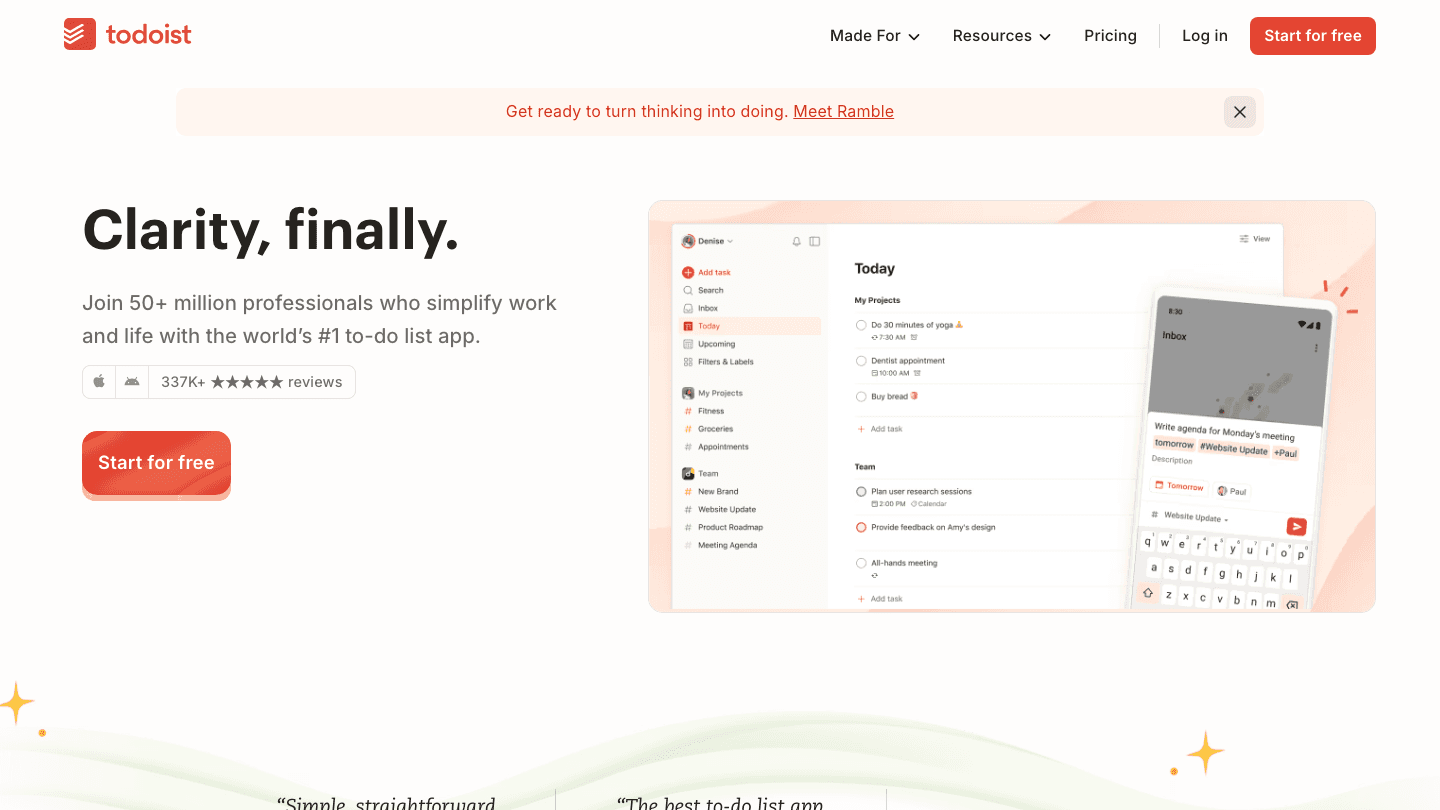
Todoist has been the benchmark task manager for years, and the 2025-2026 updates kept it there. Type a task in plain English ("Submit report Friday at 9am") and it parses the date, time, and priority automatically. The web app is fast, the mobile apps are excellent, and the sync is instant.
If you want to go deeper, check out how to use Todoist with Lifestack for a setup that combines Todoist's task capture with Lifestack's auto-scheduling. That combination handles both the "what do I need to do" and "when should I do it" questions.
Key Features
Natural language task entry with automatic date and priority parsing
Filters, labels, and views to surface the right tasks at the right time
Full Kanban board and calendar views on Pro
Integrates with Gmail, Slack, Google Calendar, and Lifestack
What Works
Task entry is genuinely the fastest in class
The free plan (5 projects) is enough for individuals with simple setups
Karma system adds a subtle motivation loop without being annoying
Limitations
No energy or context awareness, tasks sit in priority order regardless of your state
Calendar integration is still one-way without third-party tools
Pricing: Free | Pro $5/month (billed annually). See full Todoist pricing breakdown.
Best for: People who need a clean, reliable task list that works everywhere.
3. Notion: Best All-in-One Workspace
Your notes, wikis, project boards, and databases, all in one place.
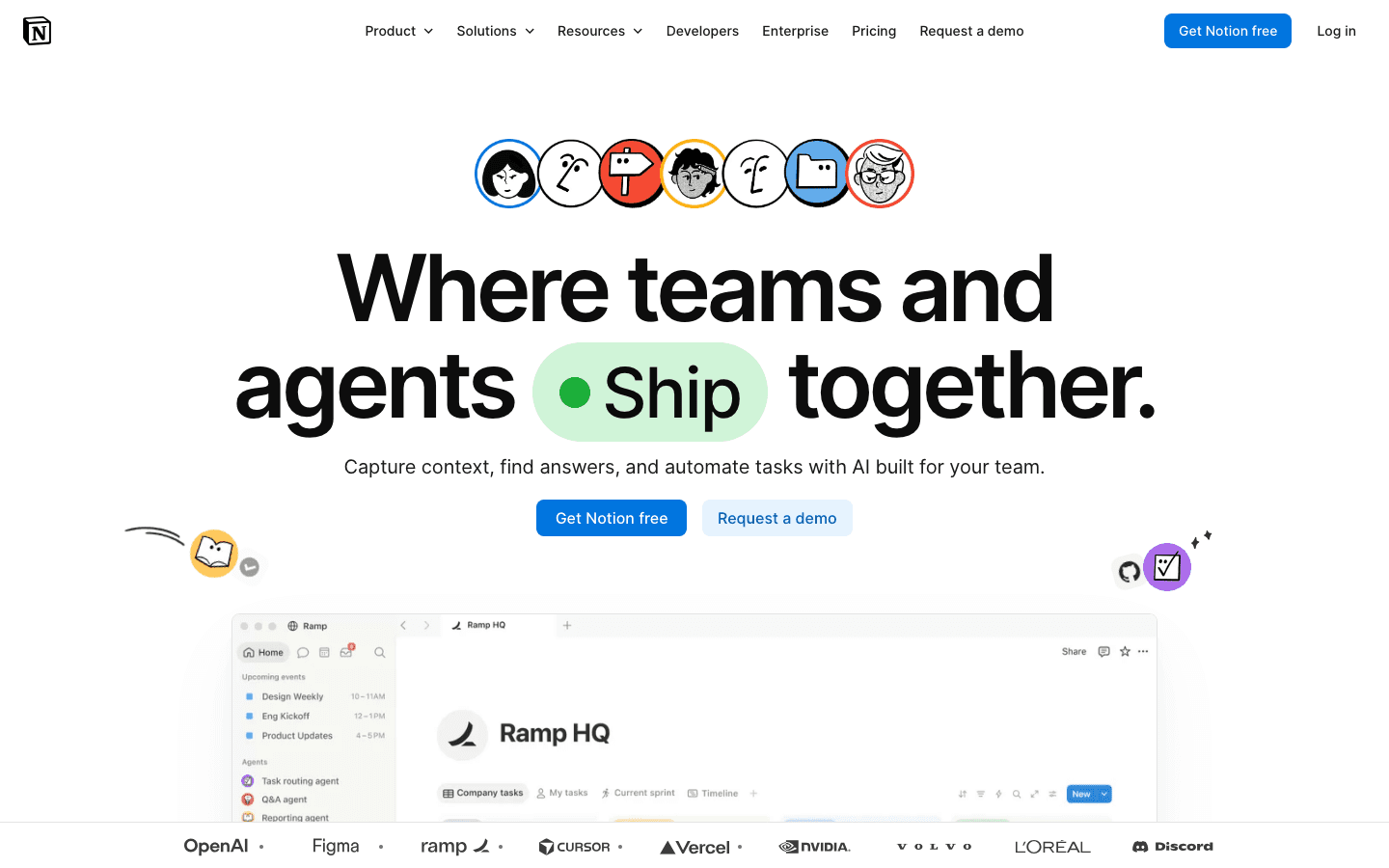
Notion is the website that replaced the most other websites for most people. Notes app, project tracker, team wiki, personal CRM, meeting notes, reading list, and habit log. It can hold all of it. The AI features added in 2024-2025 made writing and summarizing inside Notion faster, though the editor itself remains its core draw.
For productivity specifically, Notion shines as a brain dump destination and a place to store reference material that would otherwise live in five different browser tabs. The free plan is genuinely generous for personal use.
Key Features
Flexible block-based editor that handles text, tables, code, images, and embeds
Databases with multiple views (table, kanban, calendar, gallery, timeline)
Built-in AI for writing assistance and summarization
Templates for dozens of use cases, from GTD to content calendars
What Works
Nothing else offers the same combination of flexibility and polish
Excellent for teams and personal knowledge management
The web clipper saves full pages with one click
Limitations
Can become a system-building distraction if you are not careful
No native energy awareness or scheduling features
Pricing: Free | Plus $10/month. Full Notion pricing details here.
Best for: Anyone who wants one place for everything that is not just a task list.
4. Brain.fm: Best for Deep Work Focus
Music engineered to put your brain into a focused state faster than a Spotify playlist.
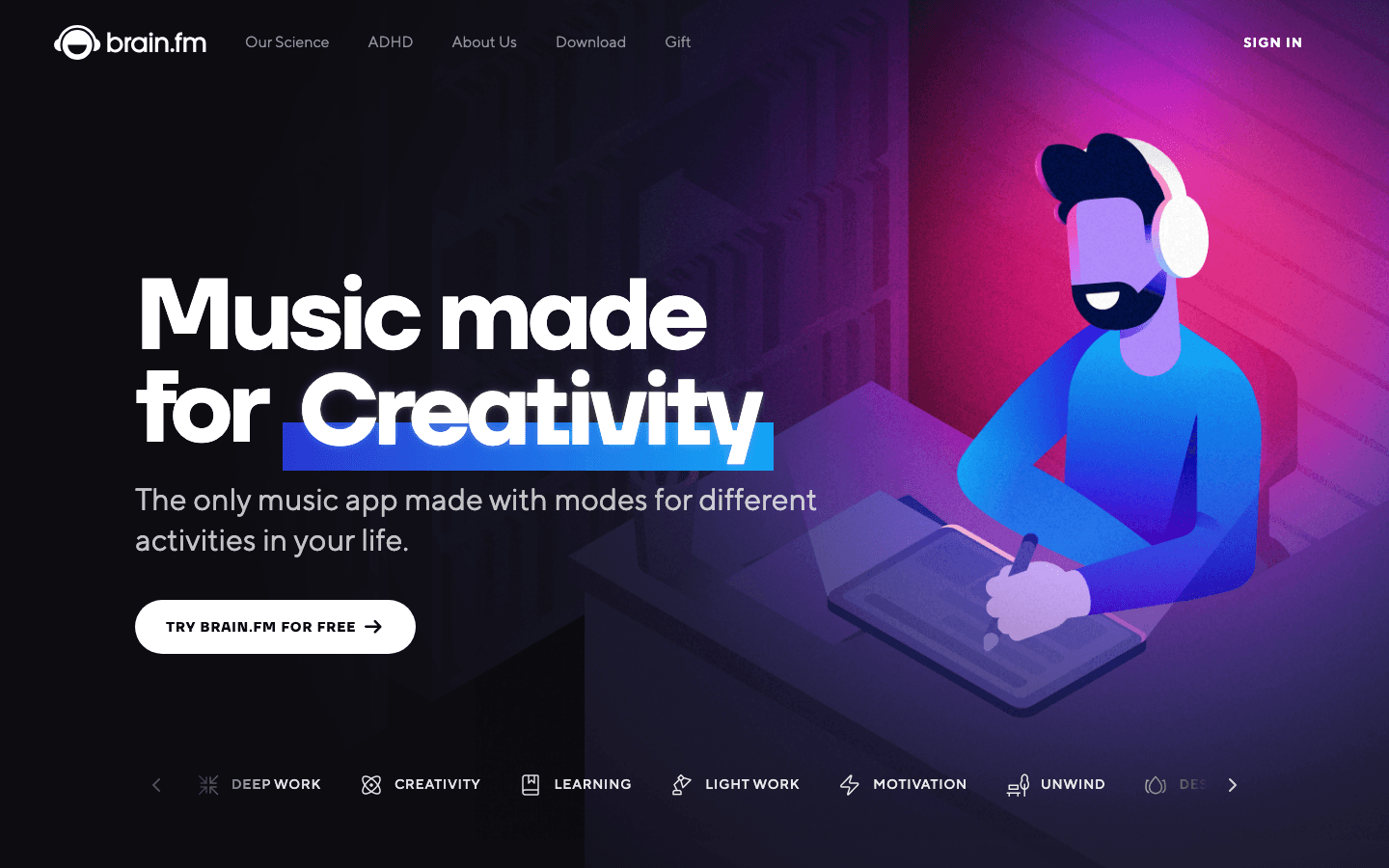
Brain.fm makes functional music. Not background music, not lo-fi beats, but audio specifically designed to modulate neural activity in ways that support concentration, relaxation, or sleep depending on which mode you pick. The science behind it is peer-reviewed, which puts it in a different category from competitors that just curate ambient playlists.
In practice: put on Deep Work mode, set a session length, and the music starts. It fades so far into the background that you forget it is playing, but the focus effect is noticeable after a few sessions. This is one of the few productivity tools that actually delivers what it promises.
Key Features
Modes for Deep Work, Creativity, Learning, Light Work, Meditation, and Sleep
Session timer built in, with custom lengths
Works in the browser and has iOS and Android apps
Offline listening available on mobile
What Works
The focus effect is real and consistent
No algorithm, no ads, no curated playlist fatigue
Limitations
No free tier, only a free trial before billing starts
Some people find the audio too repetitive for long sessions
Pricing: Free trial, then $14.99/month or $99.99/year.
Best for: Knowledge workers who need sustained concentration for writing, coding, or analysis.
5. Toggl Track: Best Free Time Tracker
One-click time tracking with reports that actually show where your hours go.
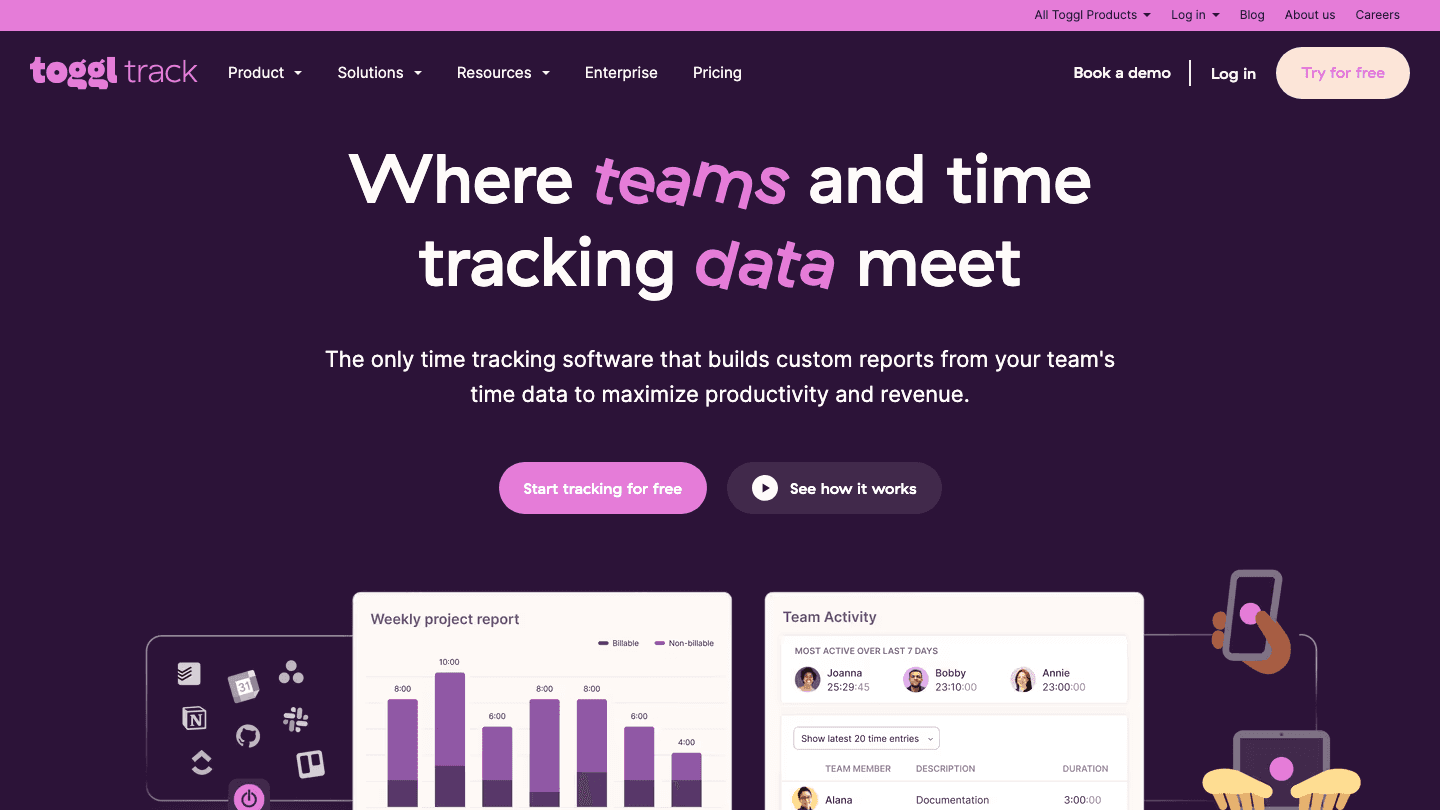
Toggl Track is the simplest way to track time on the web. Hit start, add a description, hit stop. That is the entire workflow. Behind that simplicity sits a reporting engine that shows your tracked hours by project, client, or tag across any date range. For freelancers billing by the hour or anyone curious about where their day goes, it is indispensable.
The free plan handles everything individuals need. You get unlimited time entries, basic reports, and integrations with tools like Asana, Jira, and GitHub. For teams who need billing rates and revenue analysis, the Starter plan adds those. See the full Toggl pricing breakdown before upgrading.
Key Features
One-click timer with project and tag organization
Detailed reports by day, week, or custom date range
Browser extension for tracking time without leaving other sites
Integrates with 100+ tools
What Works
The free plan is genuinely full-featured for individuals
No friction to start a timer, which means you actually use it
Limitations
Manual tracking requires the habit of remembering to hit start and stop
No automatic website or app detection on the free plan
Pricing: Free | Starter $9/user/month.
Best for: Freelancers and anyone who wants to understand their time without an automatic tracker.
6. RescueTime: Best Automatic Time Awareness
Runs in the background and logs every minute spent on your computer, automatically.
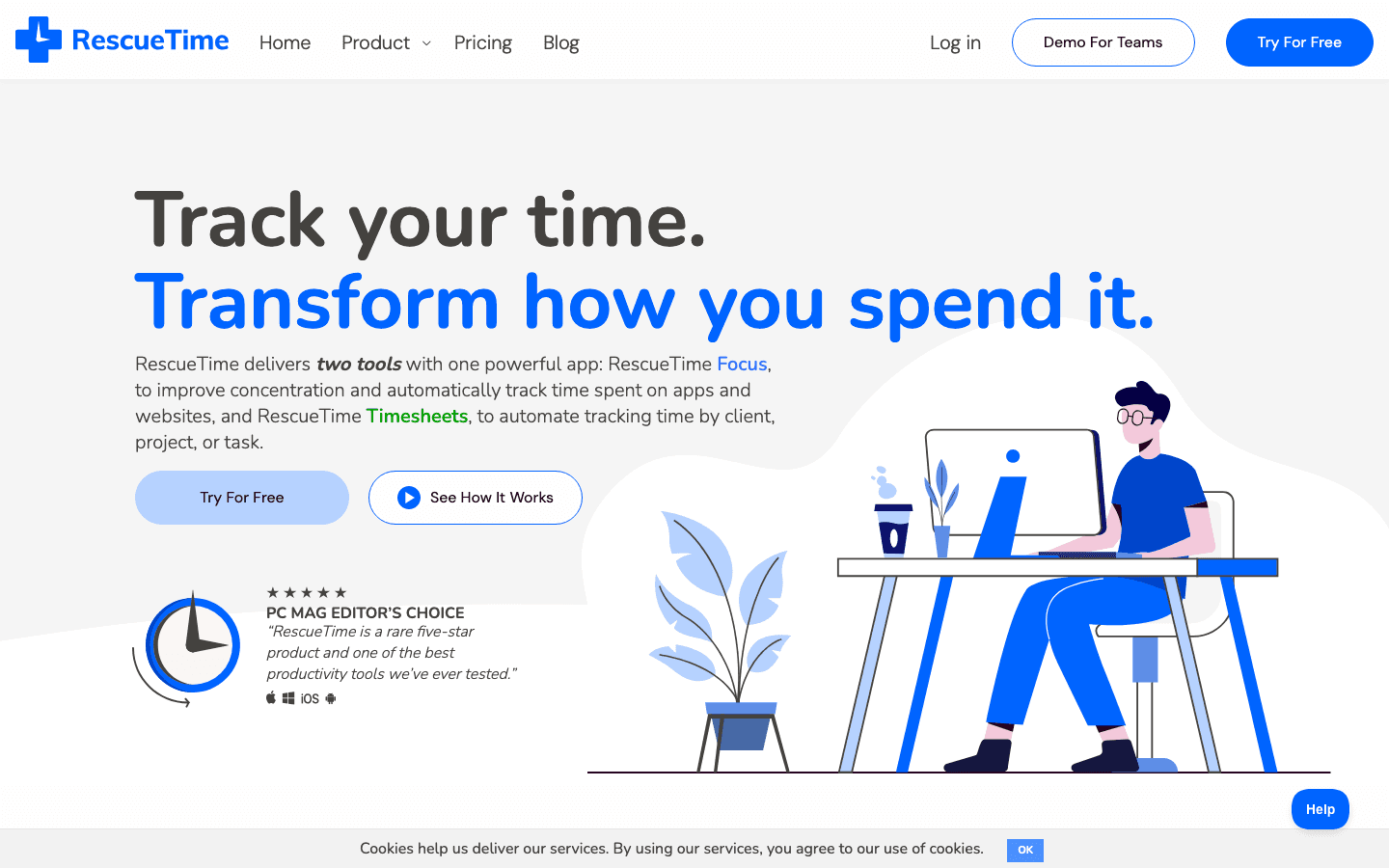
RescueTime takes a different approach than Toggl: you do nothing. It installs a small background agent that records which apps and websites you use and for how long. At the end of the week, you see the truth. Not your intentions, not your guesses, but a breakdown of where your time actually went.
For most people, that first report is a wake-up call. The Focus features (available on paid plans) let you block distracting sites during focus sessions and set daily goals for productive time. Combined with Lifestack's AI-driven scheduling, you get both automatic awareness and intentional planning.
Key Features
Automatic tracking across apps, websites, and documents
Productivity score that rates your time as productive, neutral, or distracting
FocusTime to block distracting sites during work sessions
Weekly email reports with highlights and trends
What Works
Zero friction, it just runs
The data over weeks and months reveals real patterns in your work habits
Limitations
Privacy-sensitive; all activity is logged to their servers
The most useful features (FocusTime, daily goals) require a paid plan
Pricing: Focus plan $7/month (annual) or $9/month.
Best for: Anyone who suspects they are less productive than they think and wants the data to prove it.
7. Forest: Best for Breaking Phone Habits
Grow a virtual tree when you focus. Kill it the moment you pick up your phone.
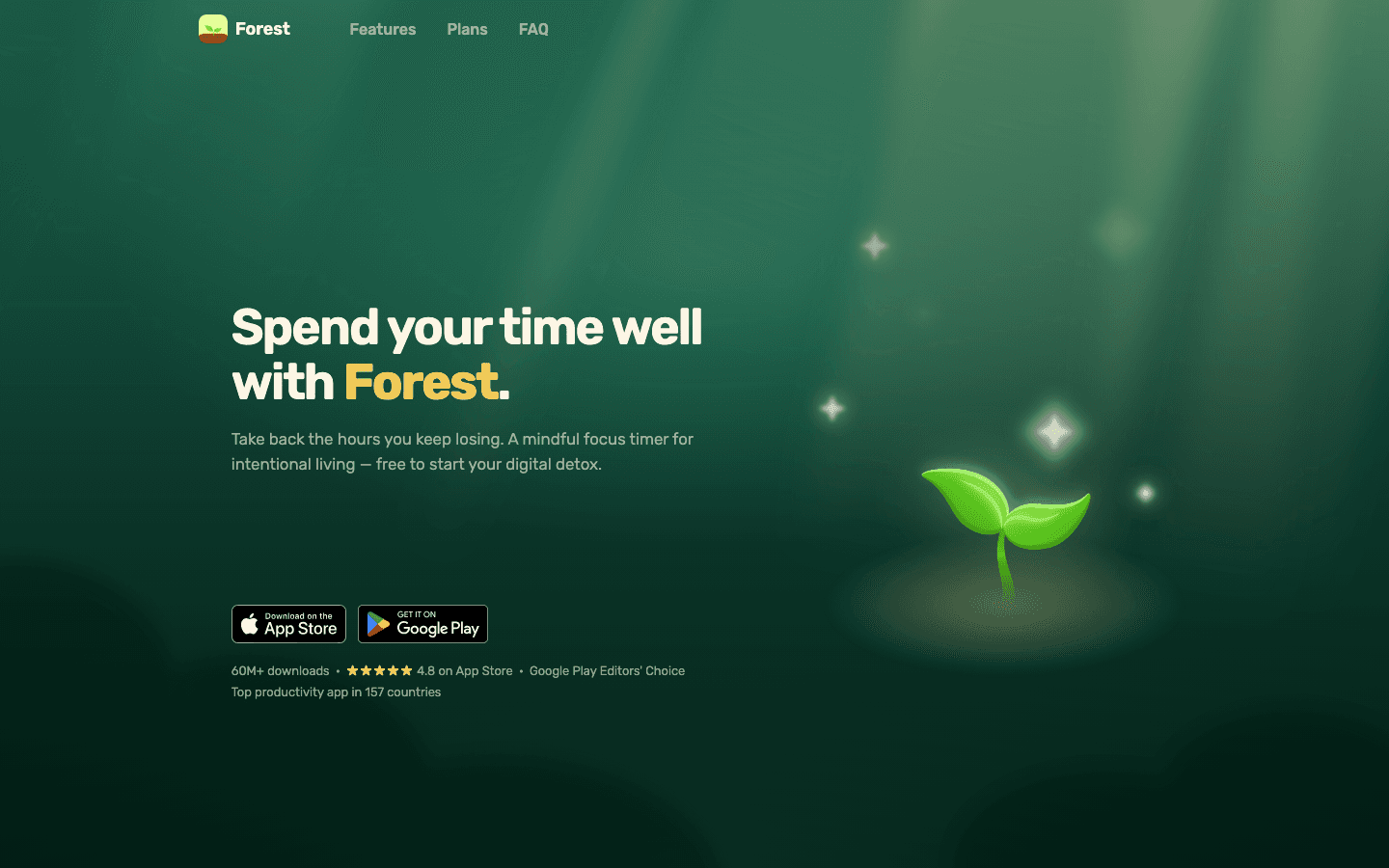
Forest is a Pomodoro-style focus timer with a twist: leave the app before your session ends and your tree dies. Stay focused and it grows. Over time you build a forest of completed sessions, which becomes a visual record of your focused work. It sounds simple, but the loss aversion mechanic works.
There is also a partnership with Trees for Africa where coins earned in the app can plant real trees. So your focus sessions have a small real-world impact on top of the personal one.
Key Features
Customizable focus sessions with a visual growth mechanic
Chrome extension for desktop browser focus (blocks other tabs)
Friends feature for group focus sessions
Detailed focus statistics by day and week
What Works
The tree mechanic adds just enough stakes to make distraction feel costly
Works equally well on desktop and mobile
Limitations
Some users find the gamification wears off after a few weeks
Premium trees and whitelist features require a paid upgrade
Pricing: Free to download with a paid upgrade for premium features.
Best for: Anyone whose biggest productivity enemy is their own phone.
Which Productive Website Is Right for You?
If you are overwhelmed by a disorganized day: Start with Lifestack. It structures your schedule around your energy and existing tasks automatically.
If your task list is a mess: Todoist is the cleanest way to capture and organize what needs to get done.
If you lose hours to random browsing: RescueTime shows you the data, Forest stops the habit in the moment.
If you struggle to enter deep work: Brain.fm creates the right mental conditions faster than most other tools.
If you bill by the hour or want accountability: Toggl Track gives you an honest record without any manual overhead beyond hitting start.
If you need a home for everything else: Notion fills the gaps and connects the rest of your system together.
FAQ: Productive Websites
What makes a website productive?
A productive website reduces friction for a task you already need to do, or creates conditions that make focused work easier. It should cost less attention to use than the value it returns. Tools that require too much setup or maintenance often end up being the opposite of productive.
Are these productive websites free to use?
Most have free tiers. Todoist, Notion, Toggl Track, and Forest are fully usable without paying. Lifestack offers a 7-day trial. Brain.fm requires a subscription after the trial. RescueTime's core automatic tracking is available on paid plans starting at $7/month.
Can I use multiple of these tools together?
Yes, and most people do. A common setup: Todoist for tasks, Lifestack for scheduling those tasks into your day, RescueTime running in the background, and Brain.fm or Forest during focused sessions. They address different parts of the productivity problem and do not overlap in function.
What is the best website for productivity if I have ADHD?
Lifestack was built with ADHD users in mind. It minimizes the decisions you have to make each morning by auto-scheduling your tasks based on energy and priority. Forest also works well for ADHD because the visual timer and loss-aversion mechanic create external accountability. For more, see the guide on best Chrome extensions for productivity and Mac productivity apps.
How do I avoid getting overwhelmed by too many productivity tools?
Pick one tool per layer: one place for tasks, one for scheduling, one for focus time. Adding more than that usually creates overhead that cancels out the benefit. Start with whatever your biggest problem is, use it for two weeks, then add a second tool if a clear gap remains.
You open your laptop with every intention of getting things done. An hour later you've checked email three times, scrolled Twitter, and started a podcast. Sound familiar? The websites you visit shape your day more than most productivity advice ever will.
The good news: there are websites and web-based tools built specifically to pull your attention in the right direction. Whether you need a smarter way to plan your schedule, a way to kill distraction before it starts, or simply a timer that keeps you honest, these tools exist and most of them work.
We tested dozens of productive websites across planning, task management, focus, time awareness, and habit formation. The seven below are the ones we actually kept using after the testing period ended.
A note on the list: we prioritized variety. There is no point in giving you seven Pomodoro timers. Instead, each pick addresses a different layer of the productivity problem.
Key Takeaways
Energy-aware scheduling is the most underrated productivity lever. Most tools ignore your energy levels entirely, which is why your calendar fills up but your output does not match it.
The best productive websites solve one problem well. Tools that try to do everything rarely do any of it at a level worth paying for.
Time tracking and focus tools work best in combination. Knowing where your time goes (RescueTime) and protecting it (Forest or Brain.fm) is a more complete system than either approach alone.
Quick Guide: 7 Best Productive Websites in 2026
Lifestack: Energy-aware AI planner that auto-schedules your day around your peak focus windows
Todoist: Polished task manager with natural language input and cross-device sync
Notion: All-in-one workspace for notes, wikis, databases, and lightweight project tracking
Brain.fm: AI-generated focus music designed to help you enter deep work faster
Toggl Track: Simple time tracker with detailed reporting, free for individuals
RescueTime: Automatic time-tracking that shows exactly how you actually spend your day
Forest: Gamified focus timer that grows a virtual tree while you stay on task
How We Evaluated These Tools
Ease of starting a session: friction kills focus habits before they form
Web-first usability: works well in a browser, not just as an app
Free plan usefulness: does the free tier actually let you do meaningful work
Depth without overwhelm: powerful enough to stick with, simple enough to start
Mobile parity: for tools where mobile matters, the app experience should match the web
1. Lifestack: Best for Energy-Aware Planning
Schedule your day around how you actually feel, not just when things need to happen.
Lifestack starts with a question most planners never ask: when are you actually productive? It connects your calendar, task list, and wearable data (Oura, Whoop, Garmin, Apple Watch) and uses that to place tasks at the times your energy will support them. A complex writing task goes in your peak window. Admin and email go when you tend to crash.
This is different from basic time-blocking. Time-blocking fills slots. Lifestack fills the right slots with the right work. If you have ever read the case for energy-based planning, Lifestack is the tool that actually executes it. It is also built with ADHD in mind, so the interface keeps decisions minimal and the plan visual.
The Chrome extension and mobile apps mean you can check and adjust your plan without context-switching to another tab. It is genuinely a full-day planning system, not a to-do list with a calendar view bolted on.
Key Features
AI auto-scheduling based on task priority and energy data from wearables
Connects Google Calendar, Todoist, TickTick, Notion, and other task sources
Daily plan view with energy score context
Chrome extension for quick task capture and plan review
iOS and Android apps with full plan editing
What Works
The wearable integration makes scheduling feel genuinely personalized
One-tap rescheduling when your day goes sideways
Works as a coordination layer on top of tools you already use
Limitations
Best results require a wearable (works without one, but energy awareness is limited)
No team features, built for individual use
Pricing: 7-day free trial, then $7/month, $50/year, or $120 lifetime.
Best for: Anyone who wants their schedule to match their energy, not just their calendar.
2. Todoist: Best Task Manager
Capture, organize, and check off tasks with the cleanest interface in the category.
Todoist has been the benchmark task manager for years, and the 2025-2026 updates kept it there. Type a task in plain English ("Submit report Friday at 9am") and it parses the date, time, and priority automatically. The web app is fast, the mobile apps are excellent, and the sync is instant.
If you want to go deeper, check out how to use Todoist with Lifestack for a setup that combines Todoist's task capture with Lifestack's auto-scheduling. That combination handles both the "what do I need to do" and "when should I do it" questions.
Key Features
Natural language task entry with automatic date and priority parsing
Filters, labels, and views to surface the right tasks at the right time
Full Kanban board and calendar views on Pro
Integrates with Gmail, Slack, Google Calendar, and Lifestack
What Works
Task entry is genuinely the fastest in class
The free plan (5 projects) is enough for individuals with simple setups
Karma system adds a subtle motivation loop without being annoying
Limitations
No energy or context awareness, tasks sit in priority order regardless of your state
Calendar integration is still one-way without third-party tools
Pricing: Free | Pro $5/month (billed annually). See full Todoist pricing breakdown.
Best for: People who need a clean, reliable task list that works everywhere.
3. Notion: Best All-in-One Workspace
Your notes, wikis, project boards, and databases, all in one place.
Notion is the website that replaced the most other websites for most people. Notes app, project tracker, team wiki, personal CRM, meeting notes, reading list, and habit log. It can hold all of it. The AI features added in 2024-2025 made writing and summarizing inside Notion faster, though the editor itself remains its core draw.
For productivity specifically, Notion shines as a brain dump destination and a place to store reference material that would otherwise live in five different browser tabs. The free plan is genuinely generous for personal use.
Key Features
Flexible block-based editor that handles text, tables, code, images, and embeds
Databases with multiple views (table, kanban, calendar, gallery, timeline)
Built-in AI for writing assistance and summarization
Templates for dozens of use cases, from GTD to content calendars
What Works
Nothing else offers the same combination of flexibility and polish
Excellent for teams and personal knowledge management
The web clipper saves full pages with one click
Limitations
Can become a system-building distraction if you are not careful
No native energy awareness or scheduling features
Pricing: Free | Plus $10/month. Full Notion pricing details here.
Best for: Anyone who wants one place for everything that is not just a task list.
4. Brain.fm: Best for Deep Work Focus
Music engineered to put your brain into a focused state faster than a Spotify playlist.
Brain.fm makes functional music. Not background music, not lo-fi beats, but audio specifically designed to modulate neural activity in ways that support concentration, relaxation, or sleep depending on which mode you pick. The science behind it is peer-reviewed, which puts it in a different category from competitors that just curate ambient playlists.
In practice: put on Deep Work mode, set a session length, and the music starts. It fades so far into the background that you forget it is playing, but the focus effect is noticeable after a few sessions. This is one of the few productivity tools that actually delivers what it promises.
Key Features
Modes for Deep Work, Creativity, Learning, Light Work, Meditation, and Sleep
Session timer built in, with custom lengths
Works in the browser and has iOS and Android apps
Offline listening available on mobile
What Works
The focus effect is real and consistent
No algorithm, no ads, no curated playlist fatigue
Limitations
No free tier, only a free trial before billing starts
Some people find the audio too repetitive for long sessions
Pricing: Free trial, then $14.99/month or $99.99/year.
Best for: Knowledge workers who need sustained concentration for writing, coding, or analysis.
5. Toggl Track: Best Free Time Tracker
One-click time tracking with reports that actually show where your hours go.
Toggl Track is the simplest way to track time on the web. Hit start, add a description, hit stop. That is the entire workflow. Behind that simplicity sits a reporting engine that shows your tracked hours by project, client, or tag across any date range. For freelancers billing by the hour or anyone curious about where their day goes, it is indispensable.
The free plan handles everything individuals need. You get unlimited time entries, basic reports, and integrations with tools like Asana, Jira, and GitHub. For teams who need billing rates and revenue analysis, the Starter plan adds those. See the full Toggl pricing breakdown before upgrading.
Key Features
One-click timer with project and tag organization
Detailed reports by day, week, or custom date range
Browser extension for tracking time without leaving other sites
Integrates with 100+ tools
What Works
The free plan is genuinely full-featured for individuals
No friction to start a timer, which means you actually use it
Limitations
Manual tracking requires the habit of remembering to hit start and stop
No automatic website or app detection on the free plan
Pricing: Free | Starter $9/user/month.
Best for: Freelancers and anyone who wants to understand their time without an automatic tracker.
6. RescueTime: Best Automatic Time Awareness
Runs in the background and logs every minute spent on your computer, automatically.
RescueTime takes a different approach than Toggl: you do nothing. It installs a small background agent that records which apps and websites you use and for how long. At the end of the week, you see the truth. Not your intentions, not your guesses, but a breakdown of where your time actually went.
For most people, that first report is a wake-up call. The Focus features (available on paid plans) let you block distracting sites during focus sessions and set daily goals for productive time. Combined with Lifestack's AI-driven scheduling, you get both automatic awareness and intentional planning.
Key Features
Automatic tracking across apps, websites, and documents
Productivity score that rates your time as productive, neutral, or distracting
FocusTime to block distracting sites during work sessions
Weekly email reports with highlights and trends
What Works
Zero friction, it just runs
The data over weeks and months reveals real patterns in your work habits
Limitations
Privacy-sensitive; all activity is logged to their servers
The most useful features (FocusTime, daily goals) require a paid plan
Pricing: Focus plan $7/month (annual) or $9/month.
Best for: Anyone who suspects they are less productive than they think and wants the data to prove it.
7. Forest: Best for Breaking Phone Habits
Grow a virtual tree when you focus. Kill it the moment you pick up your phone.
Forest is a Pomodoro-style focus timer with a twist: leave the app before your session ends and your tree dies. Stay focused and it grows. Over time you build a forest of completed sessions, which becomes a visual record of your focused work. It sounds simple, but the loss aversion mechanic works.
There is also a partnership with Trees for Africa where coins earned in the app can plant real trees. So your focus sessions have a small real-world impact on top of the personal one.
Key Features
Customizable focus sessions with a visual growth mechanic
Chrome extension for desktop browser focus (blocks other tabs)
Friends feature for group focus sessions
Detailed focus statistics by day and week
What Works
The tree mechanic adds just enough stakes to make distraction feel costly
Works equally well on desktop and mobile
Limitations
Some users find the gamification wears off after a few weeks
Premium trees and whitelist features require a paid upgrade
Pricing: Free to download with a paid upgrade for premium features.
Best for: Anyone whose biggest productivity enemy is their own phone.
Which Productive Website Is Right for You?
If you are overwhelmed by a disorganized day: Start with Lifestack. It structures your schedule around your energy and existing tasks automatically.
If your task list is a mess: Todoist is the cleanest way to capture and organize what needs to get done.
If you lose hours to random browsing: RescueTime shows you the data, Forest stops the habit in the moment.
If you struggle to enter deep work: Brain.fm creates the right mental conditions faster than most other tools.
If you bill by the hour or want accountability: Toggl Track gives you an honest record without any manual overhead beyond hitting start.
If you need a home for everything else: Notion fills the gaps and connects the rest of your system together.
FAQ: Productive Websites
What makes a website productive?
A productive website reduces friction for a task you already need to do, or creates conditions that make focused work easier. It should cost less attention to use than the value it returns. Tools that require too much setup or maintenance often end up being the opposite of productive.
Are these productive websites free to use?
Most have free tiers. Todoist, Notion, Toggl Track, and Forest are fully usable without paying. Lifestack offers a 7-day trial. Brain.fm requires a subscription after the trial. RescueTime's core automatic tracking is available on paid plans starting at $7/month.
Can I use multiple of these tools together?
Yes, and most people do. A common setup: Todoist for tasks, Lifestack for scheduling those tasks into your day, RescueTime running in the background, and Brain.fm or Forest during focused sessions. They address different parts of the productivity problem and do not overlap in function.
What is the best website for productivity if I have ADHD?
Lifestack was built with ADHD users in mind. It minimizes the decisions you have to make each morning by auto-scheduling your tasks based on energy and priority. Forest also works well for ADHD because the visual timer and loss-aversion mechanic create external accountability. For more, see the guide on best Chrome extensions for productivity and Mac productivity apps.
How do I avoid getting overwhelmed by too many productivity tools?
Pick one tool per layer: one place for tasks, one for scheduling, one for focus time. Adding more than that usually creates overhead that cancels out the benefit. Start with whatever your biggest problem is, use it for two weeks, then add a second tool if a clear gap remains.



FOLLOW ON
FOLLOW ON
FOLLOW ON


Copyright 2026 © Lifestack. All rights reserved
Copyright 2026 © Lifestack. All rights reserved

